

Font & Layout
Configure P&L display mode, cell alignment, and font sizes for the trade log.
Font & Layout
Fine-tune how data is displayed in the trade log. Access this page in Settings → Font & Layout.
P&L Display Mode
Controls how profit and loss values are shown across the app.
| Mode | Description |
|---|---|
| Ticks (1-lot) | Raw tick difference, ignores position size |
| Ticks (sized) | Tick difference weighted by quantity |
| Currency | P&L in account currency, includes commission |
Tick display modes only apply to tick-based instruments (futures). For currency-based instruments (stocks, CFDs, forex, crypto), only the Currency mode applies.
Select a mode by clicking the corresponding option. The change applies immediately across all views.
Font Sizes
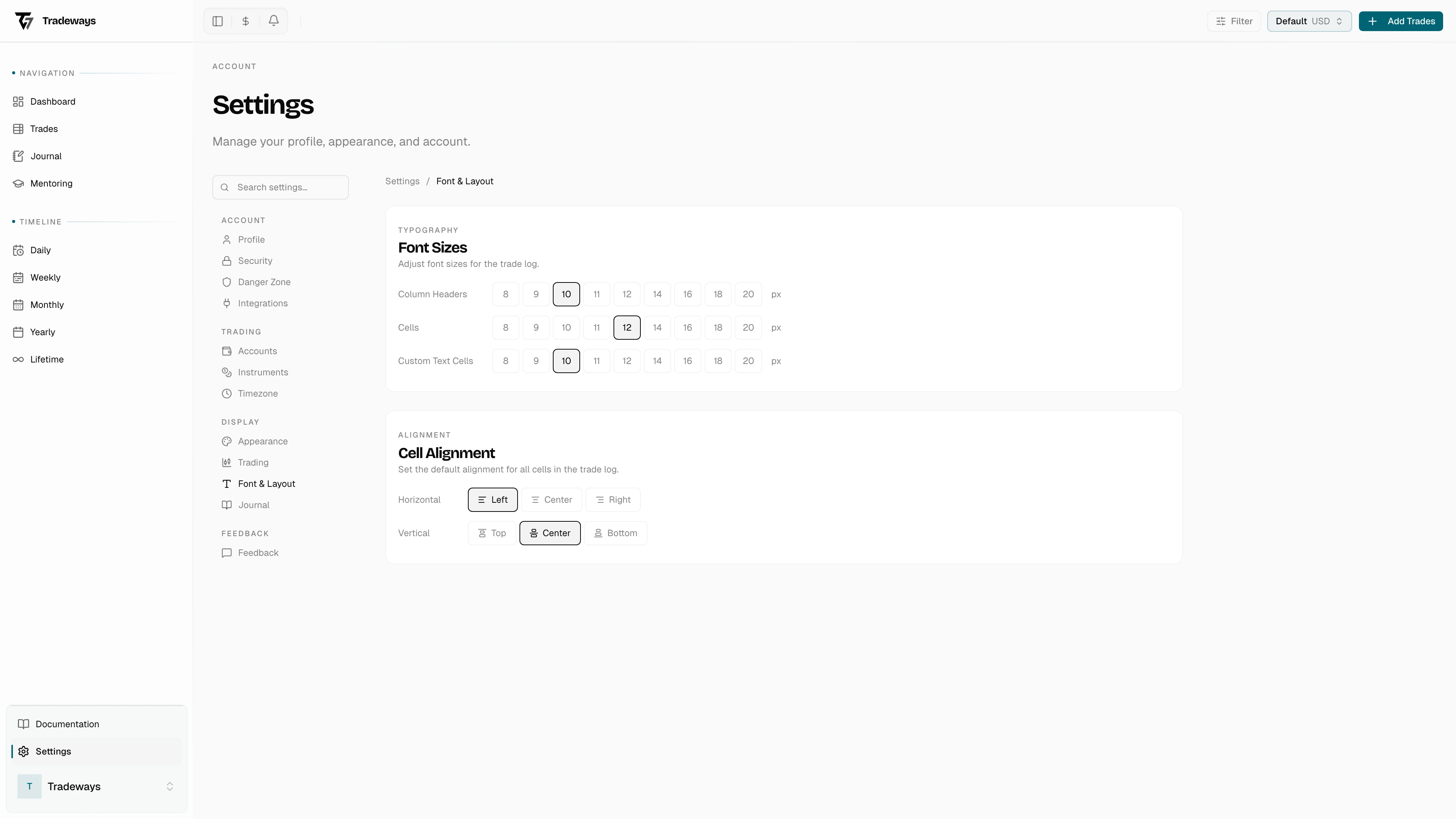
Separate controls for three areas of the trade log:
- Column Headers — header row text size
- Cells — data cell text size
- Custom Text Cells — text in custom text-type columns
Available sizes range from 8 to 20 px. Click a size to apply it. Defaults are 10 px for headers and custom text cells, 12 px for data cells.
Cell Alignment
Controls how values are aligned in trade log table cells.
- Horizontal — Left, Center, or Right
- Vertical — Top, Center, or Bottom
Click a button to change the alignment. The trade log updates immediately.