Privacy
Kontrolin ang iyong online status at pamahalaan ang mga naka-block na user.
Privacy
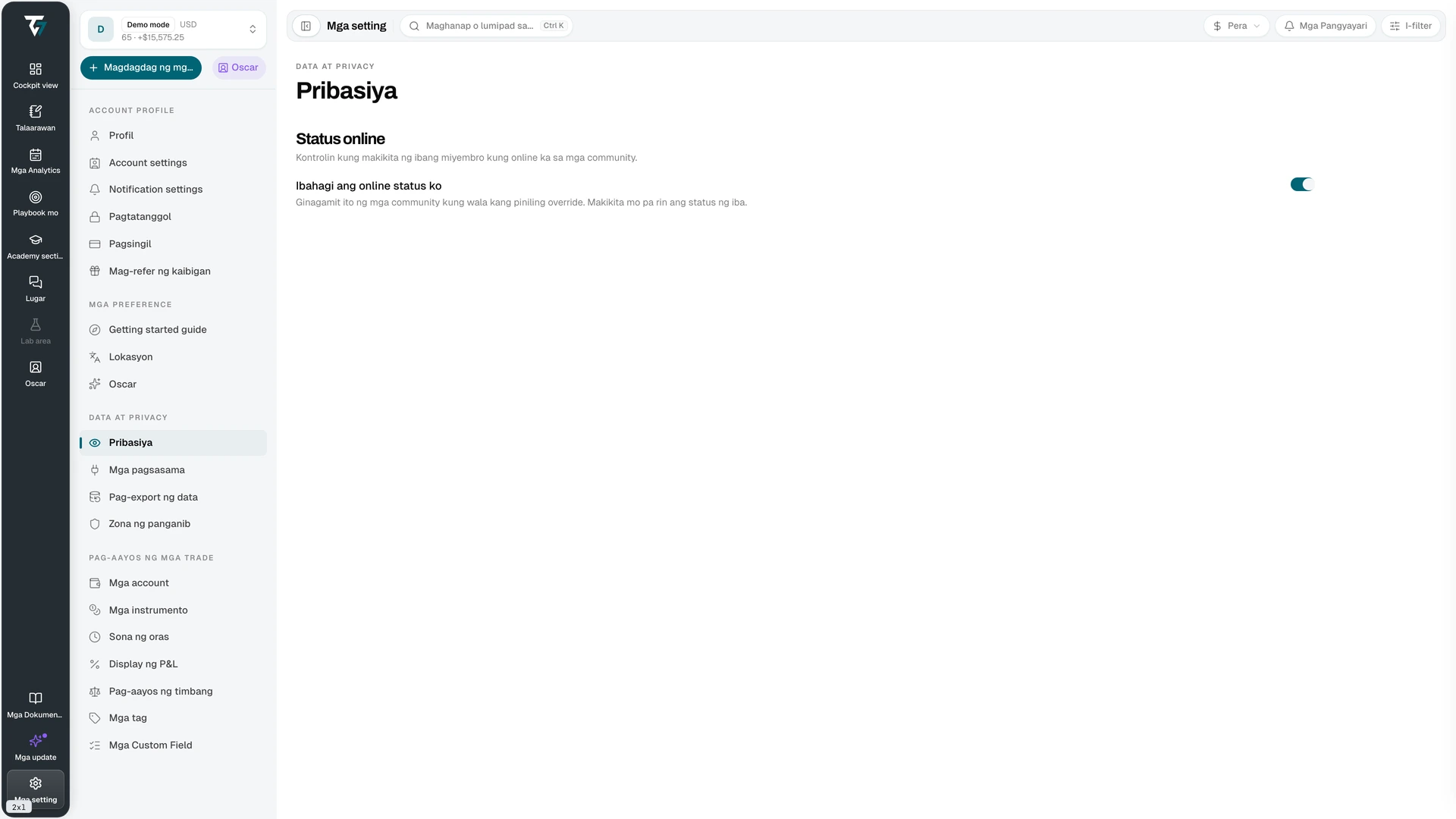
Kontrolin ang iyong online status at pamahalaan ang mga naka-block na user. Buksan ang page na ito sa Mga Setting → Privacy.
Online status
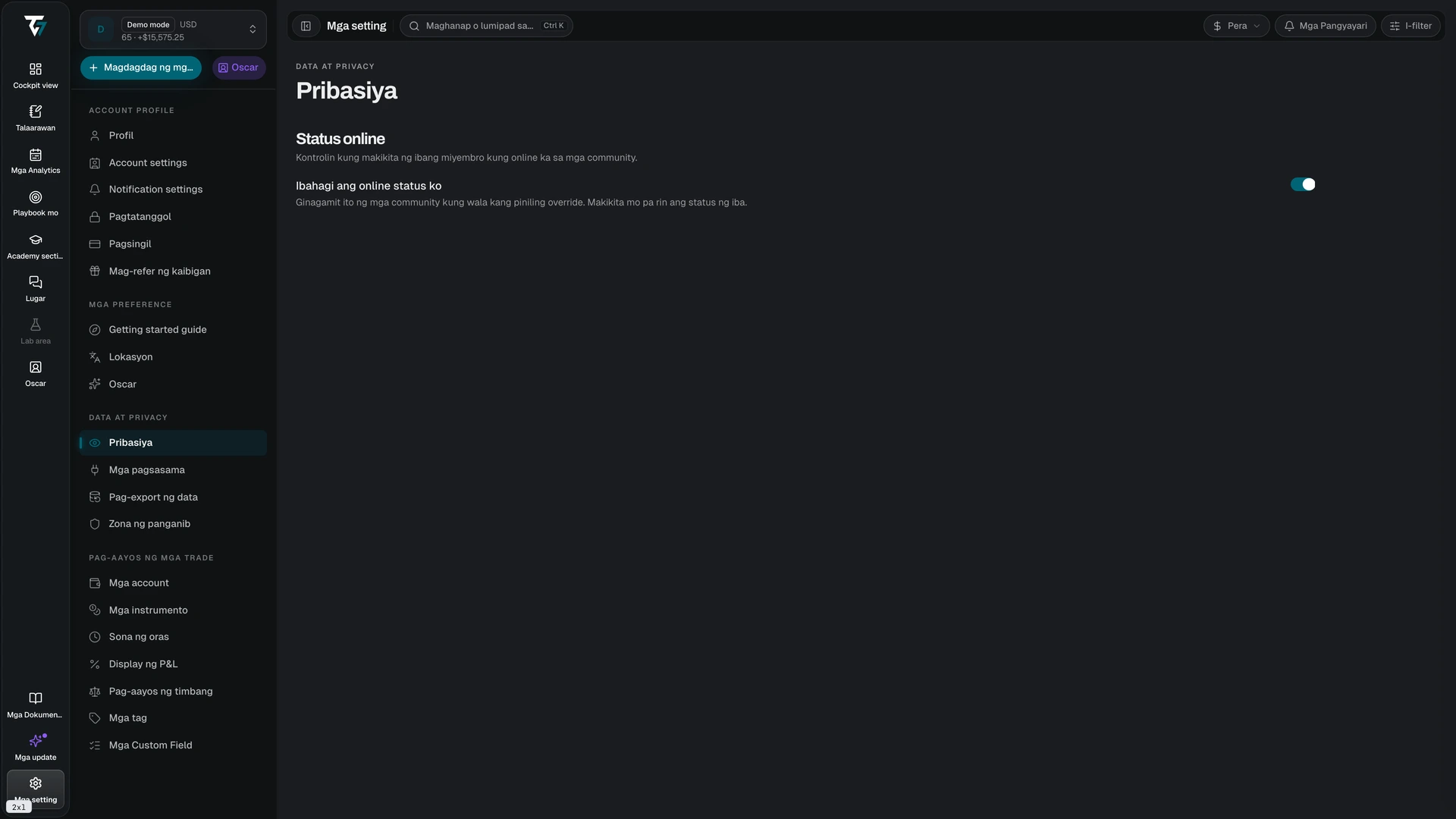
Tinutukoy ng Ibahagi ang aking online status kung makikita ka ng ibang miyembro bilang online sa mga community.
Kapag naka-off ang toggle, aalisin ka sa listahan ng miyembro ng bawat community. Makikita mo pa rin kung sino ang online. Kinokontrol ng setting kung ano ang makikita ng iba tungkol sa iyo, hindi kung ano ang makikita mo tungkol sa kanila.
Mga override sa bawat community
Ang toggle na ito ang default para sa buong account. Kung nagtakda ka ng sariling visibility sa isang community, iyon ang gagamitin sa halip at mananaig ito sa default dito. Magtakda ng override sa page ng notification settings ng community mismo.
Mga naka-block na user
Lumalabas sa seksyong Mga naka-block na user ang mga user na bina-block mo. Ipinapakita ng bawat entry ang user at ang petsa kung kailan mo siya bina-block.
Piliin ang I-unblock para alisin ang block. Babalik lang ang visibility kung hindi ka bina-block ng kabilang user. Itinatago ng pag-block ang mga mensahe, online status, at profile ninyo sa isa't isa. Tinatapos din nito ang anumang mentoring share sa pagitan ninyo.
Piliin ang Mag-load pa kapag mas marami pang user ang listahan. May retry action ang load error.
Mga kaugnay na setting
- Profile — kinokontrol kung ano ang ipinapakita ng iyong pampublikong profile
- Support — kinokontrol ang pansamantalang support access sa data ng iyong account
- Danger Zone — dine-delete ang iyong account at data nito