

Danger Zone
Sign out, delete your account, or reset trade data.
Danger Zone
Destructive actions for your account. Access these in Settings → Danger Zone.
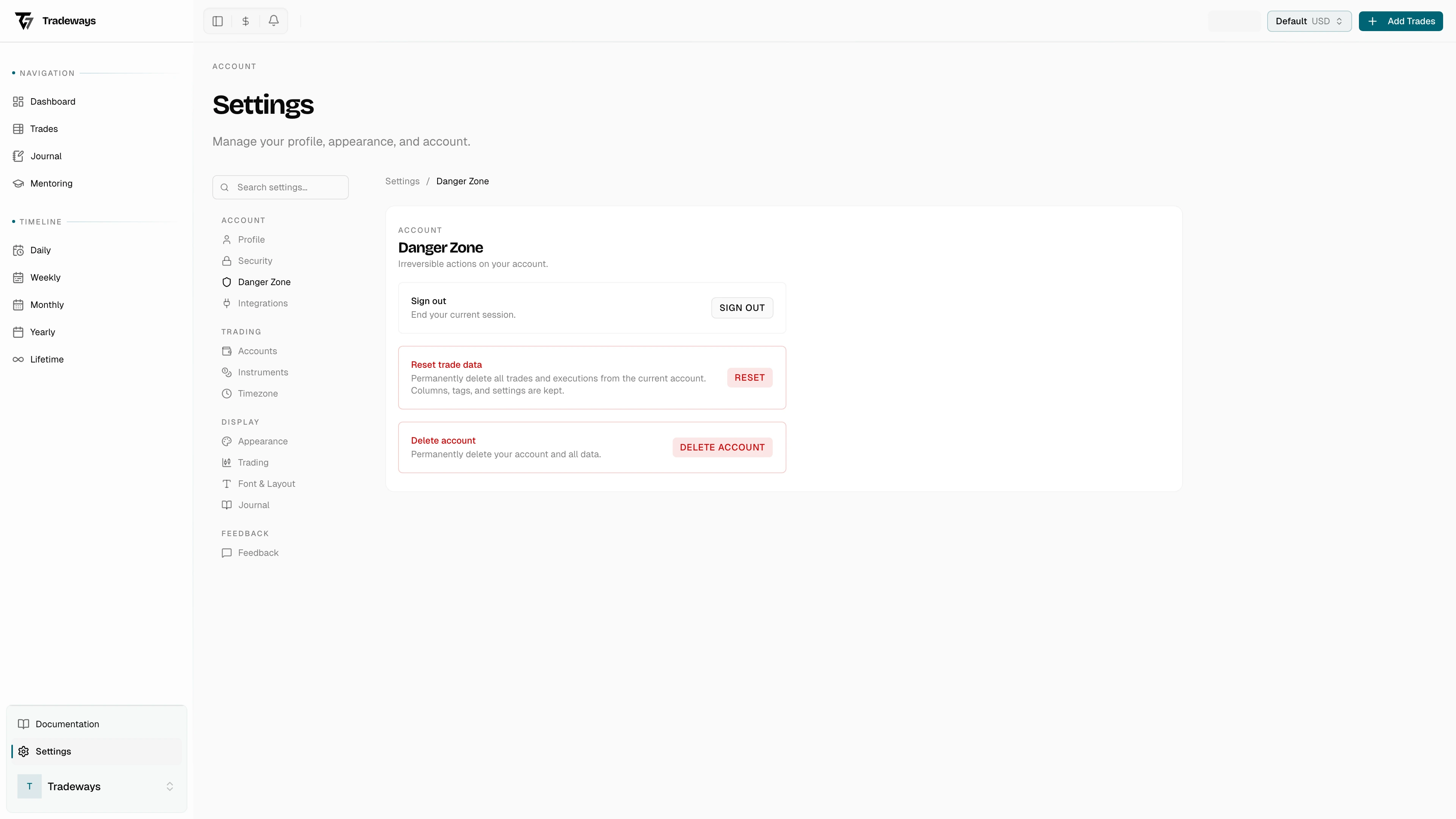
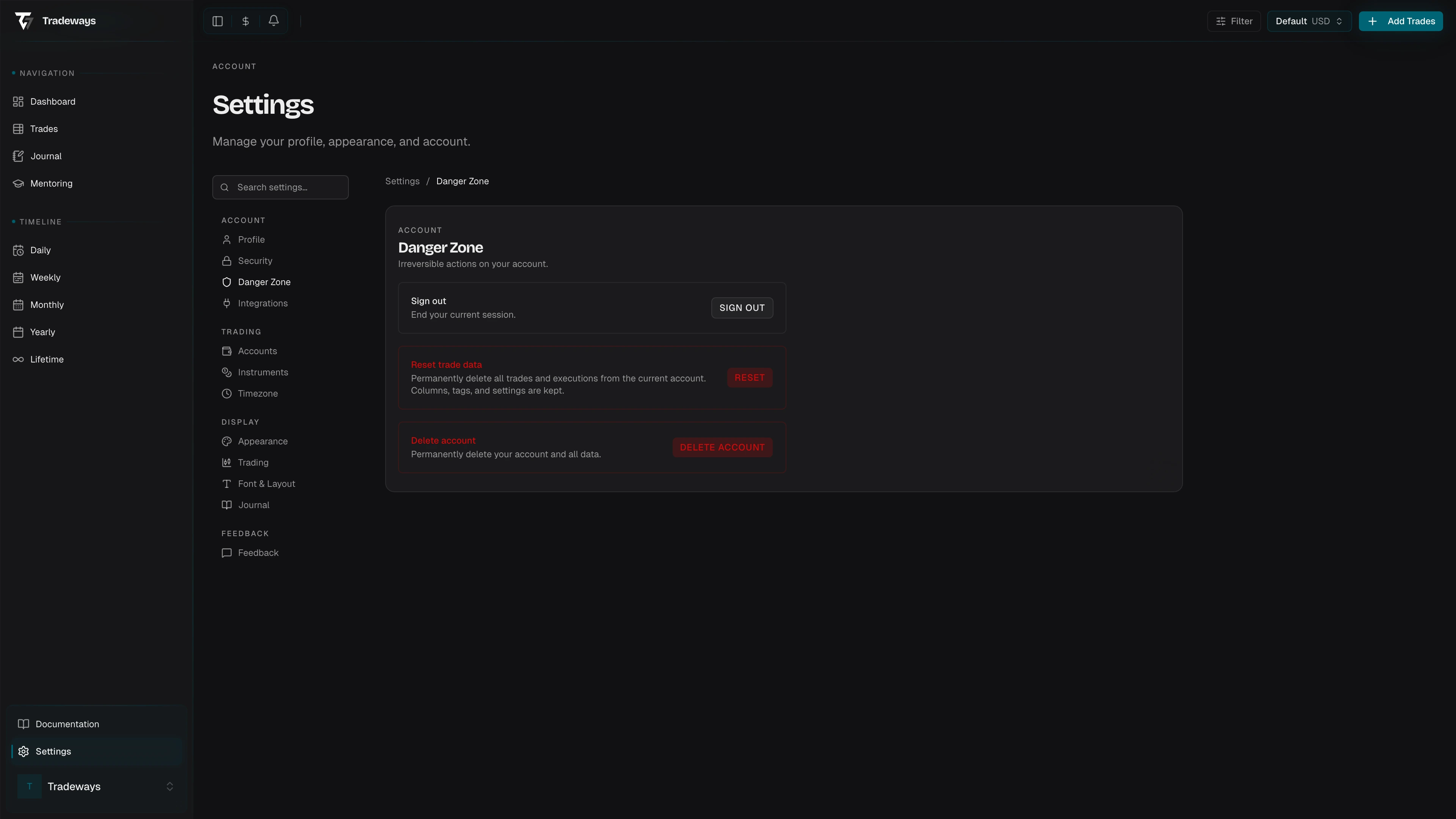
All actions in this section are permanent and cannot be undone. Proceed with caution.
Sign Out
Ends your current session. You will be redirected to the home page. Other sessions on other devices are not affected.
Reset Trade Data
Permanently deletes all trades, executions, and images from the currently active trading account.
What is kept:
- Custom columns
- Tags
- Account settings and commission rates
To confirm, type RESET in the confirmation dialog and click Reset. This action cannot be undone.
Delete Account
Permanently deletes your Tradeways account, trading accounts, trades, executions, images, columns, tags, and settings. Restricted audit records may be retained.
To confirm, type DELETE in the confirmation dialog and click Delete Account. This action cannot be undone.