

Goals
Set measurable trading goals (profit targets, daily loss caps, drawdown limits, journaling habits) and track live progress against the plan you wrote.
Goals
A goal is a hard rule you write down ahead of time and then hold yourself to. Examples of what people actually use /goals for:
- Passing a prop-firm evaluation (profit target, daily loss, trailing drawdown, minimum trading days, consistency rule)
- Capping monthly drawdown on a personal account
- Hitting a specific net P&L over a defined push
- Forcing a journaling cadence, for example a daily entry on every trading day
- Limiting risk per trade or consecutive losing trades
Every goal is attached to one trading account. Switching the active account in the sidebar changes which goals you see. In the All Accounts scope the page shows no goals; it lists your accounts so you can pick one. Each goal combines a window (when it is evaluated), one or more constraints (the actual rules), and a status that updates with every new trade.
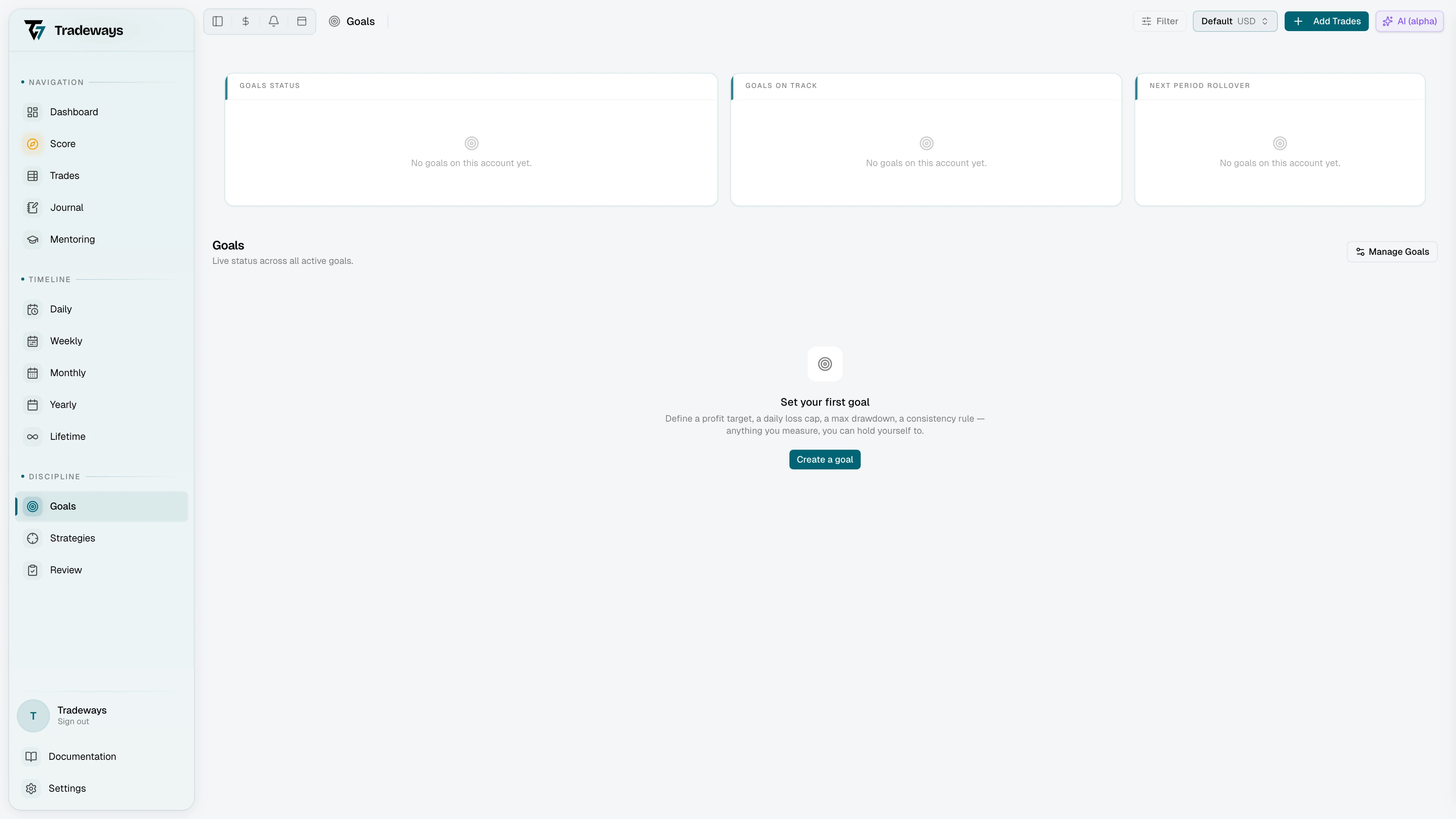
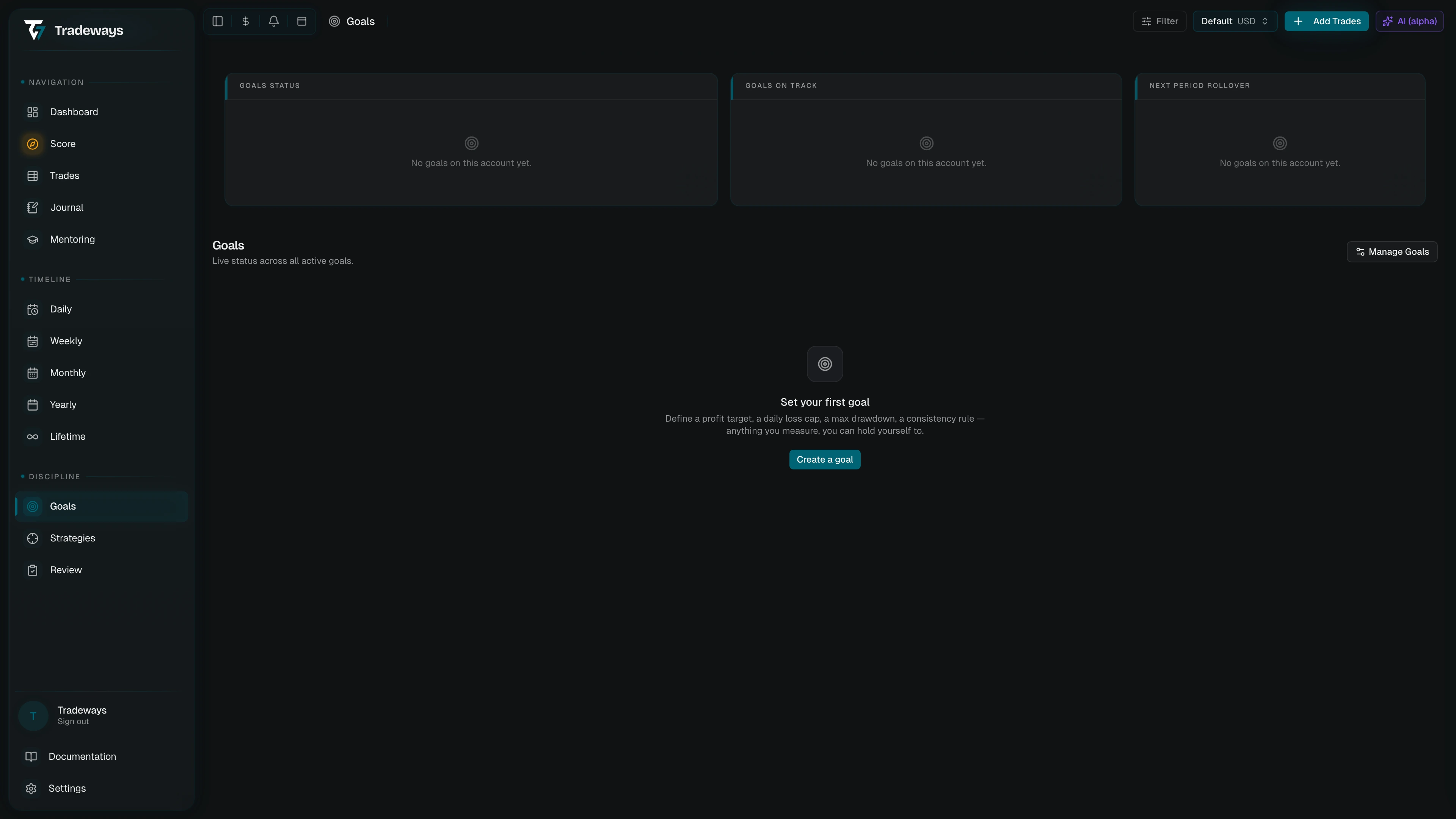
How a goal is structured
The goal form has four parts: basics, account, window, and constraints.
The basics are the name (shown in the rail and on badges) and an optional description. The account is fixed to whichever account is active in the sidebar — goals can't be created for another account from here.
The window decides when the goal is in scope and when progress resets:
| Window | Behaviour |
|---|---|
| Fixed | Runs between a specific start date and end date. Does not repeat. |
| Recurring | Resets every period (daily, weekly, monthly, quarterly, or yearly). History is kept per period. |
| Rolling | Looks back over the most recent N days and slides forward with time. |
| Open | Tracks lifetime progress against the goal. Never resets, never ends. |
Not every constraint works with every window. Equity milestones need a stable end balance, so they accept Fixed and Open windows only. Win rate and profit factor need a window that ends, so they accept every window except Open. A constraint that doesn't fit the selected window is flagged in the form and blocks saving.
Constraints are the measurable rules. A goal needs at least one. They are grouped as:
- Performance: Net P&L, Win rate, Profit factor, Trade count, Trading days
- Risk: Max daily loss, Max drawdown (static, trailing peak, or trailing then locked), Max loss per trade, Consecutive losses
- Discipline: Consistency (max share of profit from a single day), Journal entries
- Account growth: Equity milestone
For each constraint you pick a direction where it applies (reach the target, or don't exceed it), a target in either currency or percent of starting balance, and any constraint-specific options. Win rate and profit factor take a minimum trade count. Below it the rule is not evaluated: the card shows N/A and the warning "Not enough closed trades yet to evaluate this rule." Max daily loss takes a basis (starting balance, starting equity, prior-day balance, prior-day equity, or peak equity) and an optional reset time in a chosen timezone. Max drawdown's trailing-then-locked variant takes a lock trigger and a locked floor to mirror prop-firm rules where the trailing limit freezes once your equity passes a threshold. On that variant the card reports the share of the limit that the cushion above the floor no longer covers, so it fills as equity falls toward the locked floor and the goal turns At risk at 75%.
A goal can only be saved on an account that has at least one deposit, because percentage-based limits need a starting balance to compute against. Until then the form shows an inline notice with a link to add a deposit in account settings.
Creating a goal
Click Manage goals in the page header to open the management modal. From there you can either start from scratch with the + button or pick a prop-firm template from the search list. Templates show the firm name, variant, evaluation model, account size, and the asset classes they cover.
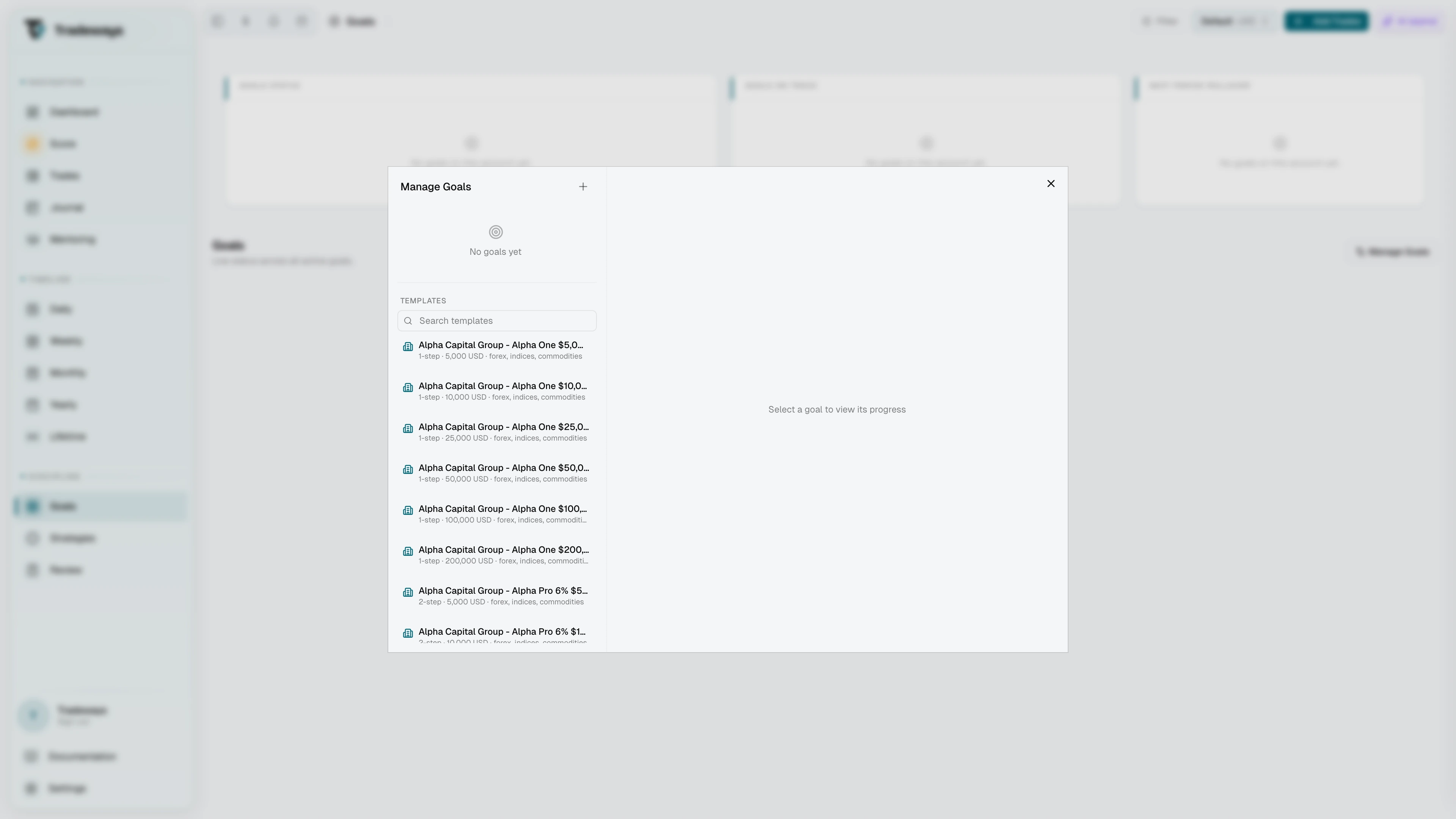
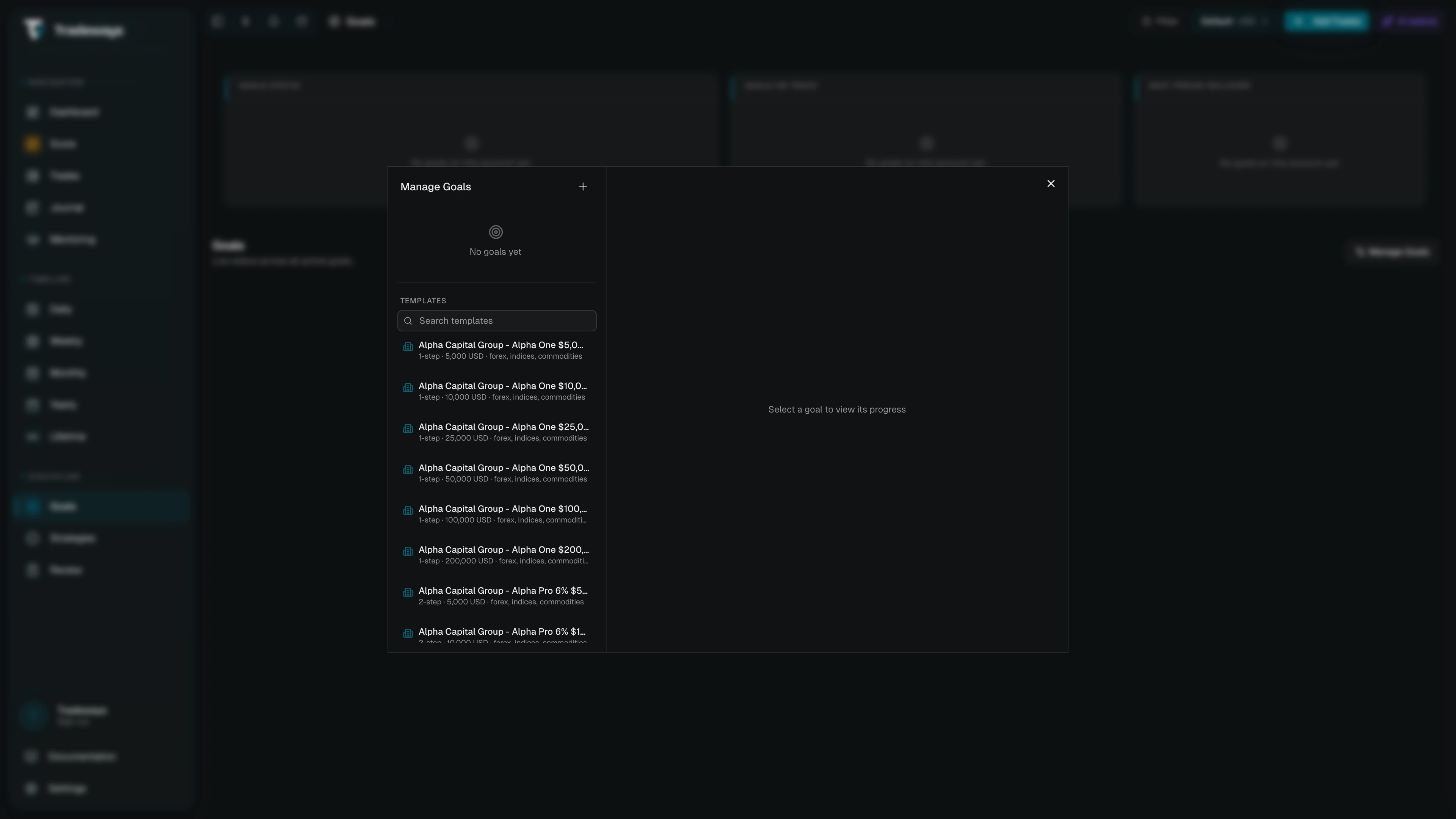
When you select a template, the right pane previews the rules it will create (profit target, daily loss, drawdown, trading days, consistency). If the firm has rules Tradeways can't evaluate automatically (weekend hold restrictions or news embargoes, for example), they are listed under "Some rules still need manual tracking" so you know what to enforce yourself. Click Add rules to instantiate the goal with an Open window; you can edit it like any other goal afterwards.
Reading the constraint pressure chart
Selecting a goal in the left rail ("Your goals") opens its live detail view. It opens with Average progress: one large percentage with the goal's status badge and a progress bar. Beside it, a radial chart shows one spoke per constraint. Longer spokes mean more progress toward the target: the inner ring is 0%, the outer ring is 100%. Only two statuses carry colour: amber for at risk and red for breached. Every other status is drawn in neutral gray. The percentage is the average progress across all applicable constraints.
Short amber or red spokes are the constraints dragging the goal down. Hover any spoke to see its label and exact progress. The chart's only job is to make pressure visible quickly so you know where to look; the real numbers live in the constraint cards below.
Each constraint card shows the rule's name and icon, a live status badge, the current value as the large figure, the target value under it (formatted as currency, percent, or a count), and a progress bar. Any warnings the evaluator surfaced appear directly on the card, with messages like "Not enough closed trades yet to evaluate this rule." or "Consistency only applies once the period is profitable."
What the status means
Every constraint carries a status, and the goal takes the most severe status among the constraints that apply. The goal status is shown as a badge in the header and a dot in the rail:
| Status | Meaning |
|---|---|
| On track | Every applicable constraint is on pace: a target is at least 75% reached, or a limit is still well clear. |
| In progress | Trading is happening, but at least one target is still below 75% of its value. |
| At risk | At least one limit has used 75% or more of what it allows. |
| Breached | At least one limit has been exceeded. For prop-firm goals, this usually ends the run. |
| Achieved | Every applicable constraint has been met. Recurring goals get a fresh period after this. |
| N/A | Constraint level only: the rule can't be evaluated yet, such as win rate below its minimum trade count, or consistency in a period with no profit. N/A constraints don't affect the goal status. |
On an Open window only an equity milestone can reach Achieved. A window with no end never settles, so other targets stop at On track.
The same colour system is used everywhere: status badges, the rail dot, the progress bars on constraint cards, and the spokes of the pressure chart all use the same green / blue / amber / red / gray scheme so they read consistently.
Editing, archiving, deleting
Open Manage goals to work on existing goals. The left rail of the modal groups them by status: Breached, At Risk, Active, Achieved, and Archived. Hovering a row reveals edit and delete icons, and clicking a row opens a preview with the same constraint cards and warnings as the live view. A goal that Oscar created or changed carries an Edited by Oscar marker in that preview.
For recurring goals, the preview also shows period history: a row of coloured tiles under the constraints, one tile per closed period. Each tile's colour reflects how that period ended; clicking a tile loads its snapshot so you can see how each rule fared during that window. Click Active to return to the live evaluation. Fixed, Rolling, and Open goals have a single window and keep no period history.
Editing opens the goal form pre-filled. The account can't be changed after creation; everything else can. Saves apply immediately and the live evaluation updates in place.
Archiving hides a finished or paused goal from the main page without losing its history. Archived goals stay in their own section in the modal with an Unarchive action.
Deleting from the goal list asks for confirmation first and removes the goal along with all of its period snapshots. Snapshots can't be recovered after deletion.
The currently selected goal is encoded in the URL as ?goal=<id>, so a bookmark or shared link reopens the page on the same goal.