Localisation
Choose the display language for the Tradeways interface.
Localisation
Set the language of the Tradeways interface. Access this page in Settings → Localisation.
Choosing a Language
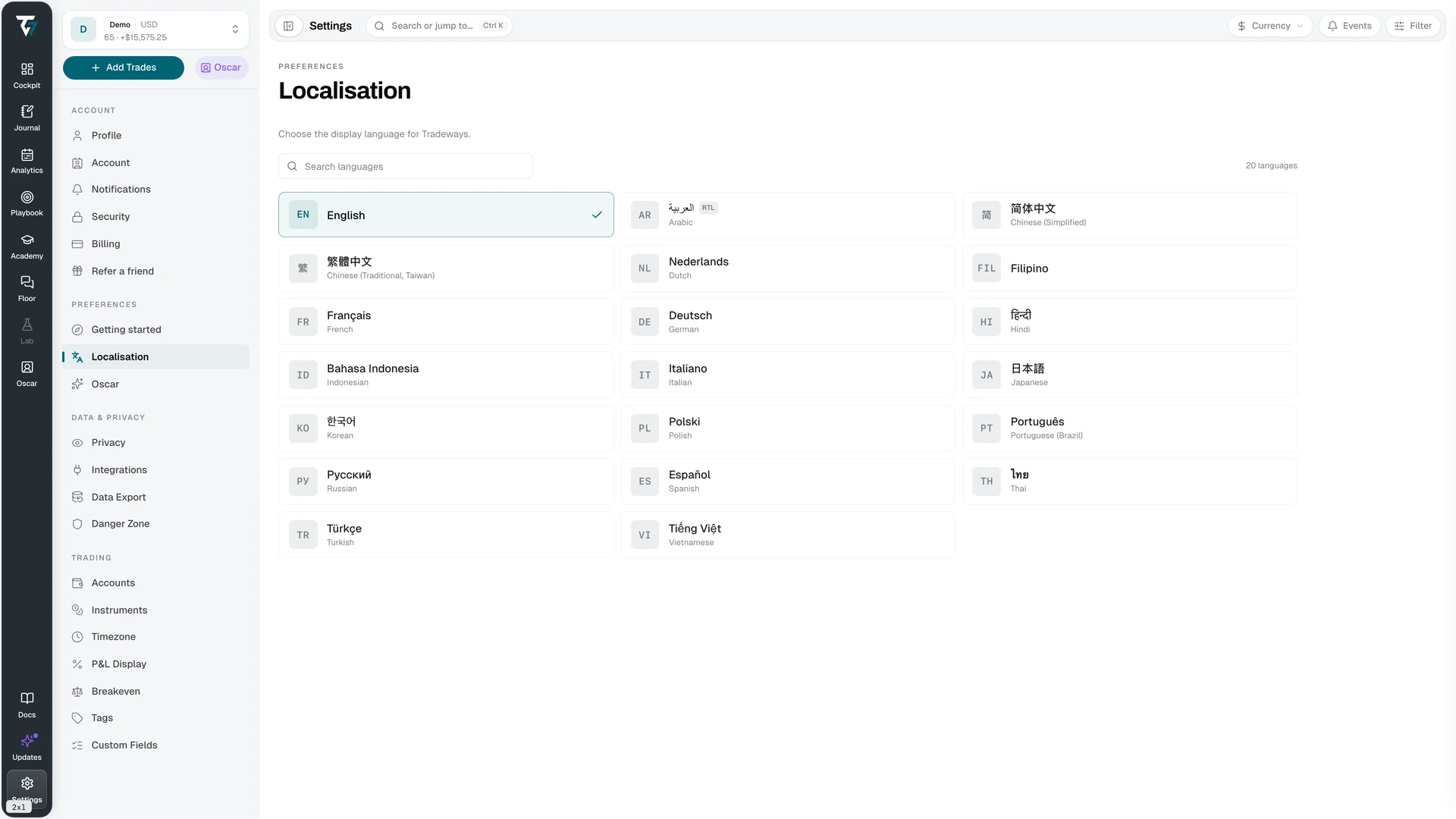
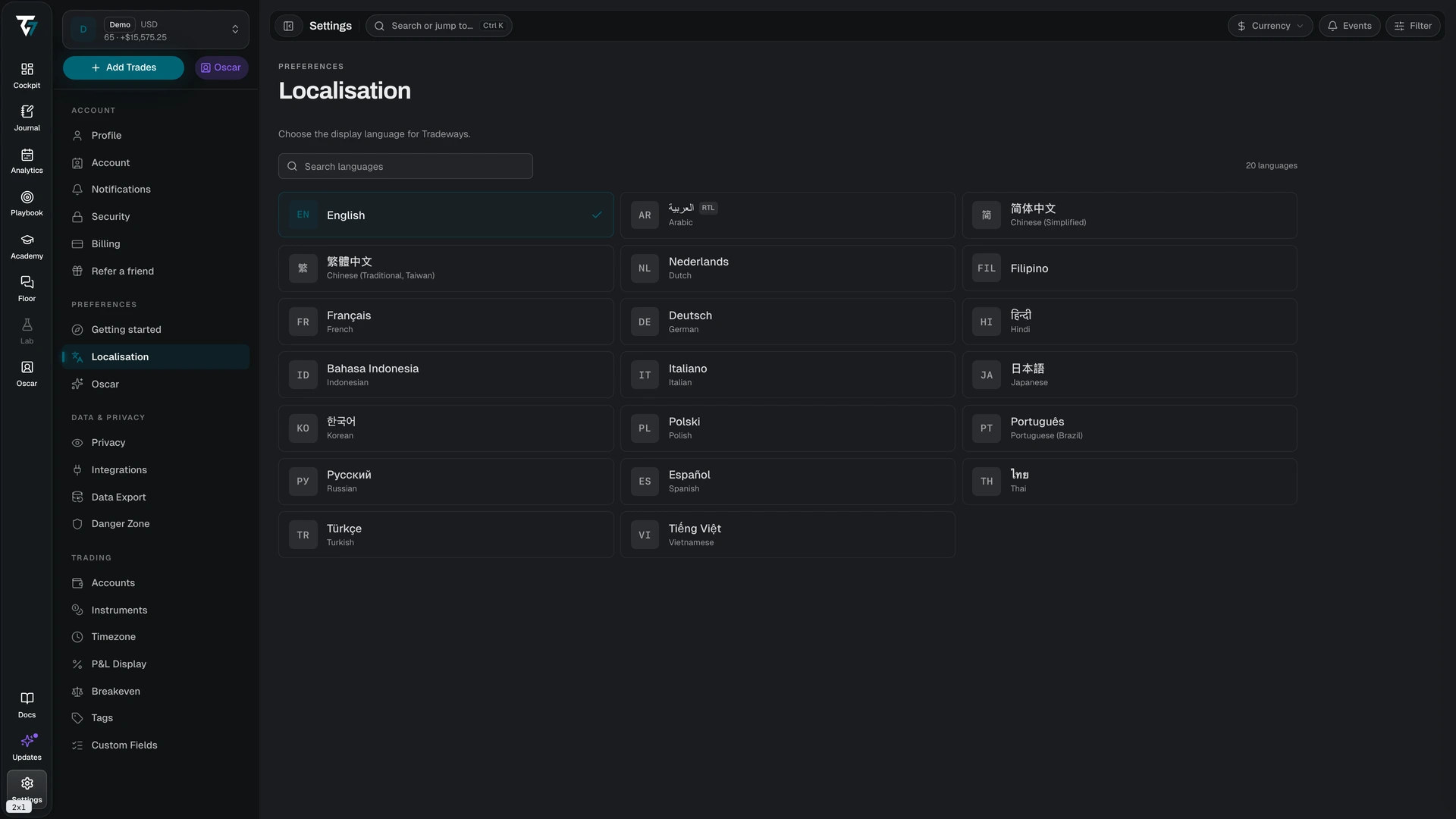
Every available language is shown as a card with its own native name, and with the English name below it when the two differ. The current language carries a check mark.
Use the search field to filter by native name, English name, or language code. Languages that are written right to left are marked RTL; the interface mirrors its layout when one is selected.
The change applies immediately. There is no page reload, and the choice is stored on your account, so it follows you to any browser or device you sign in from.
What Gets Translated
The interface translates: navigation, labels, buttons, empty states, error messages, and number and date formatting.
Your own content is never translated. Trade notes, journal entries, tag names, strategy names, custom field names, and account names stay exactly as you wrote them. Symbols and instrument names also stay unchanged.
Missing or Incomplete Translations
Translations ship language by language, so a newly added feature may briefly appear in English inside an otherwise translated interface. Report a wrong or awkward translation through Feedback — include the language and the screen.