
Profile
Set your public handle, photo, display name, location, and bio, and manage the private name and sign-in email on your account.
Profile
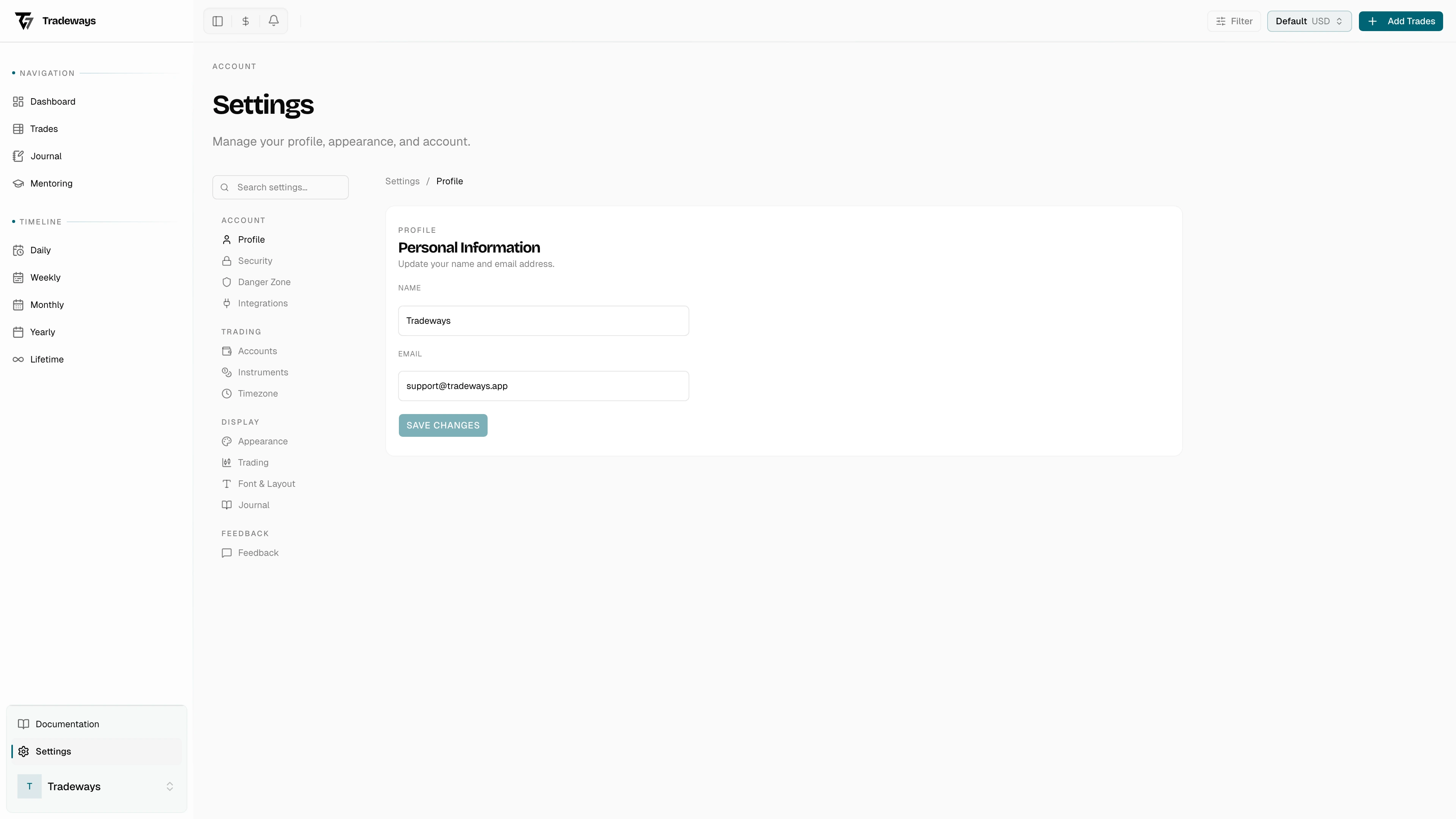
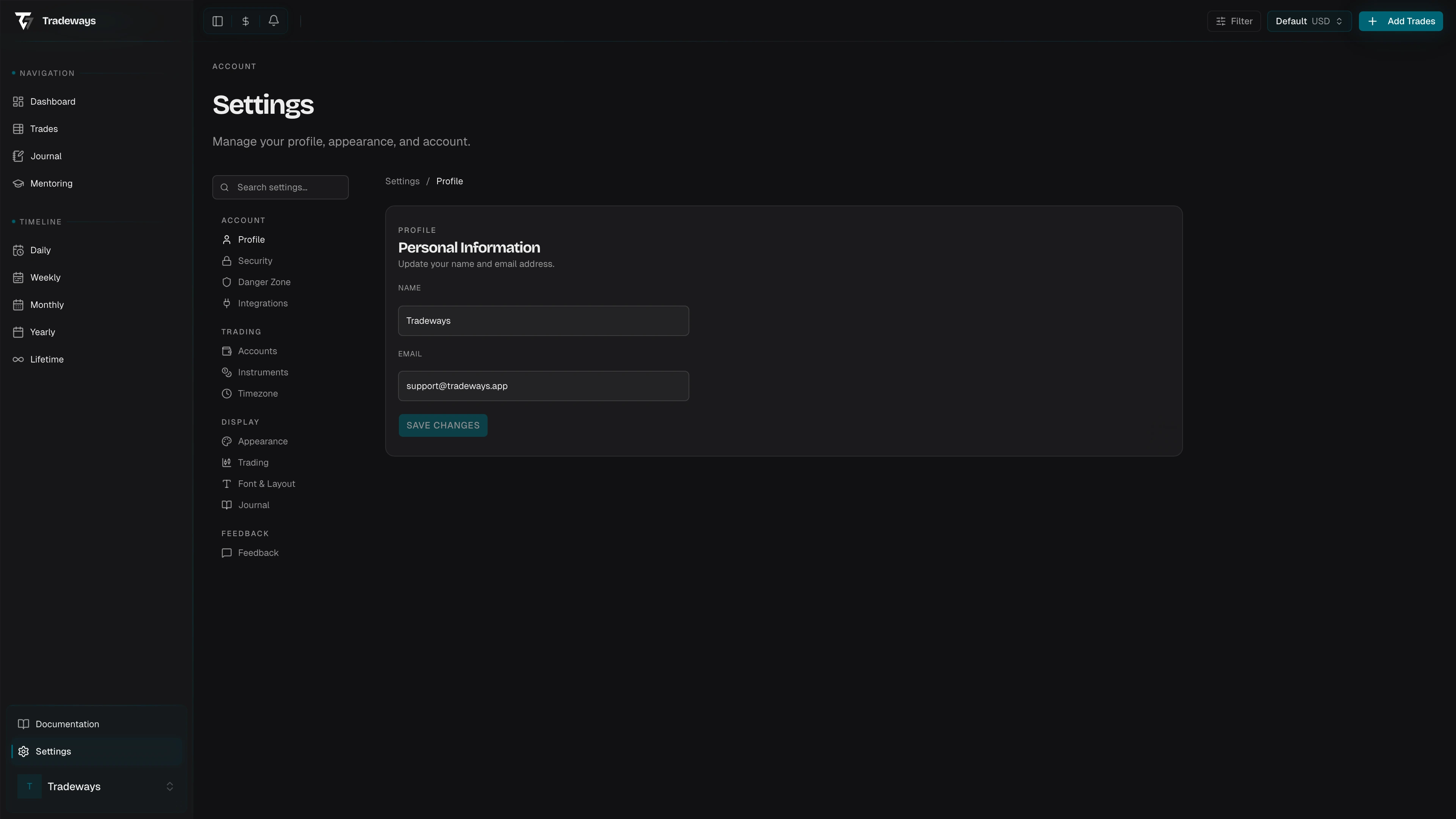
Your profile is split across two pages. Settings → Profile holds everything the trading community can see. Settings → Account holds your private name and sign-in email.
Public profile
Everything on this page is visible to other traders on Tradeways.
Photo and cover
Use Add photo and Add cover to upload images. Accepted formats are PNG, JPEG, and WebP, up to 10 MB. Until you add a photo, Tradeways shows a generated face in your avatar. Removing your photo brings that face back. You can also remove the cover image.
Handle
Your unique @username. Other traders find and mention you by it. Rules:
- 3 to 30 characters
- Letters, numbers, and underscores only
- Must start with a letter
- No consecutive underscores
Availability is checked while you type. Reserved and already-taken handles are rejected before you can save.
Display name, location, bio
| Field | Limit |
|---|---|
| Display name | 50 characters |
| Location | 80 characters |
| Bio | 280 characters |
A character counter is shown next to each field. Names that impersonate Tradeways staff or system accounts are rejected.
Saving
Edits are held until you save. A bar appears at the bottom of the page while changes are pending, with Discard and Save changes. Nothing is written until you save.
Account
The Account page holds the two fields that are never shown publicly.
- Name — your private legal name. Saved immediately when you click Save Changes.
- Email — the address you sign in with. Changing it sends a verification email to the new address. The change takes effect only after you confirm from that email.