

Support
Contact Tradeways support, send feedback, and find release notes. Learn when to grant temporary account access for an investigation and how to revoke it.
Support
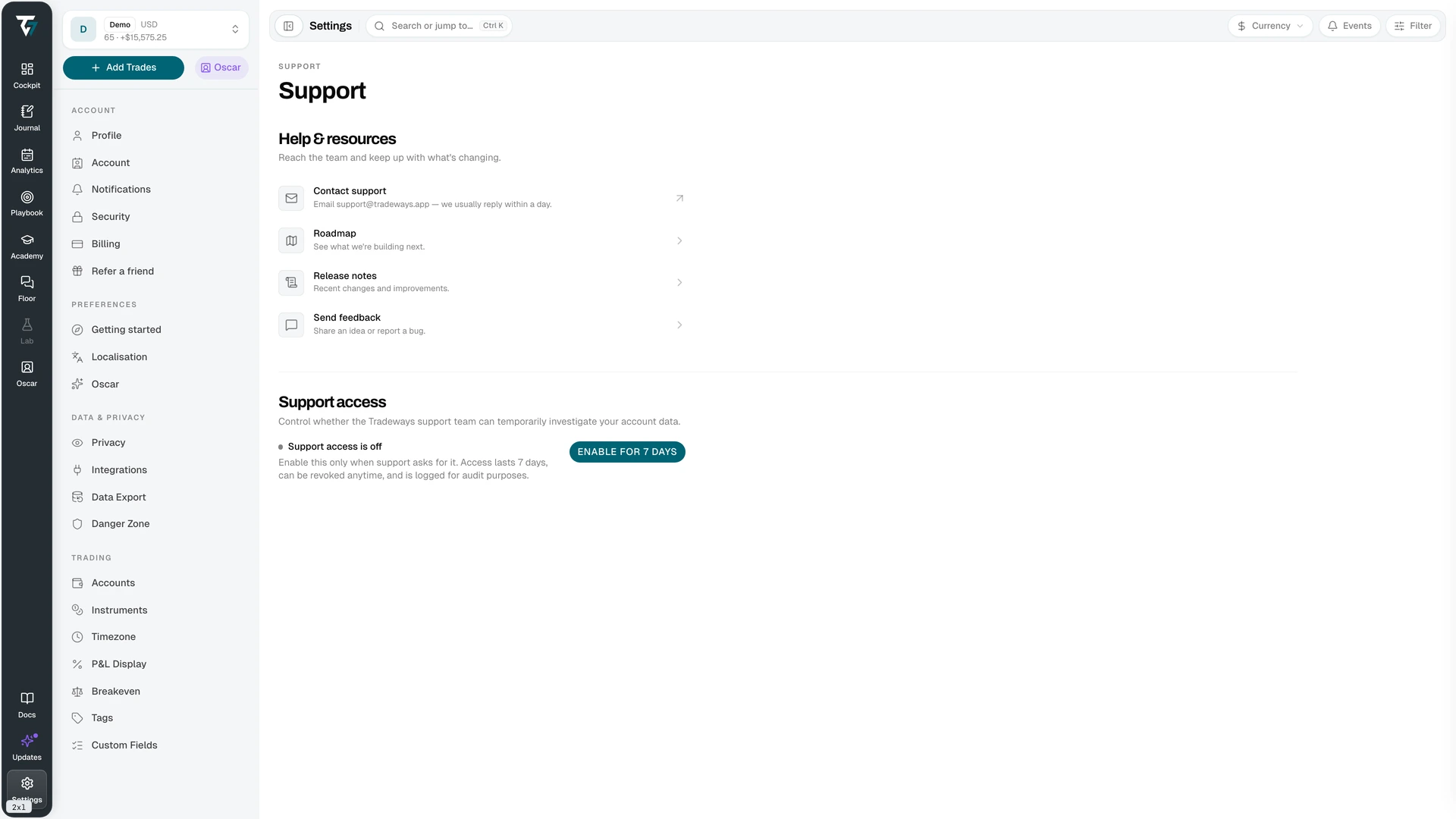
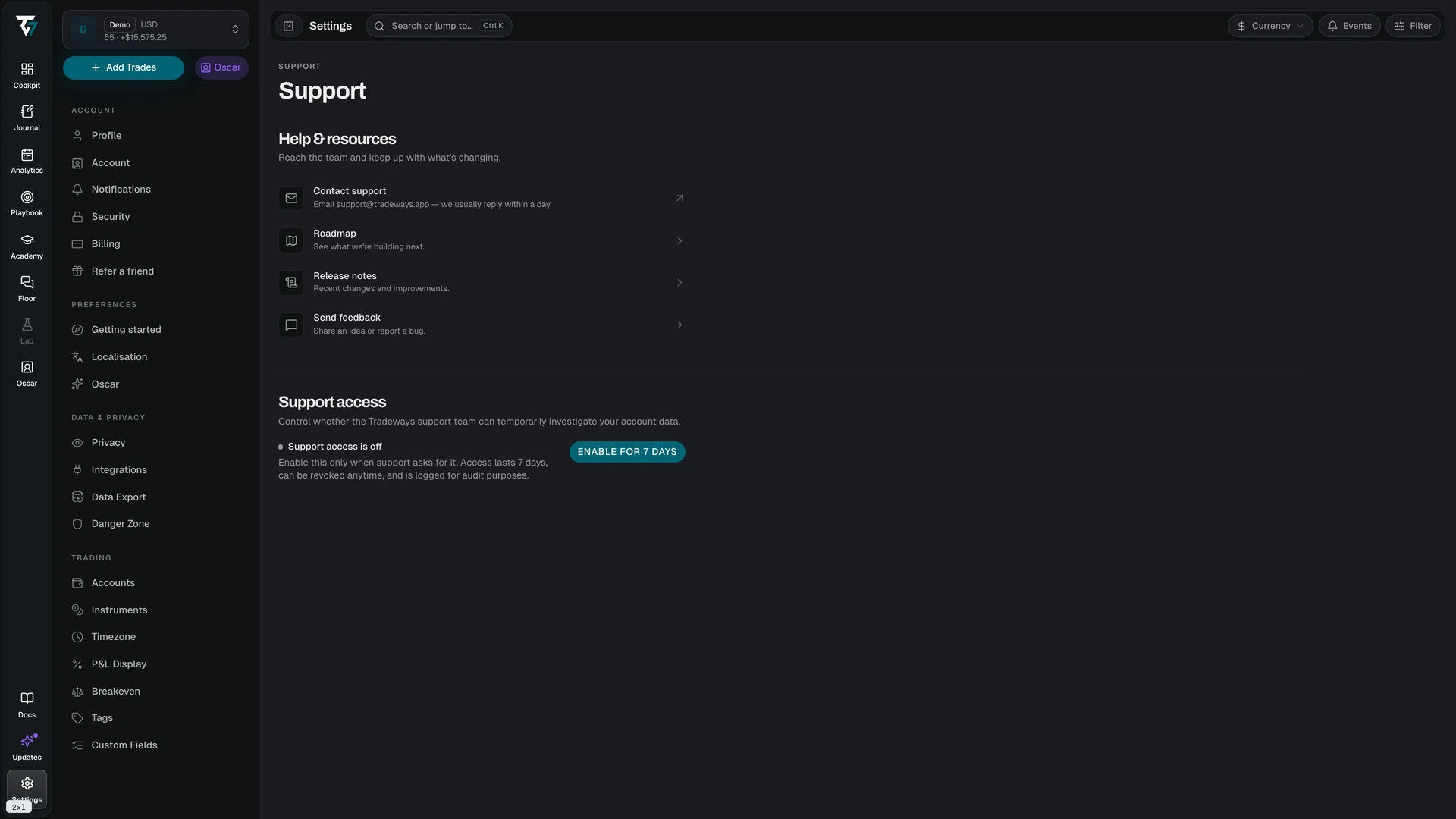
Help destinations and support access. Access this page in Settings → Support.
Help and Resources
Four destinations:
- Contact support — emails
support@tradeways.app. The team usually replies within a day. - Roadmap — what is being built next
- Release notes — recent changes and improvements
- Send feedback — opens Feedback for an idea or a bug report
Support Access
Support staff cannot read your account data by default. Support access grants that permission for a limited time so the team can investigate a problem you have reported.
How it works:
- Access lasts 7 days from the moment you enable it
- You can revoke it at any time, which ends access immediately
- Every use is logged for audit purposes
- The page shows the expiry date and the time remaining while access is active
Enable it only when support asks for it. A support request never requires it up front — the team will tell you if a problem cannot be diagnosed without it.
When access expires, the page shows the previous expiry date. Revoking access clears the consent and returns the control to its inactive state.