

Timezone
Configure how trade timestamps are displayed — system timezone or a custom IANA timezone.
Timezone
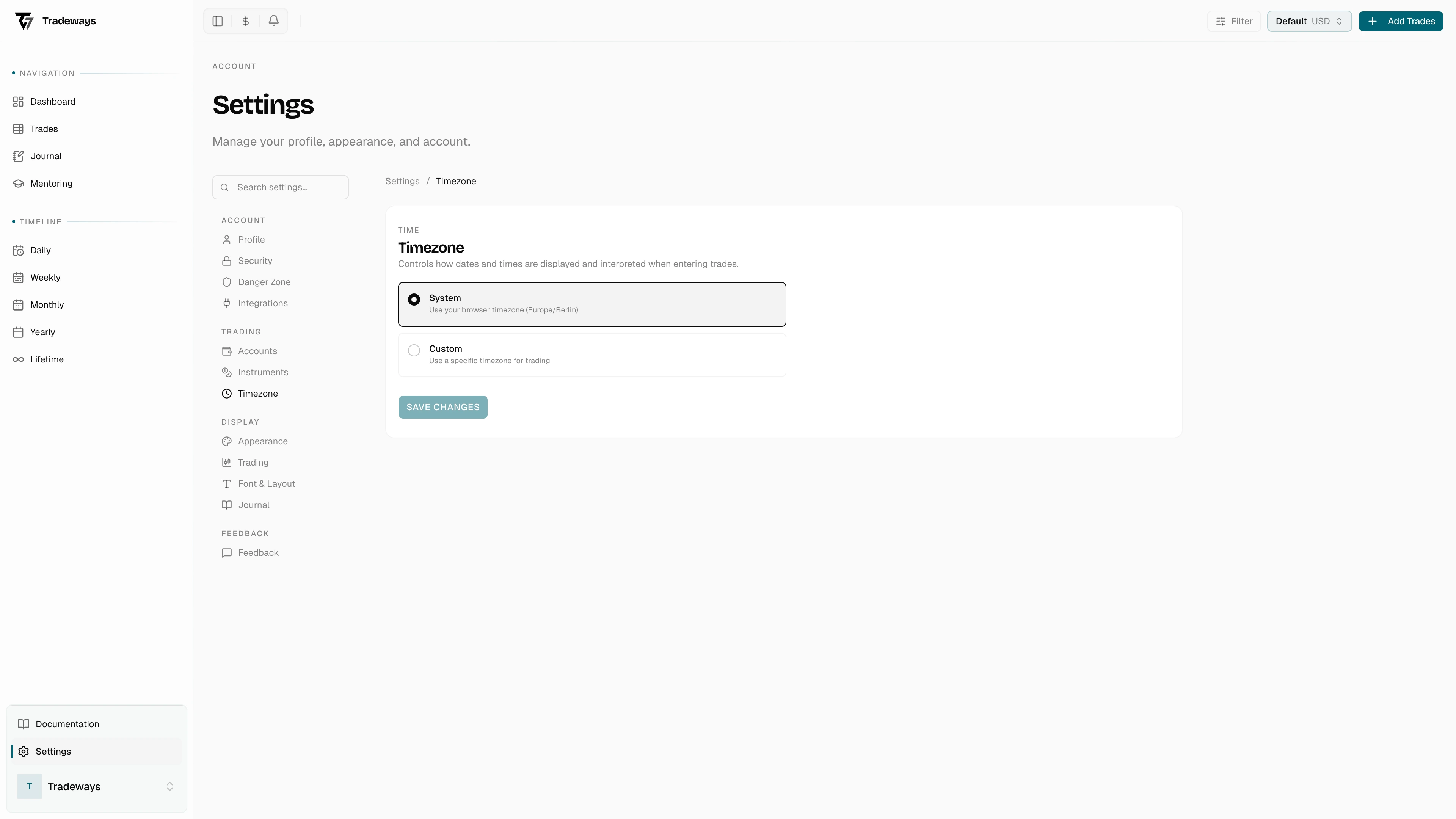
Control which timezone is used across the app. Access this page in Settings → Timezone.
Modes
Two modes:
- System — uses the browser's timezone
- Custom — select from a list of IANA timezones
Common Presets
US Eastern, US Central (Chicago/CME), US Mountain, US Pacific, London, Berlin/Frankfurt, Tokyo, Hong Kong, Sydney, and others.
Impact
The timezone controls how every UTC timestamp in the app is rendered: trade execution times, daily/weekly/monthly bucket boundaries, dashboard chart axes, journal entry dates, and the time-of-day filter. Underlying data stays in UTC, so switching timezone never alters a stored value, only its display.
Migration
Trade open and close dates (used to bucket trades into days, weeks, and months) are computed from the UTC timestamp at the moment a trade is created or imported. Changing your timezone afterwards does not re-bucket older trades. Run the migration to recompute those bucket dates against the new timezone — typically necessary when you relocate, when you fix an initially wrong setting, or after importing data from a broker in a different timezone. The job processes trades in batches and can be re-run; it never modifies the underlying execution timestamps.