

Event Notifications
Track your trading activity with persistent event notifications. See when trades are imported, images uploaded, and trades created.
Overview
The event notifications system gives you a persistent record of key actions in your account. Unlike toast messages that disappear after a few seconds, events are stored for 90 days and can be reviewed at any time.
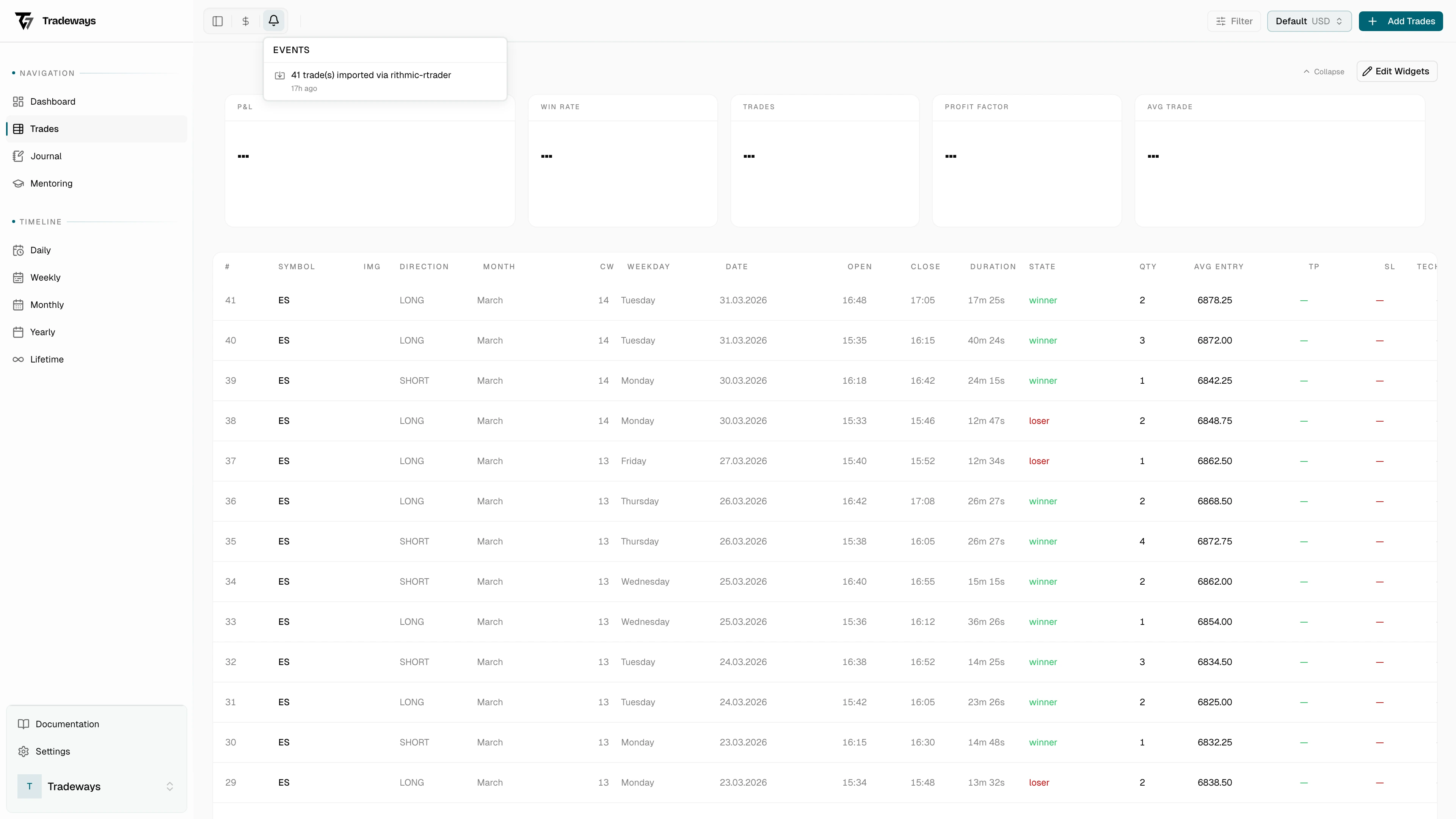
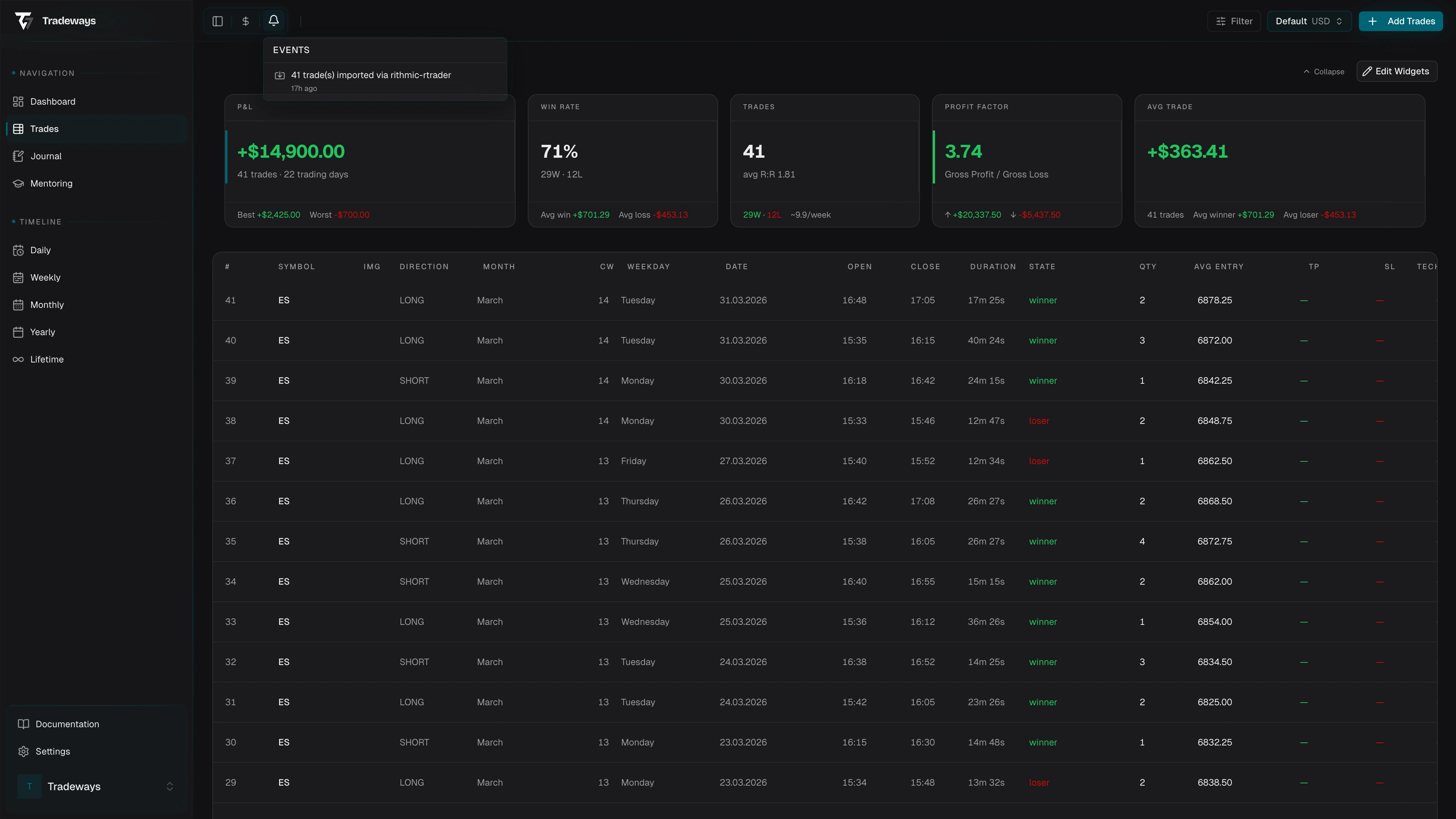
Notification Bell
The bell icon in the header shows a badge with the number of unread events. Click it to open a dropdown list of your recent activity.
When new events arrive, the badge count updates in real time. Events are shown in reverse chronological order with relative timestamps.
Event Types
| Event | When it fires | Details shown |
|---|---|---|
| Trade Imported | After a CSV/broker import completes | Number of trades imported and broker name |
| Image Uploaded | When a screenshot is attached to a trade | Trade symbol and filename |
| Trade Created | When a trade is manually created | Trade symbol |
Managing Events
- Mark all as read — Click the "Mark all as read" link at the top of the dropdown to clear the unread badge
- Events older than 90 days are automatically hidden from the list
- Events are personal — only you can see your own activity