
Create Account
Create a Tradeways account with Google or email and password. Review password requirements and what happens after registration.
Create Account
Go to tradeways.app/auth/register.
Click Continue with Google and complete the Google sign-in flow to create your account.
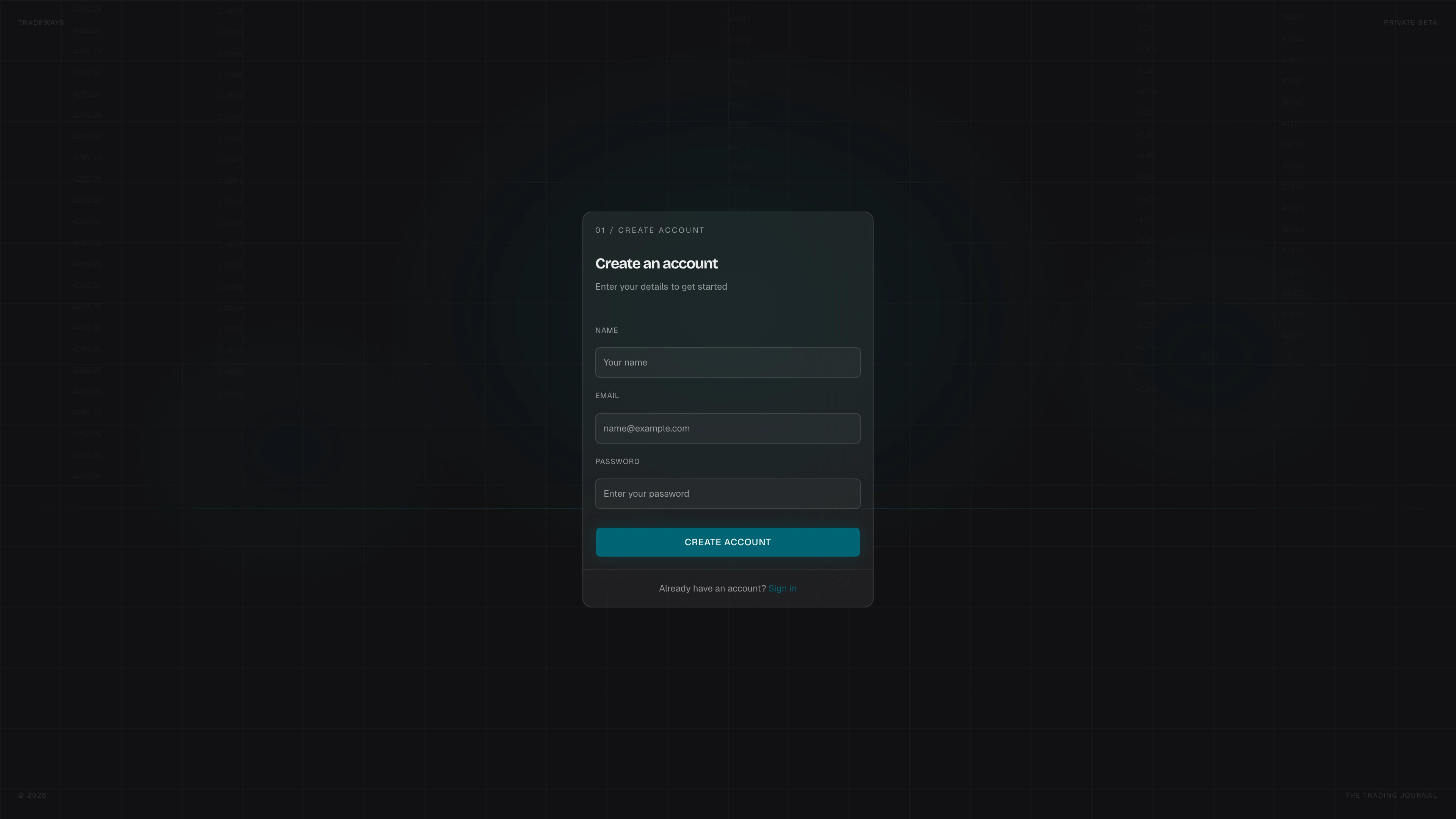
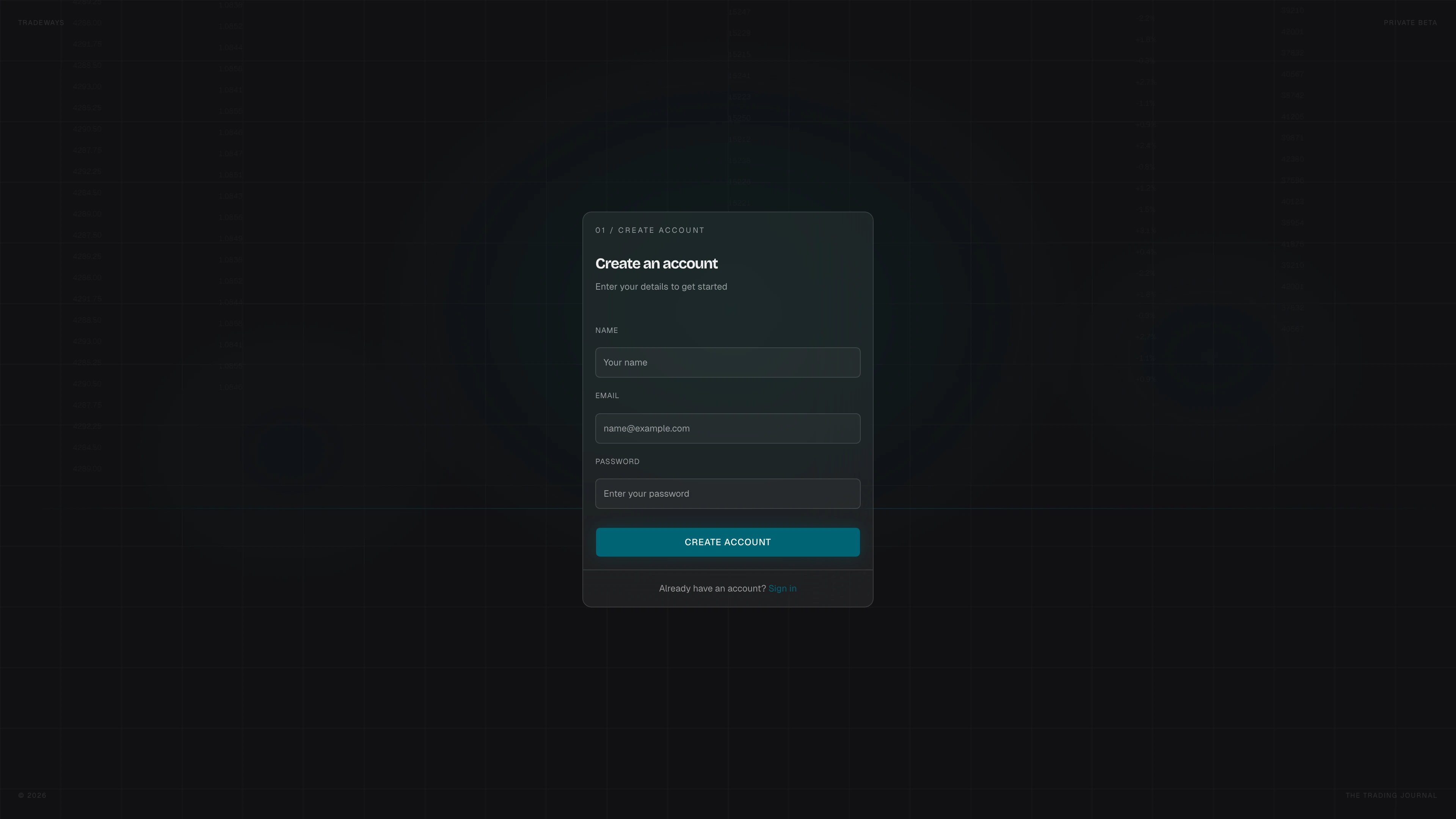
Registration Form
- Enter your Name, Email, and a Password.
- Click Create Account.
Password Requirements
Your password must meet all of the following:
- Minimum 8 characters
- At least one uppercase letter
- At least one lowercase letter
- At least one digit
- At least one special character
After registration
Tradeways signs you in and opens the app after you create an account. If your account does not have app access yet, you see the available access options. When guided setup opens, you can name your first trading account and select its currency. See Getting Started for the setup steps.
Already Have an Account?
Click Sign in at the bottom of the form to go to the sign-in page.