

Chart Drawings
Use drawing tools on Tradeways trade charts. Learn which annotations are available, how drawings are saved, and what read-only viewers can see on shared charts.
Chart drawings are technical-analysis overlays that you place on a trade's price chart. They are saved per trade, so they are there again the next time you open that trade, on any device.
The drawing toolbar is available on the trade detail chart only. Charts that are scoped to a symbol instead of a trade — dashboard widgets, for example — have no drawing tools.
Available Drawing Tools
| Tool | Description |
|---|---|
| Horizontal Line | An infinite horizontal line at a specific price level. |
| Trend Line | A straight line between two points (time + price). |
| Horizontal Ray | A horizontal line that extends from a point to the right edge of the chart. |
| Price Line | A labeled horizontal line showing the exact price value. |
| Rectangle | A rectangular zone defined by two corner points (time + price). |
A Cursor tool is always available to switch back from drawing mode to normal chart interaction. The toolbar returns to Cursor by itself after a drawing is complete.
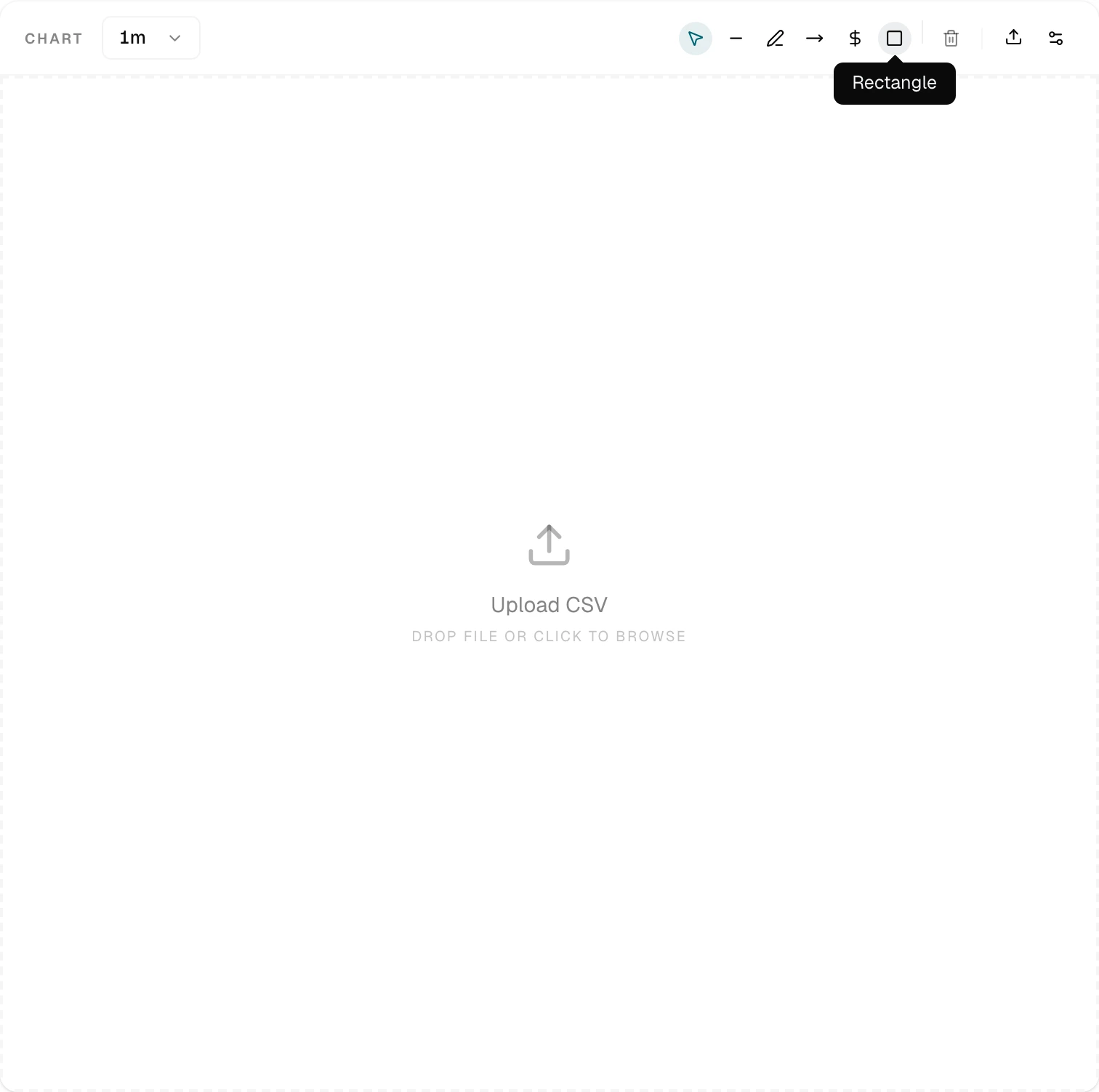
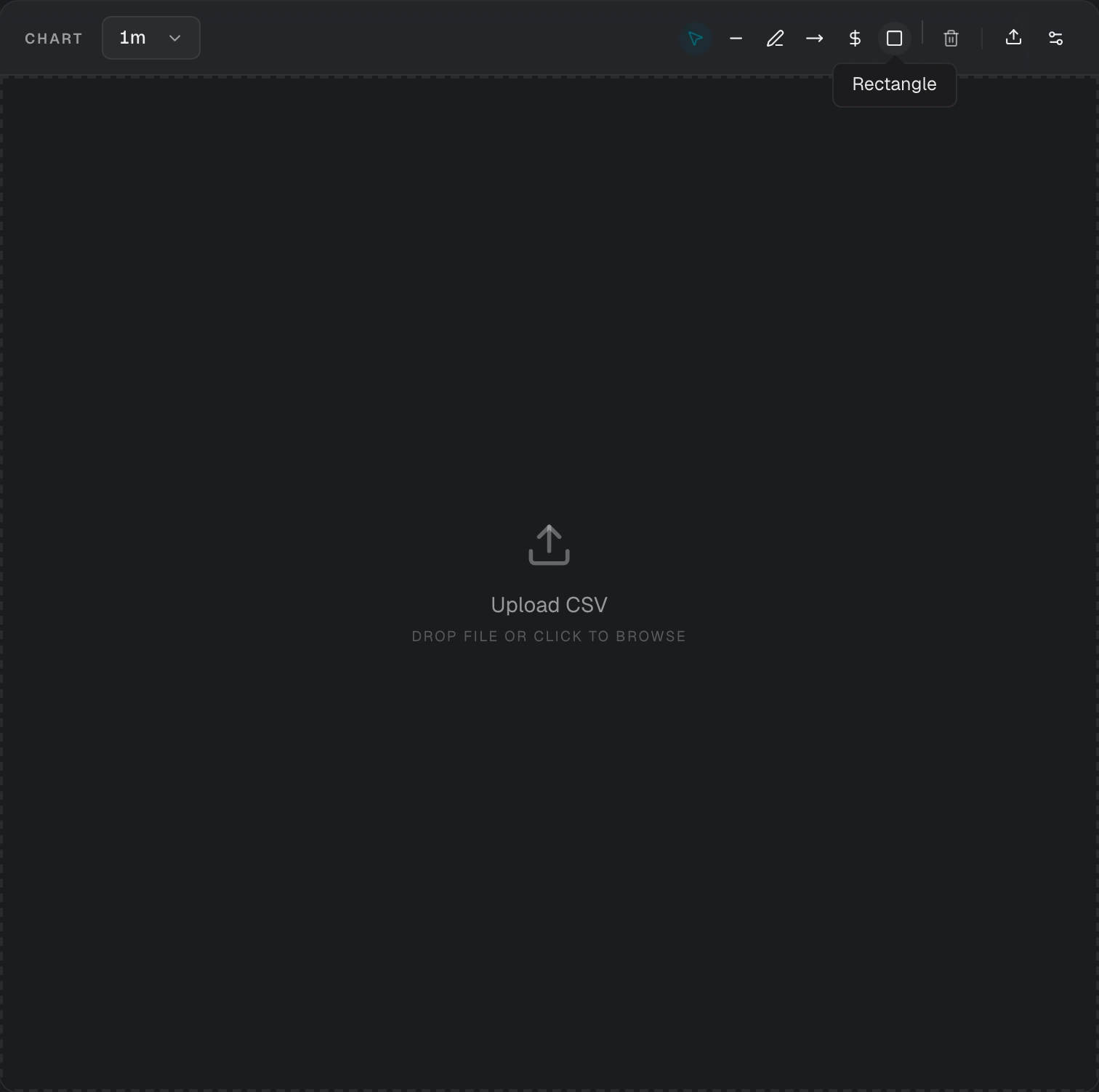
Delete All Drawings
The "Delete All Drawings" button removes every user-created drawing from the current trade chart in a single action. It does not remove the system trade markers.
Persistence
Each drawing is stored as a separate record linked to a specific trade. The stored data includes:
| Field | Description |
|---|---|
| Overlay name | The drawing tool type (e.g. Horizontal Line, Trend Line, Rectangle) |
| Points | Array of anchor points, each with an optional timestamp and price value |
| Styles | Optional JSON string containing custom visual styling |
| Extended data | Optional JSON string for tool-specific metadata |
| Locked | Whether the drawing is locked against accidental moves |
Limits
Each trade supports a maximum of 50 drawings. Attempting to add more will result in an error.
Save Behavior
New drawings save the moment the drawing gesture completes. Moving a drawing saves shortly after you release it. Deletions are committed immediately. A save indicator in the chart header shows "Saving" and then "Saved". Drawings load automatically when the trade chart opens.
A save also reaches your other open sessions. If you have the same trade open on a second device, that chart adds, moves, or removes the drawing without a reload.
Read-Only Viewers
A viewer with read access to the trade — a mentor, for example — sees the drawings that the owner made. The overlays are locked for that viewer: the drawing toolbar is hidden, and the drawings cannot be moved, added, or deleted.
Chart drawings are not part of a public trade share or a community trade card. Those pages show the trade markers only.
How Drawings Differ from Trade Markers
Drawings are user-created overlays for analysis. They are distinct from the system-generated trade markers (entry/exit arrows, stop-loss/take-profit lines, risk/reward zones) that Tradeways places automatically based on execution data and trade levels.