

P&L Display Modes
Reference for the five P&L display modes in Tradeways — Ticks (1-lot), Ticks (sized), Currency, Percentage, and R multiple.
P&L Display Modes
Tradeways supports five ways to express profit and loss. The active mode applies to every P&L value in the app — dashboard widgets, trade log, trade detail, daily/weekly/monthly/yearly/lifetime views, charts, and tooltips.
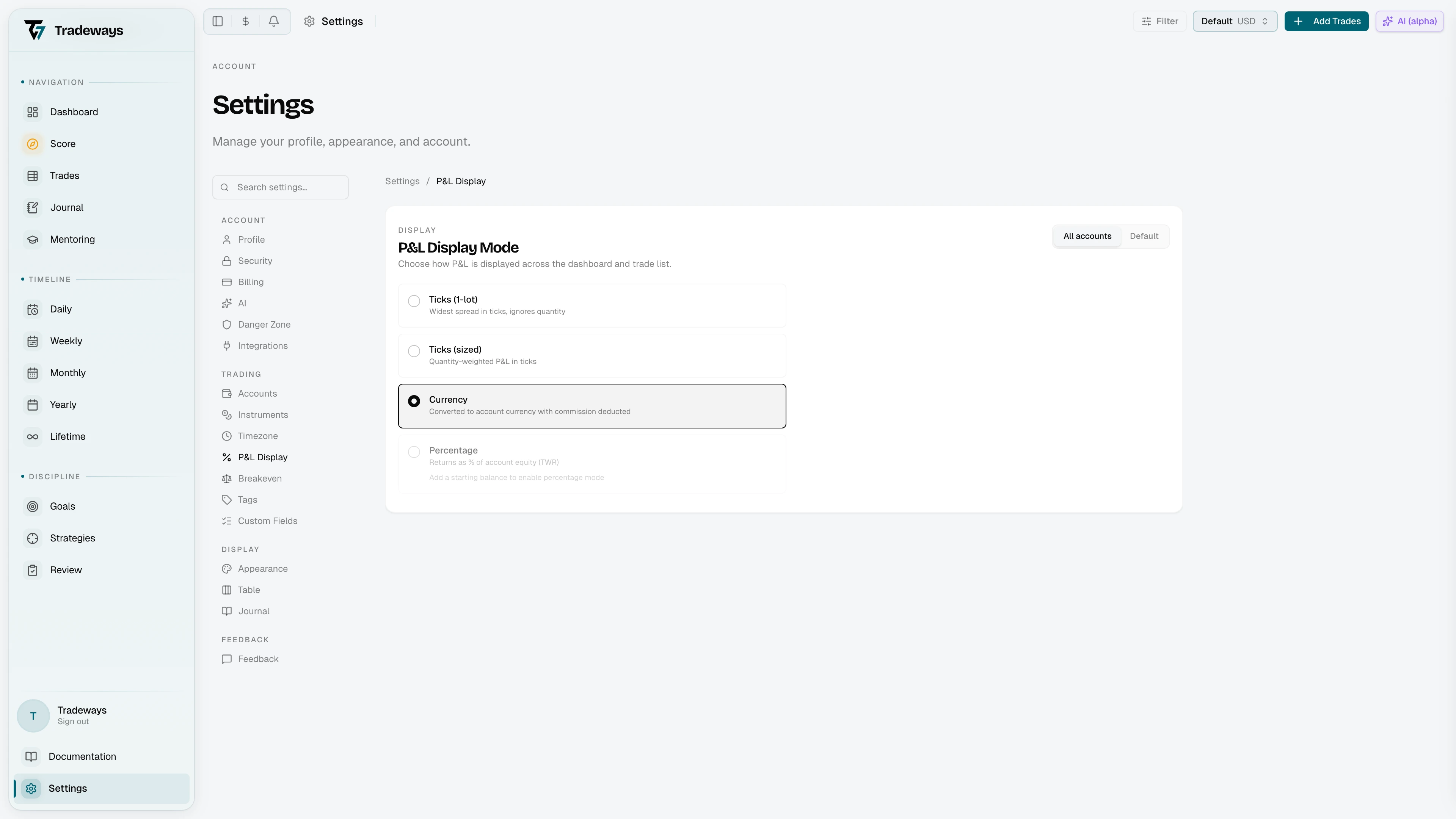
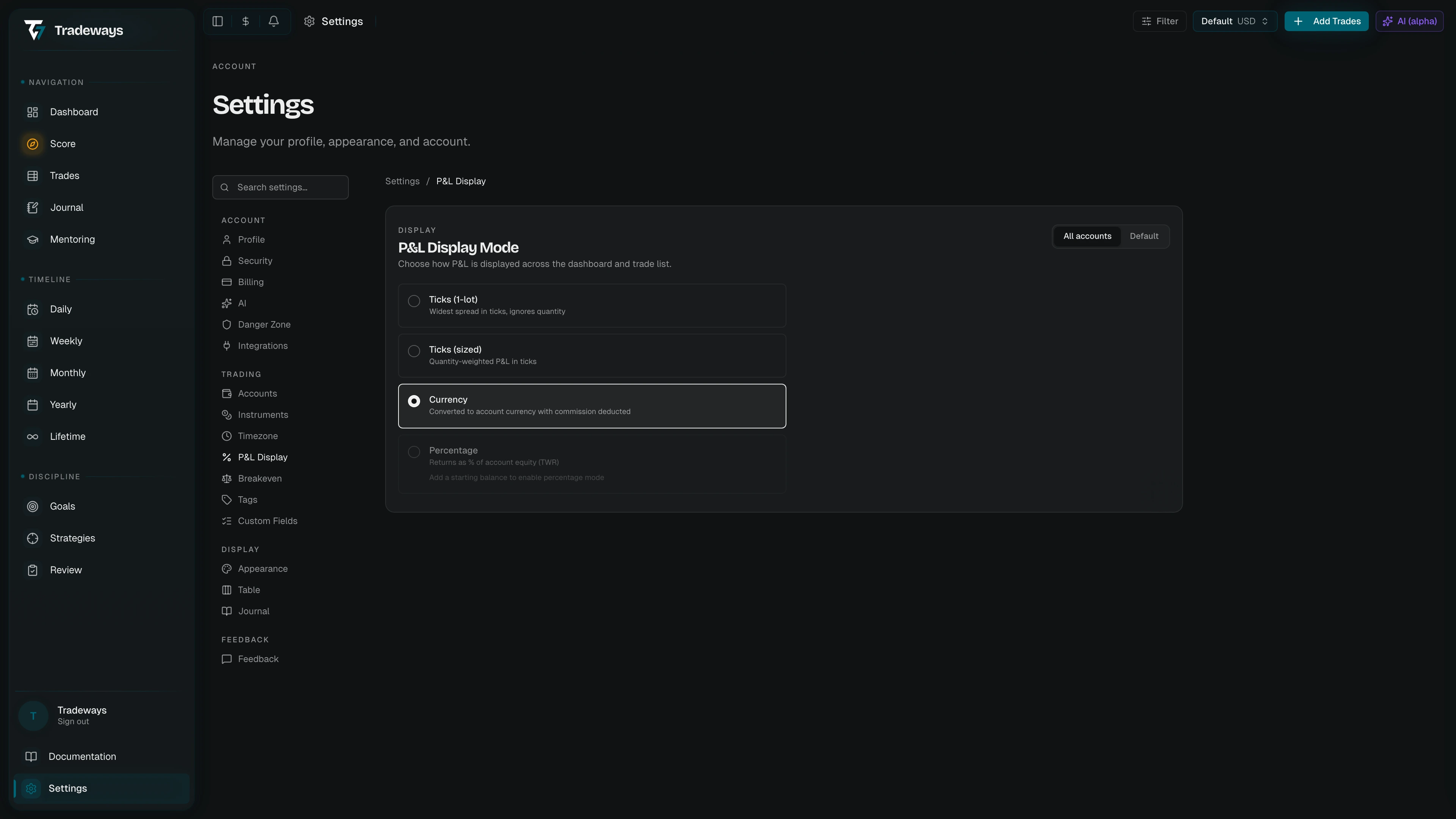
The Five Modes
| Mode | Unit | Example | Best for |
|---|---|---|---|
| Ticks (1-lot) | Widest tick spread, quantity ignored | 12.5t, -8p | Comparing entries and exits regardless of position size. A 10-tick winner is 10 ticks whether you traded 1 lot or 5. |
| Ticks (sized) | Tick spread weighted by actual quantity | 62.5t, -40p | Reflecting actual exposure. A 10-tick winner on 5 lots shows as 50 ticks. |
| Currency | Account settlement currency | $150.00, -€75.50 | Default view. Works for all instrument types. Commission is deducted. |
| Percentage | % of account equity (time-weighted return) | 0.75%, -0.30% | Normalizing returns across accounts of different sizes. |
| R multiple | Multiples of your average realized loss | 1.8R, -1.0R | Judging a result against the risk you actually take. |
The panel lists the modes in this order. Currency is the default.
Tick Unit Names
The label adapts to the asset class of the instrument:
| Asset Class | Unit Name | Suffix |
|---|---|---|
| Futures | Ticks | t |
| Forex | Pips | p |
| CFD | Points | pt |
| Crypto | Points | pt |
| Stocks | Cents | ¢ |
Anything else falls back to Ticks.
Conversion
The app converts between modes using the instrument's tick size and point value from the instrument configuration.
- Currency to Ticks:
P&L / (tick size x point value x lot size) - Ticks to Currency:
P&L x (tick size x point value x lot size) - Percentage:
P&L / account equity at time of trade - R multiple:
currency P&L / average realized loss on the account
An R multiple can be unavailable when a trade has no usable realized-loss basis. Lists that cannot calculate the value show a dash instead of a currency value labeled as R.
Scope
The P&L display mode can be set at two levels:
- Global — applies to all accounts (default).
- Per-account — overrides the global setting for a specific account only.
Configure scope in Settings → P&L Display. The scope toggle lets you choose "All Accounts" or a specific account. A per-account override can be removed at any time to revert to the global value.
Mode Requirements
Two modes need data before they can be selected:
- Percentage requires at least one account transaction so that account equity can be calculated. The first transaction is the account's starting balance and may be
0for prop or unfunded accounts. Without it the option is disabled with a hint prompting you to add a starting balance. - R multiple requires at least one closed losing trade on the account, since it divides by your average realized loss. Without one the option is disabled.
In All Accounts scope, both tick modes, Currency, and R multiple are available. Percentage is not available because each account has its own equity history. The selected All Accounts mode is stored separately from each account's mode.
See Also
- P&L Display — configure the P&L display mode and per-account scope