

P&L Display
Choose how profit and loss is displayed across Tradeways — ticks, currency, percentage, or R multiple — globally or per account.
P&L Display
The P&L Display setting controls how profit and loss values are rendered in every view — dashboard widgets, trade log, trade detail, daily/weekly/monthly/yearly/lifetime views, charts, and tooltips. Open Settings → P&L Display.
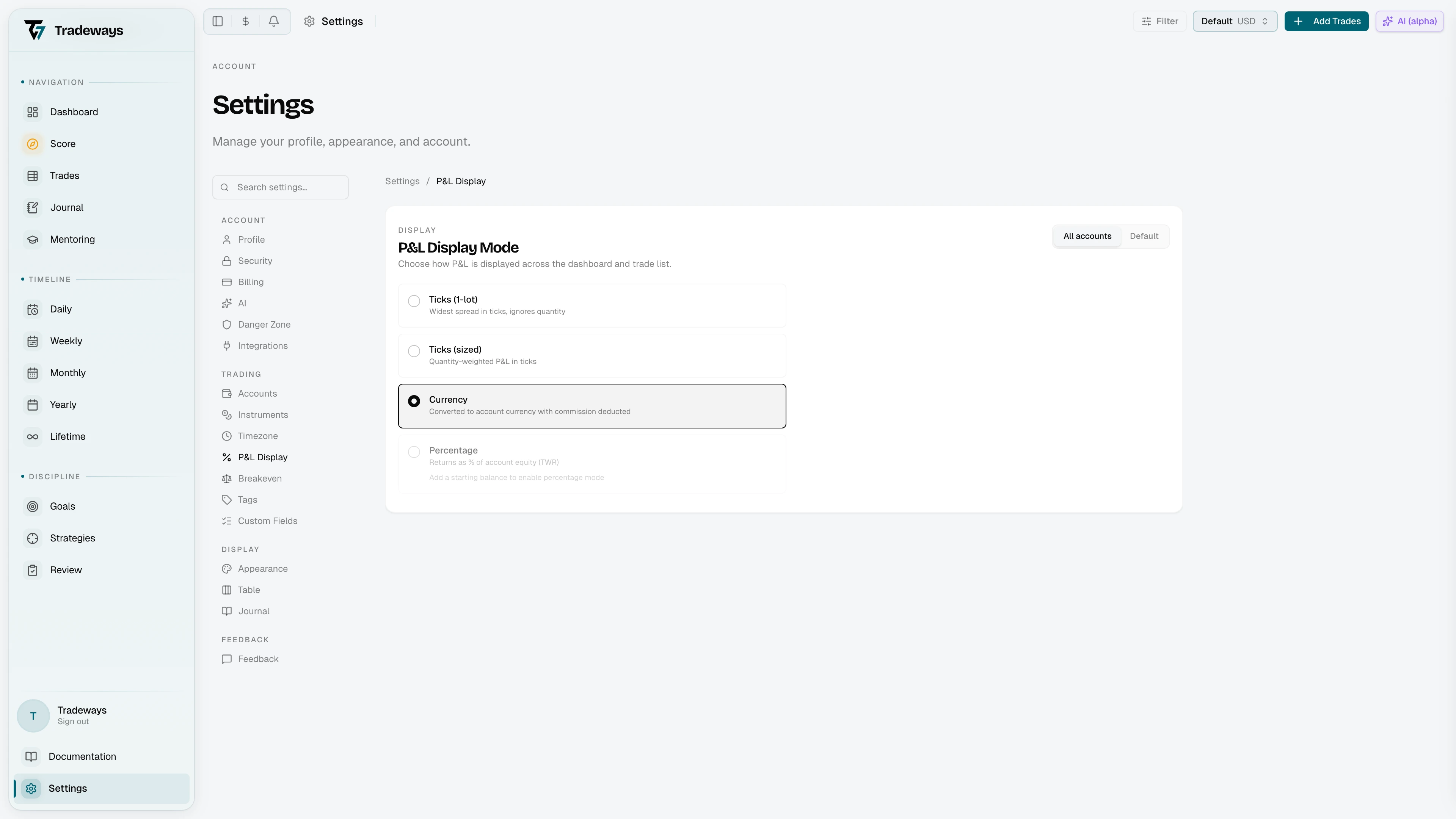
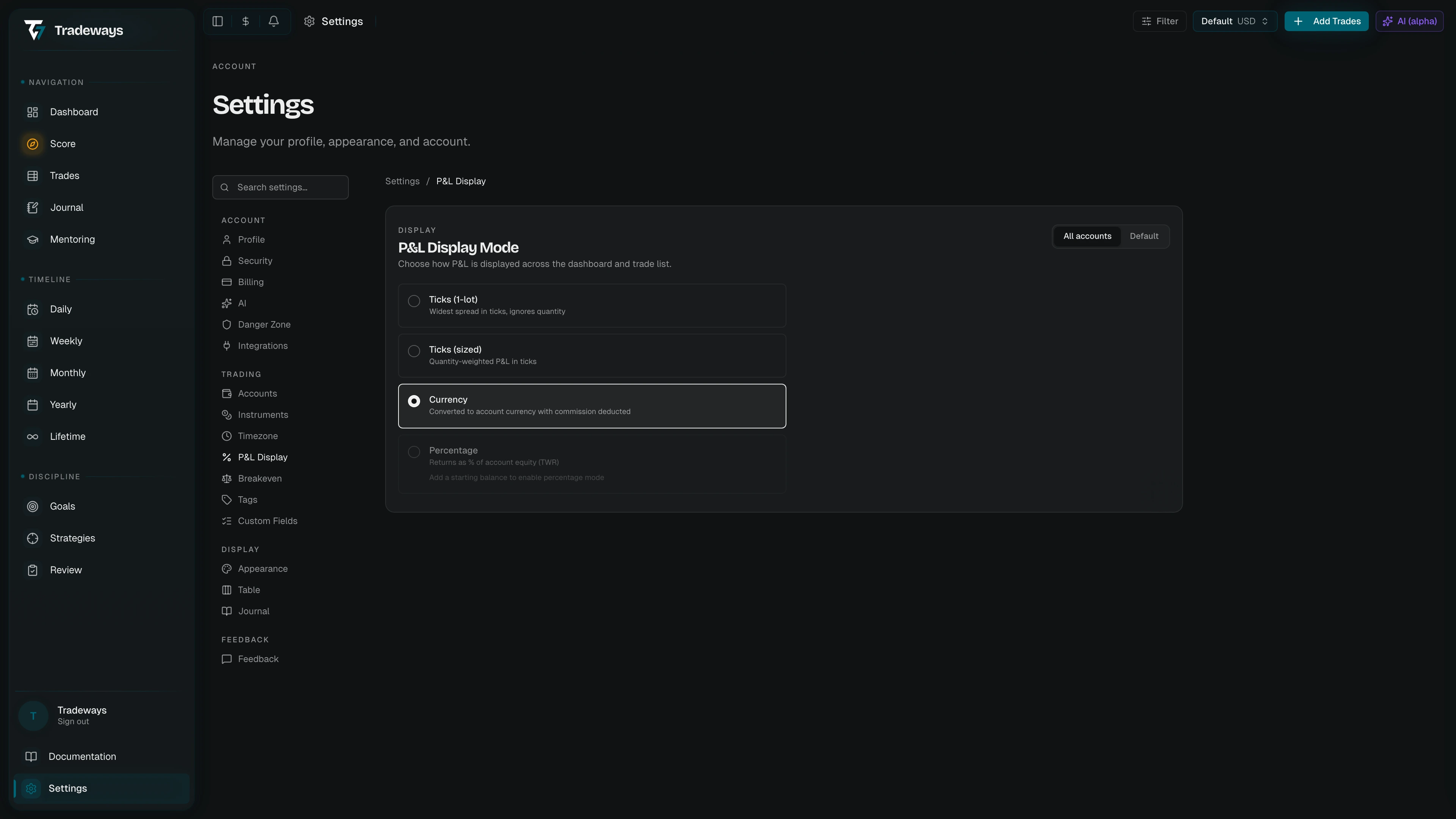
For a deeper explanation of each mode and the math behind it, see P&L Display Modes.
Modes
Five options are presented as cards, in this order:
| Mode | Description |
|---|---|
| Ticks (1-lot) | Raw tick difference of the widest spread, ignoring quantity. Label adapts to the asset class (Ticks/Pips/Points/Cents). |
| Ticks (sized) | Tick difference weighted by your actual position quantity. |
| Currency | P&L in the account's settlement currency (e.g. USD, EUR), with commission deducted. |
| Percentage | Return as a percentage of account equity at the time of the trade (TWR). |
| R multiple | P&L divided by your average realized loss on the account. |
The tick options are labeled with the unit name that matches the dominant asset class of the account — futures show Ticks, forex shows Pips, CFDs and crypto show Points, stocks show Cents.
Percentage Mode Requires a Starting Balance
Percentage mode needs equity to compute against. If the account has no transactions, the option is disabled with the hint "Add a starting balance to enable percentage mode." The first transaction on an account is its starting balance and may be 0 for prop or unfunded accounts. See Accounts for how to record transactions.
R Multiple Requires a Closed Loss
R multiple divides by your average realized loss, so the account needs at least one closed losing trade. Until then the option is disabled with the hint "Close a losing trade to enable R mode."
All Accounts Scope
While the account switcher is set to All Accounts, the P&L Mode control in the toolbar offers Currency only. Ticks, percentage, and R multiple have no shared unit across accounts.
Scope: Global vs. Per-Account
The page header has a scope toggle that picks which level you're configuring:
| Scope | Behavior |
|---|---|
| All Accounts | The default for every account. |
| Active account | Overrides the global setting for the current account only. |
Switch scope by clicking the toggle. When a per-account override is set, a Reset action appears next to the toggle — clicking it removes the override and reverts that account to the global value.
The same scope toggle pattern is used for the Breakeven Threshold.
This page is not available in mentor view; opening it there returns you to Profile.
See Also
- P&L Display Modes — detailed explanation and worked examples
- Breakeven Threshold — how trades around zero are classified
- Accounts — record transactions to enable percentage mode
- Instruments — tick size and point value used in tick conversions