

Breakeven Threshold
Configure the band around zero P&L that classifies a trade as breakeven. Set globally or per account, in currency or percentage, with optional commission handling.
Breakeven Threshold
The breakeven threshold defines a band around zero P&L. Trades that fall inside the band are classified as breakeven instead of winner or loser — useful when small gains or losses (such as those barely covering commission) should not count as real outcomes. Open Settings → Breakeven Threshold.
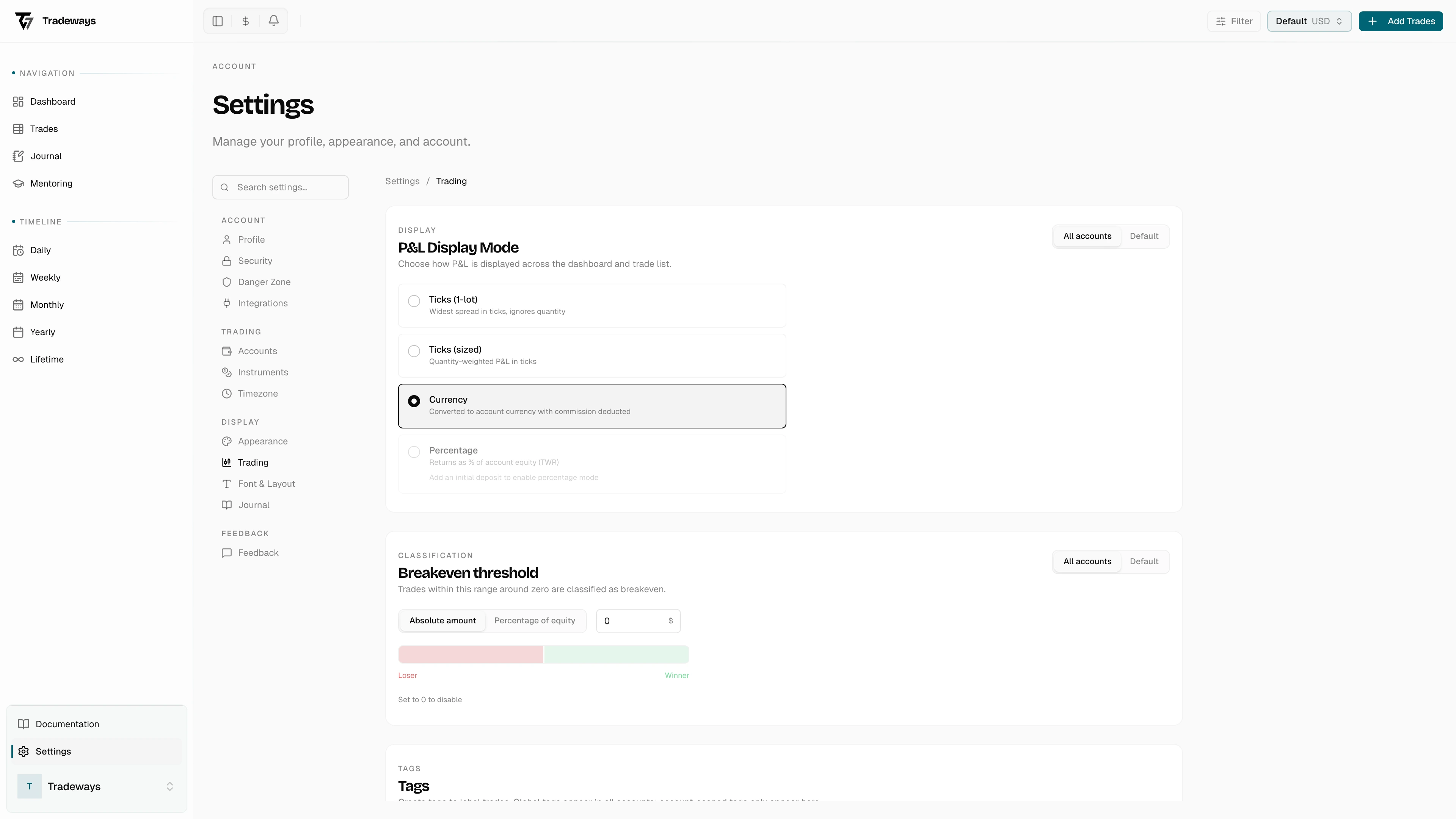
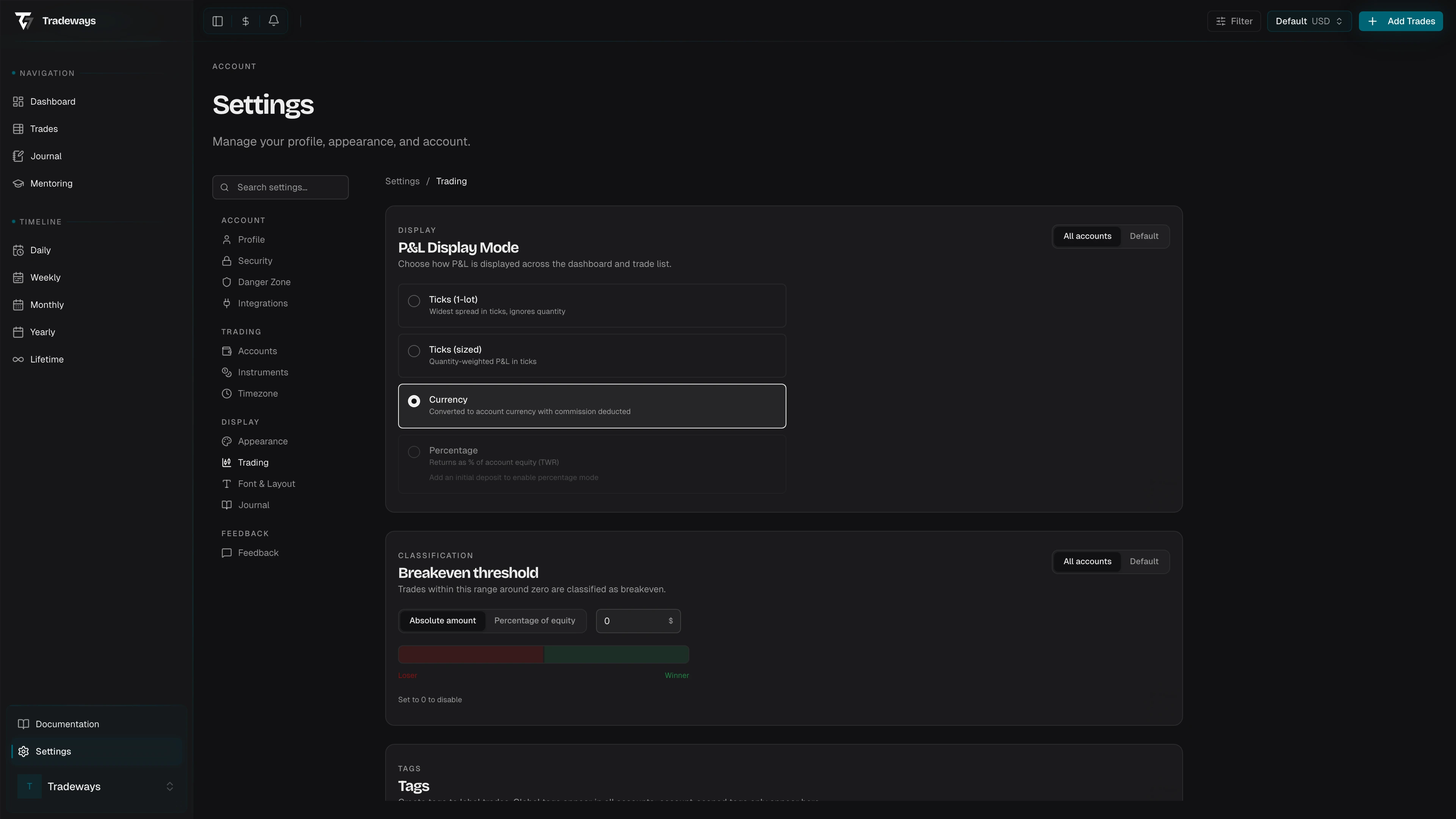
For the concept, classification logic, and how the threshold interacts with statistics, see Breakeven Threshold.
Unit
Choose how the band is measured:
| Unit | Behavior |
|---|---|
| Absolute amount | A currency amount in the account currency. A trade with an absolute P&L at or below this amount is classified as breakeven. |
| Percentage of equity | A percentage return on account equity. A trade whose absolute return is at or below the percentage is classified as breakeven. |
Switch units with the segment toggle. Switching resets the value to 0 so you can pick a sensible number for the new unit.
Value
Enter the threshold value next to the unit toggle. The suffix in the input updates to match the unit (currency symbol or %).
- Currency mode accepts values from
0to the per-account currency limit. - Percentage mode accepts values from
0%up to the percentage limit (stored internally as a decimal). - Setting the value to 0 disables the threshold entirely. Standard classification applies — positive P&L is a winner, negative is a loser.
A visual band below the input previews the classification zones: red (Loser) on the left, gray (Breakeven) in the middle, green (Winner) on the right. The middle zone scales with the value you enter, so you can see how aggressive your threshold is.
Include Commissions
Next to the value input is the Include commissions checkbox.
- On (default): the threshold is checked against net P&L — after commissions have been deducted. A trade that nets to roughly zero is breakeven.
- Off: the threshold is checked against gross P&L — before commissions. Use this if you want classification to ignore broker fees and focus only on price movement.
Scope: Global vs. Per-Account
The page header has a scope toggle that picks which level you're configuring:
| Scope | Behavior |
|---|---|
| All Accounts | The default for every account. |
| Active account | Overrides the global setting for the current account only. |
When a per-account override is set, a Reset action appears next to the toggle. Clicking it removes the override and reverts the account to the global threshold.
The same scope pattern applies to the P&L Display.
See Also
- Breakeven Threshold — concept, examples, and effect on statistics
- P&L Display — how P&L is shown, also scope-aware
- Accounts — set per-account currency and starting balance