

Breakeven Threshold
Reference for the breakeven threshold in Tradeways — how a currency amount or percentage defines the boundary between winning, losing, and breakeven trades.
The breakeven threshold widens the zone around zero P&L that counts as a breakeven trade. Without a threshold, any trade with positive P&L is a winner and any trade with negative P&L is a loser. With a threshold, trades whose P&L falls within the defined range are classified as breakeven instead.
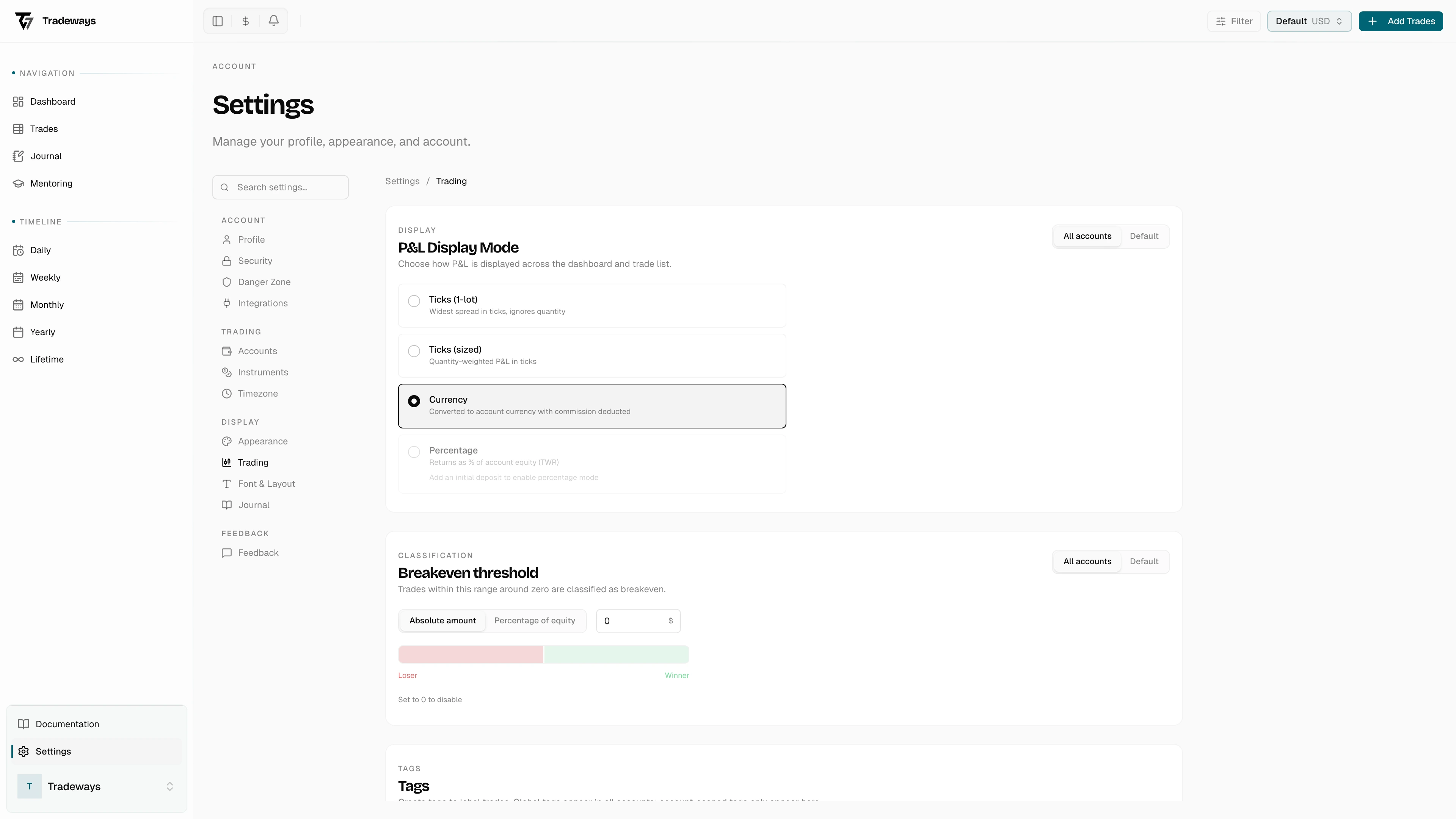
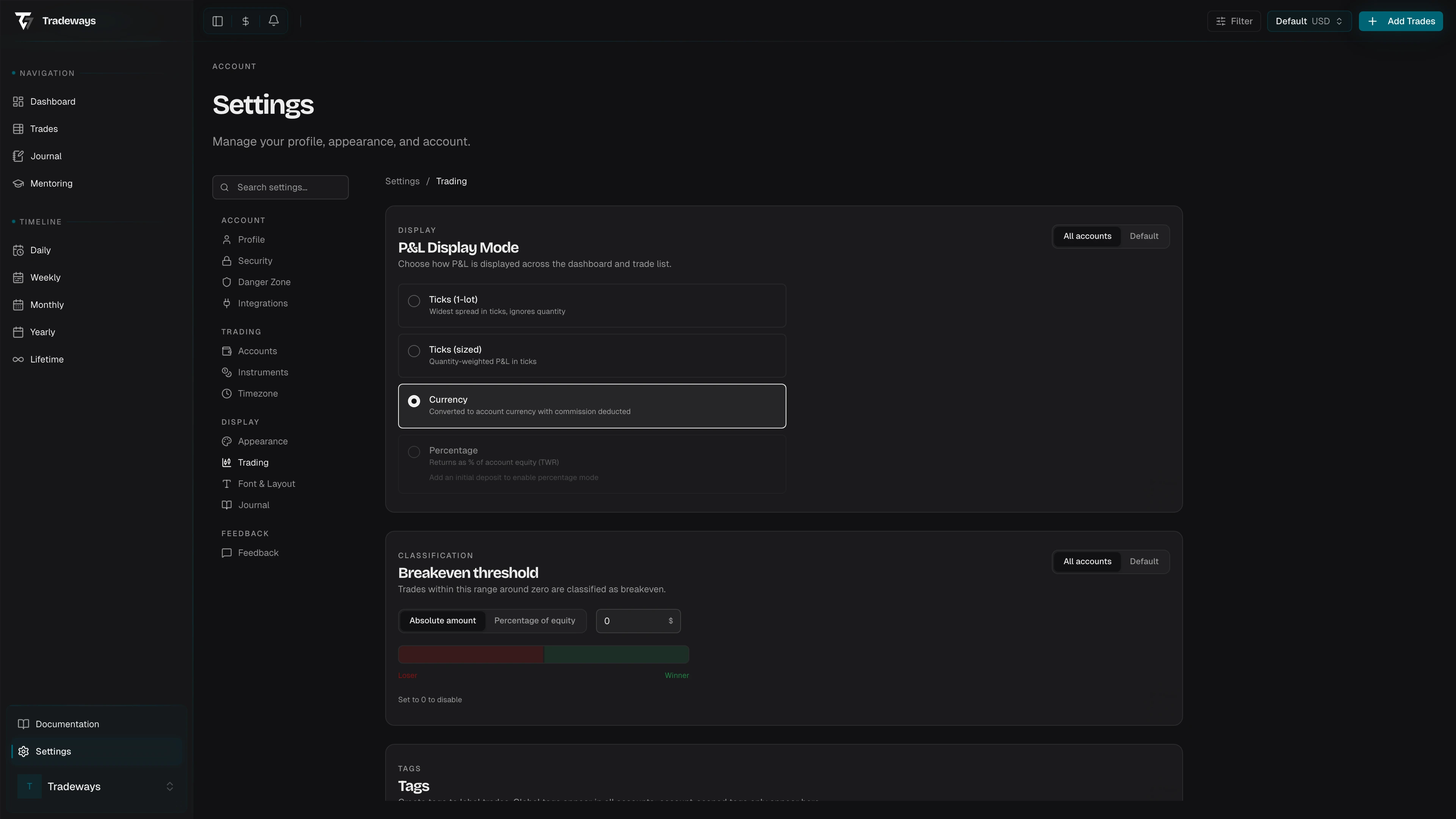
This is useful for traders who treat small gains or losses (such as those barely covering commission) as effectively flat.
Threshold Units
The threshold can be set in one of two units:
| Unit | How It Works | Example |
|---|---|---|
| Currency | Trades with an absolute P&L at or below the threshold amount are classified as breakeven. | Threshold of $5.00: a trade at +$3.20 or -$4.80 is breakeven. |
| Percentage | Trades with an absolute percentage return at or below the threshold are classified as breakeven. Stored as a decimal. | Threshold of 0.05 (5%): a trade at +2% or -4% is breakeven. |
Limits
- Currency threshold: maximum $100
- Percentage threshold: maximum 10% (stored as 0.1)
- A threshold value of 0 disables the feature and reverts to standard classification.
Classification Logic
When a threshold is active, the classification function checks the absolute value of the P&L against the threshold before applying the standard positive/negative split:
- If the threshold unit is percentage and a percentage return is available, compare
|percentageReturn|against the threshold value. - If the threshold unit is currency, compare
|currencyPnl|against the threshold value. - If the absolute value is at or below the threshold, classify as breakeven.
- Otherwise, classify as winner (positive) or loser (negative).
When no threshold is set, the standard rule applies: positive P&L is a winner, negative is a loser, and exactly zero is breakeven.
Scope
The breakeven threshold can be configured at two levels:
| Level | Description |
|---|---|
| Global | Set in user settings. Applies to all accounts unless overridden. |
| Per-account | Set on a specific trading account. Overrides the global threshold for that account only. |
The resolution cascade is: per-account threshold (if set) > global user threshold > no threshold.
Mentor View
When viewing trades as a mentor, the viewer's own breakeven threshold is applied instead of the account owner's. Percentage mode is disabled in mentor view; only currency thresholds are supported.
Impact on Statistics
Every statistic that depends on trade result classification respects the threshold. Breakeven trades are excluded from the win rate ratio and from both the average-winner and average-loser metrics. Filtering by "breakeven" includes any trade reclassified by the threshold. All result-based dashboard widgets reflect the same logic.
Win rate is winners divided by winners plus losers. A period with only breakeven trades has no win rate. Reward-to-risk divides the average winner by the absolute average loser, using account-currency P&L and the same trade classifications.
Breakeven P&L still contributes to total P&L and expectancy. Expectancy is the average P&L across all trades with a known P&L, including breakevens. A trade with an unavailable currency conversion is excluded from the affected monetary average rather than counted as zero.