

Instruments
Manage instrument configuration, P&L settings, and commission rates for all your traded symbols.
Instruments
Configure the instruments you trade and their commission rates. Access this page in Settings → Instruments.
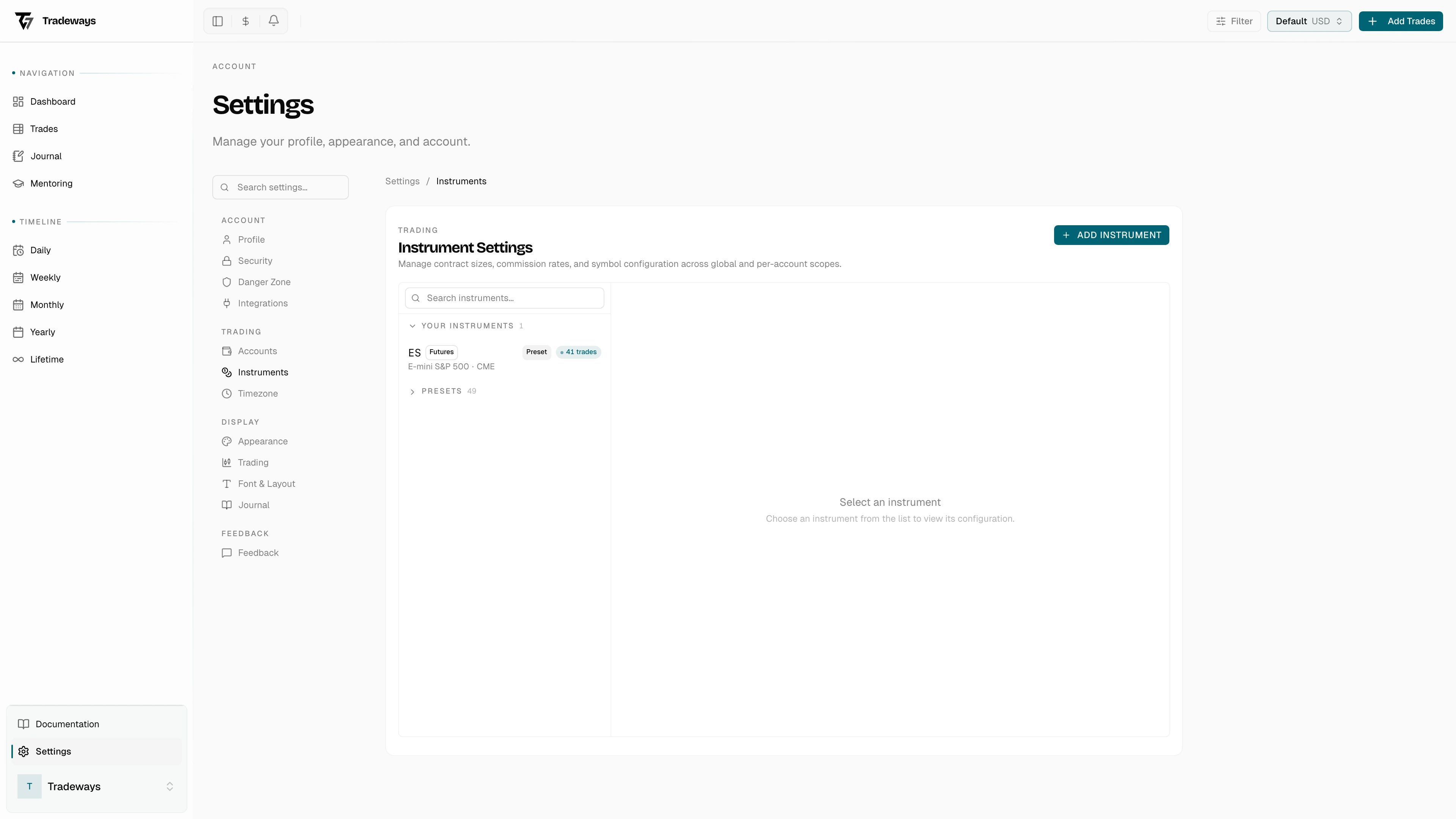
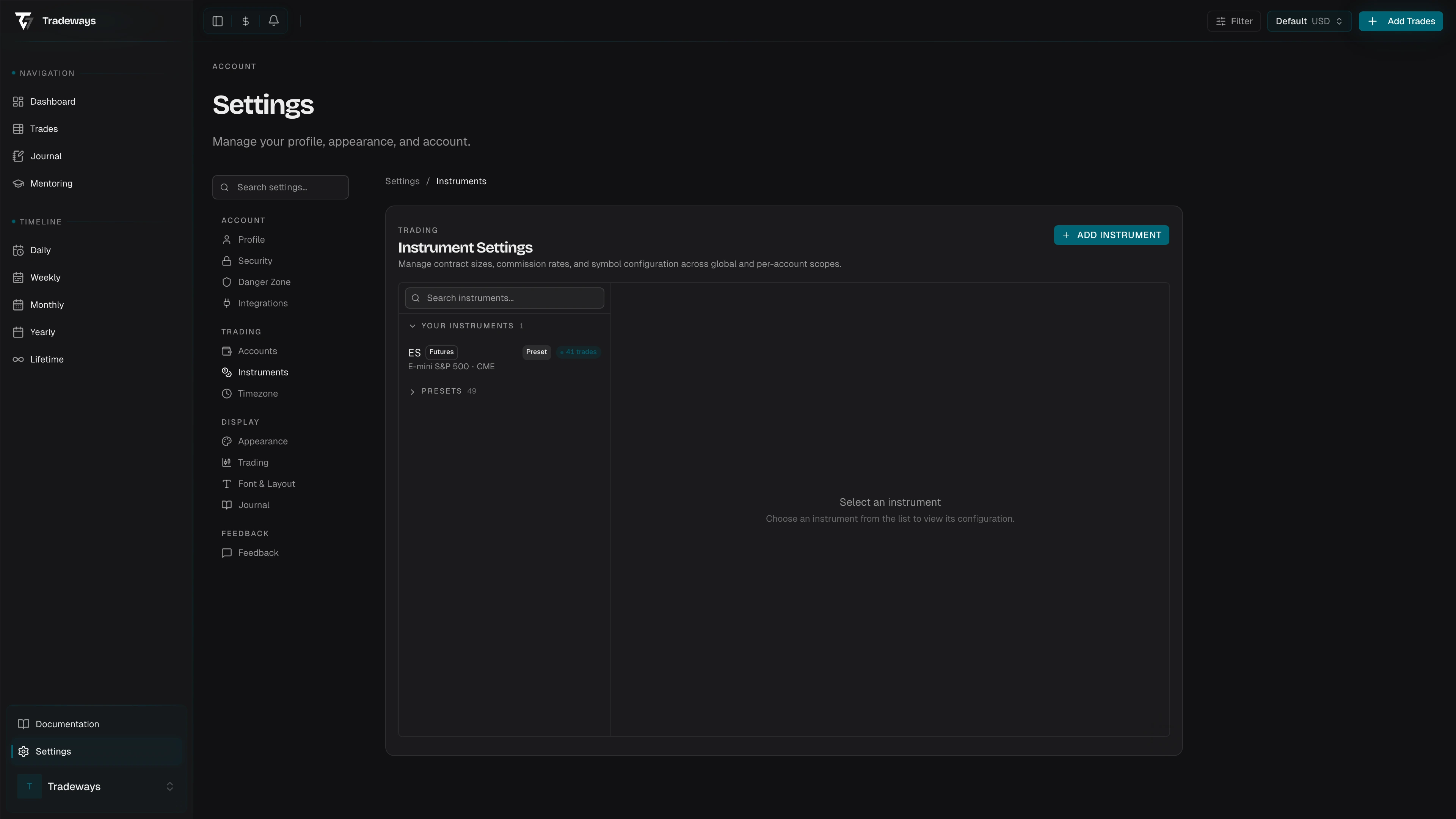
Desktop: a searchable instrument list on the left with a detail panel on the right. Mobile: a list view that opens a sheet drawer when you select an instrument.
Instrument List
The list is grouped into three collapsible sections:
| Section | Contents | Default state |
|---|---|---|
| Your Instruments | Custom instruments and presets that have trades | Always expanded |
| Archived | Soft-deleted instruments (trades are kept) | Collapsed |
| Presets | Built-in instruments provided by Tradeways | Collapsed |
Use the search bar to filter by symbol, name, or exchange. Each row shows:
- Symbol (monospace) and Name
- Asset class badge (futures, stocks, crypto, forex, CFD)
- Source badge — Preset or Custom
- Trade count and P&L currency
- Effective commission rate (editable inline)
Instrument Detail
Select an instrument to view or edit its configuration.
Editable Fields (Custom Instruments)
Each custom instrument has a Symbol, a Name, an Asset Class (Futures, Stocks, Crypto, Forex, or CFD), a P&L Unit (Ticks or Currency), a Lot Size (default 1), a P&L Currency (ISO 4217), and an optional Exchange. Renaming the symbol triggers a recalculation warning if any trades reference the instrument.
When the P&L unit is Ticks, you also configure Tick Size (e.g. 0.25 for ES) and Point Value (dollar value of one full point); the Tick Value is derived from both.
When the P&L unit is Currency, you configure a Contract Multiplier that scales price changes.
Preset Instruments
Preset instruments are read-only. To customize a preset, click Create an account override — this creates a local copy you can edit without affecting the original preset.
Actions
Edit modifies any editable field on a custom instrument. Archive soft-deletes the instrument, preserving existing trades and moving it to the Archived section. Restore returns an archived instrument to the active list. Delete Permanently is only available when no trades reference the instrument.
Commissions
Commission rates are configured directly on the instruments page with a scope toggle to switch between Global and per-account rates.
Rate Levels
The cascade is per-symbol → per-exchange → default → 0. The most specific rate wins; if nothing is configured at any level, the commission is 0.
Editing Rates
All rate fields are editable inline. Rates are per contract, per side (e.g. $2.50/side = $5.00 round-trip). Click the delete button on a symbol or exchange rate to remove it and fall back to the inherited rate.
Recalculation Warning
Changing any P&L-affecting field — tick size, point value, contract multiplier, lot size, P&L unit, P&L currency, or symbol — triggers a confirmation dialog:
"Changing specs for ES will recalculate P&L for 42 trades. This cannot be undone."
Review the affected trade count before confirming.