
गोपनीयता
अपनी ऑनलाइन स्थिति नियंत्रित करें और ब्लॉक किए गए यूज़र मैनेज करें।
गोपनीयता
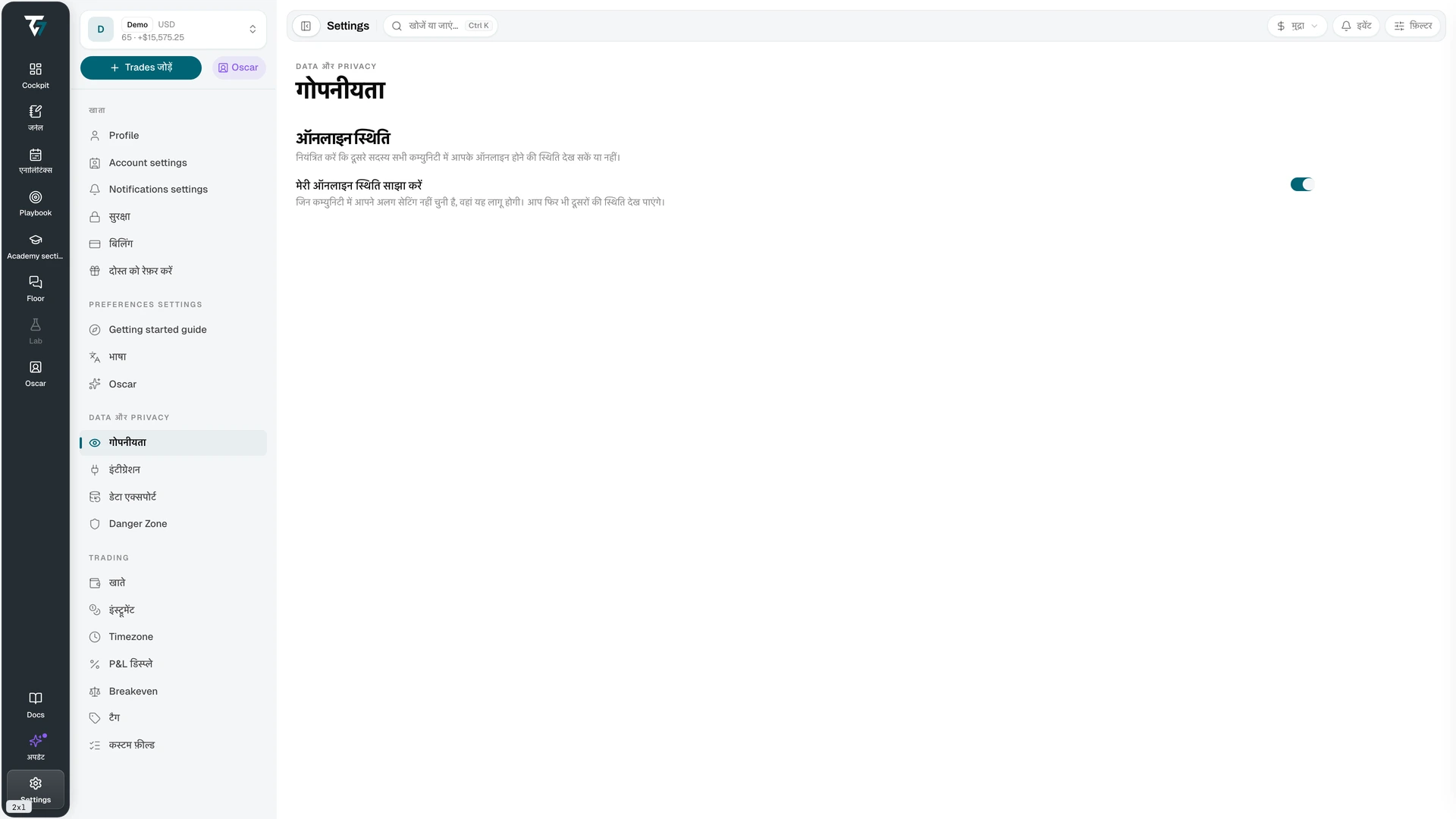
अपनी ऑनलाइन स्थिति नियंत्रित करें और ब्लॉक किए गए यूज़र मैनेज करें। यह पेज Settings → गोपनीयता में मिलेगा।
ऑनलाइन स्थिति
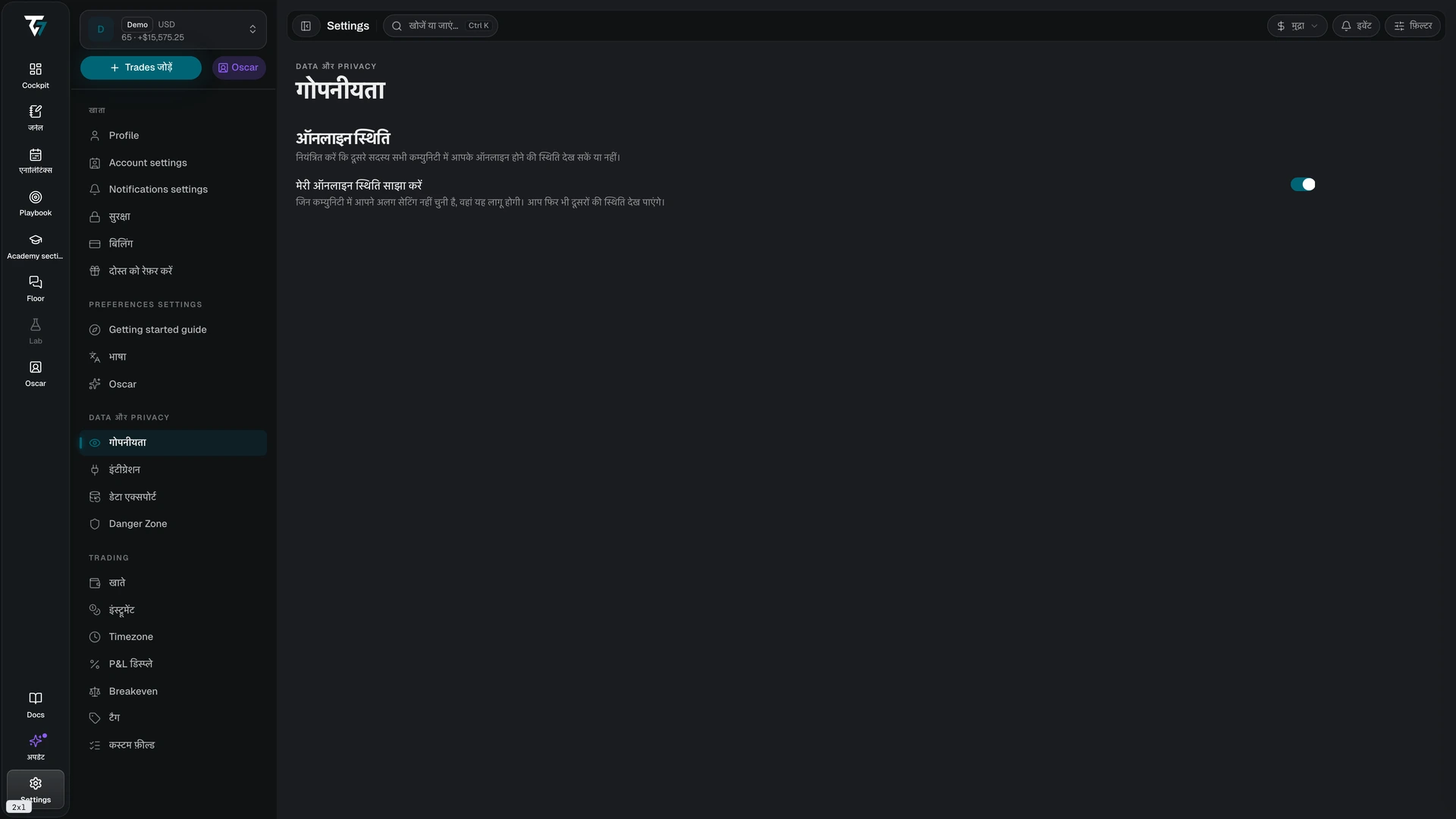
मेरी ऑनलाइन स्थिति साझा करें तय करता है कि दूसरे सदस्य आपको कम्युनिटी में ऑनलाइन देख सकते हैं या नहीं।
टॉगल बंद होने पर आपका नाम हर कम्युनिटी की सदस्य सूची से हट जाता है। आप फिर भी देख सकते हैं कि और कौन ऑनलाइन है। यह सेटिंग नियंत्रित करती है कि दूसरे आपके बारे में क्या देखते हैं, यह नहीं कि आप उनके बारे में क्या देखते हैं।
हर कम्युनिटी के लिए अलग सेटिंग
यह टॉगल पूरे खाते का डिफ़ॉल्ट है। जिस कम्युनिटी में आप अपनी विज़िबिलिटी सेट करते हैं, वहां वही चयन इस्तेमाल होता है। उस कम्युनिटी का चयन यहां दिए गए डिफ़ॉल्ट पर प्राथमिकता लेता है। कम्युनिटी के अपने नोटिफ़िकेशन सेटिंग्स पेज पर अलग सेटिंग चुनें।
ब्लॉक किए गए यूज़र
आप जिन यूज़र को ब्लॉक करते हैं, वे ब्लॉक किए गए यूज़र सेक्शन में दिखते हैं। हर एंट्री में यूज़र और उसे ब्लॉक करने की तारीख दिखती है।
ब्लॉक हटाने के लिए अनब्लॉक करें चुनें। विज़िबिलिटी तभी वापस आती है जब दूसरे यूज़र ने आपको ब्लॉक न किया हो। ब्लॉक करने से आप दोनों के बीच मैसेज, ऑनलाइन स्थिति और प्रोफ़ाइल छिप जाती हैं। इससे आप दोनों के बीच Mentoring के लिए शेयर किया गया एक्सेस भी समाप्त हो जाता है।
सूची में और यूज़र होने पर और लोड करें चुनें। लोड होने में एरर आने पर फिर से कोशिश करने का विकल्प मिलता है।
संबंधित सेटिंग्स
- प्रोफ़ाइल — नियंत्रित करती है कि आपकी पब्लिक प्रोफ़ाइल पर क्या दिखता है
- सपोर्ट — आपके खाते के डेटा के लिए अस्थायी सपोर्ट एक्सेस नियंत्रित करता है
- Danger Zone — आपका खाता और उसका डेटा हटाता है