

Data Export
Export trade history as a CSV file for accounting, tax, or archive workflows.
Data Export
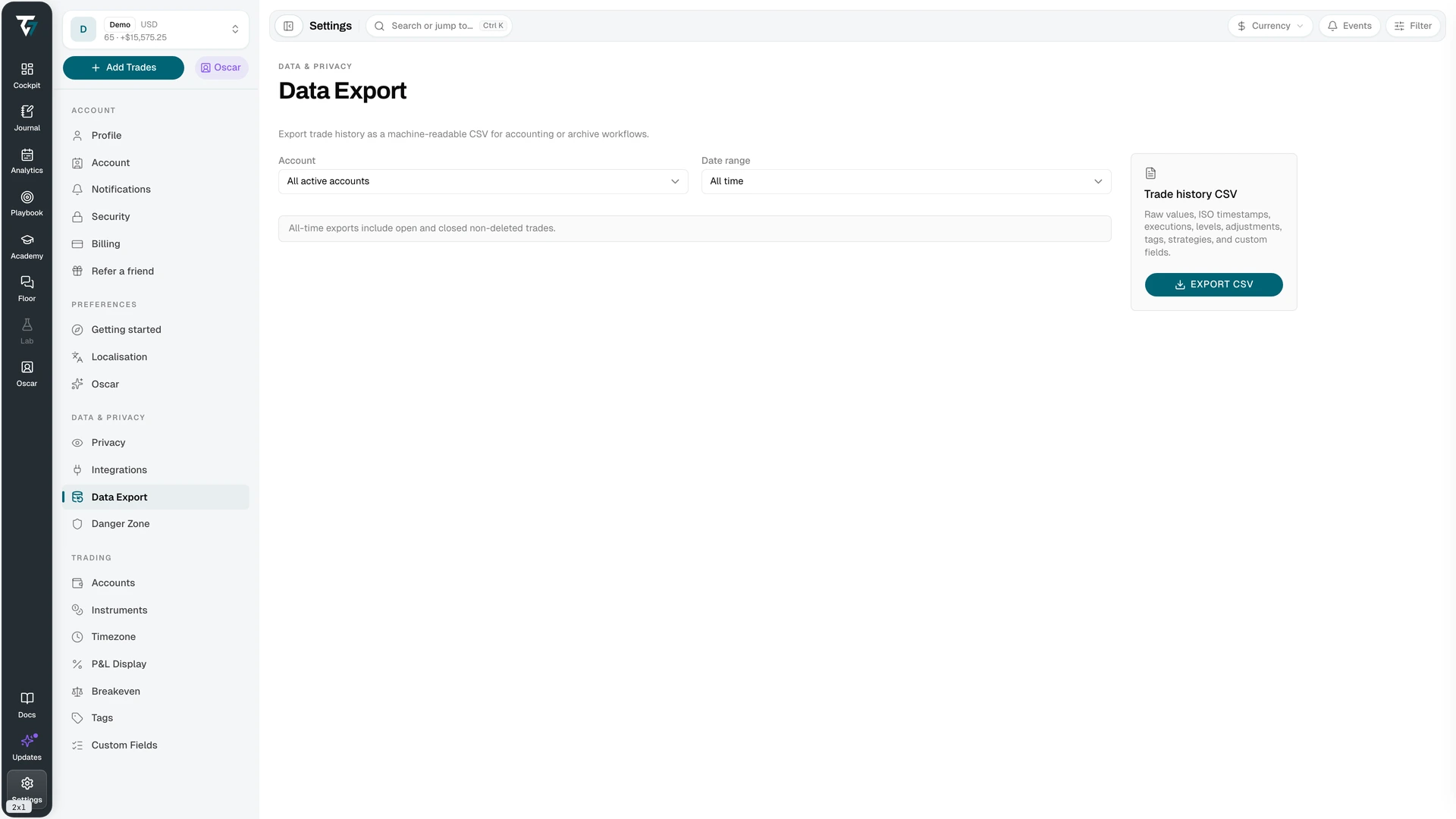
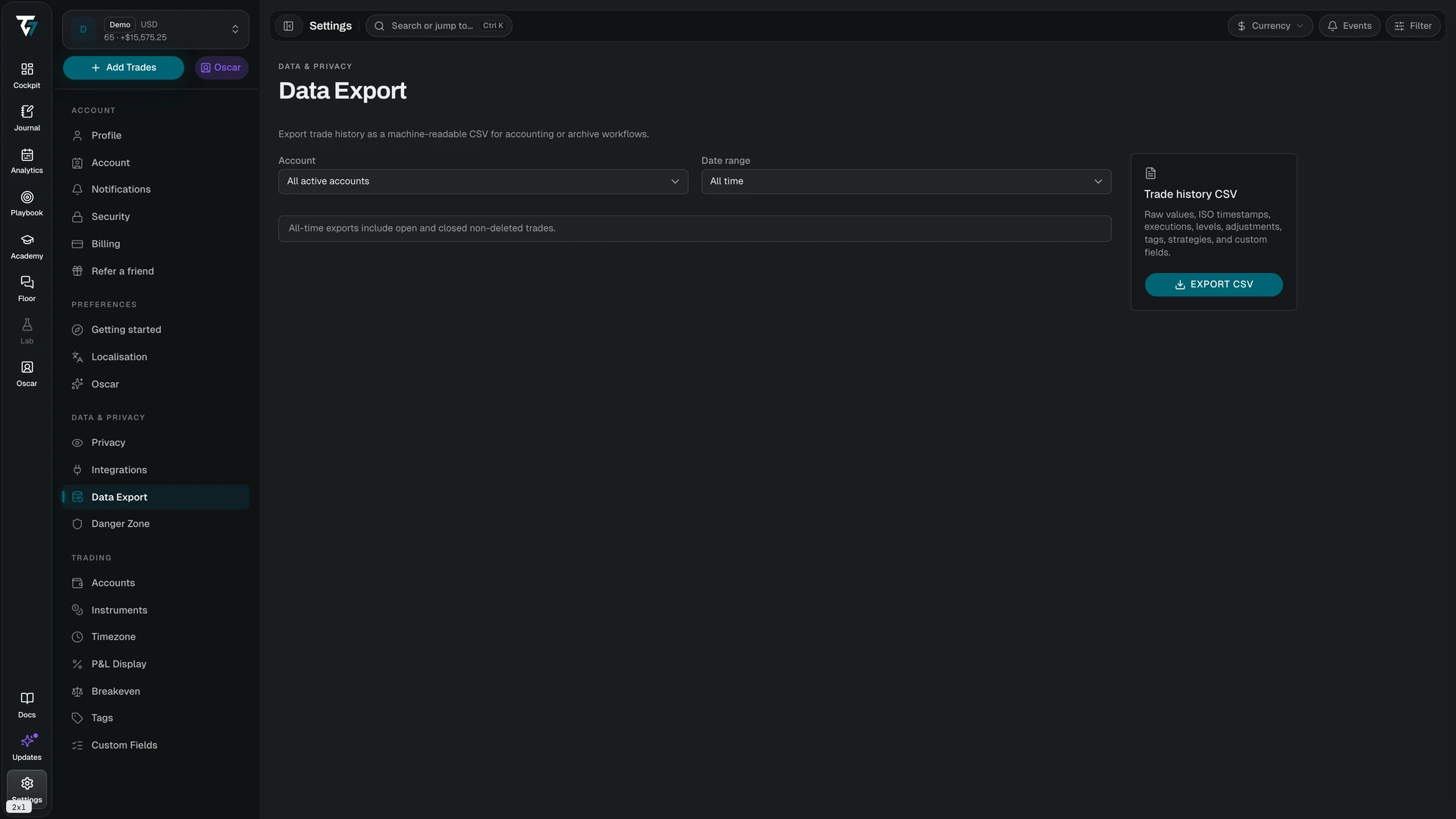
Download your trade history as a machine-readable CSV. Access this page in Settings → Data Export.
Account
Export a single trading account or All active accounts. Archived accounts are not included.
Date Range
Four options:
- All time — every open and closed trade that has not been deleted
- Current year
- Previous year
- Custom range — pick a start and end date
Period exports (current year, previous year, and custom range) use each trade's closed timestamp, so they contain closed trades only. Open positions appear in all-time exports only.
Range boundaries follow your timezone setting, not UTC. A custom range from 1 January to 31 January covers both days in full, in your local time.
What the File Contains
One row per trade, with raw values rather than formatted display values:
- ISO 8601 timestamps
- Executions, price levels, and adjustments
- Tags, strategies, and custom fields
Because the values are raw, the file is safe to feed to a spreadsheet, an accountant, or another journal. P&L is exported in the trade's own account currency, so a multi-currency export contains more than one currency — see Multi-Currency.
Running an Export
Select the account and range, then click Export CSV. The file is generated on demand and downloaded straight to your device. There is no email step and no expiring link to keep track of.
Large exports can time out. If the export fails, narrow the date range and run it again — several yearly exports are equivalent to one all-time export.