

Refer a Friend
Share a referral link, track the friends who join, and earn a subscription discount.
Refer a Friend
Share a link, and both sides get a discount. Access this page in Settings → Refer a friend.
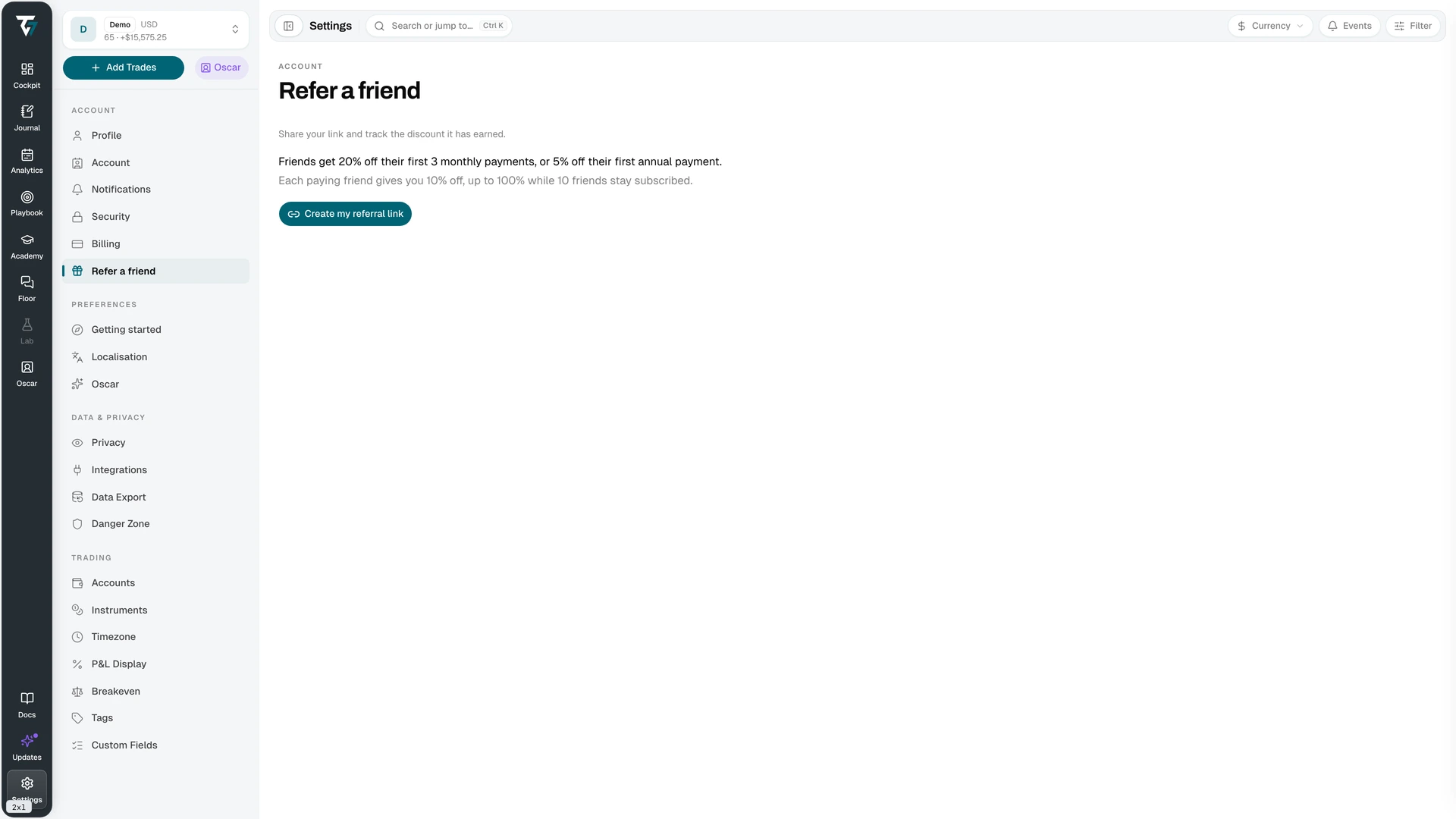
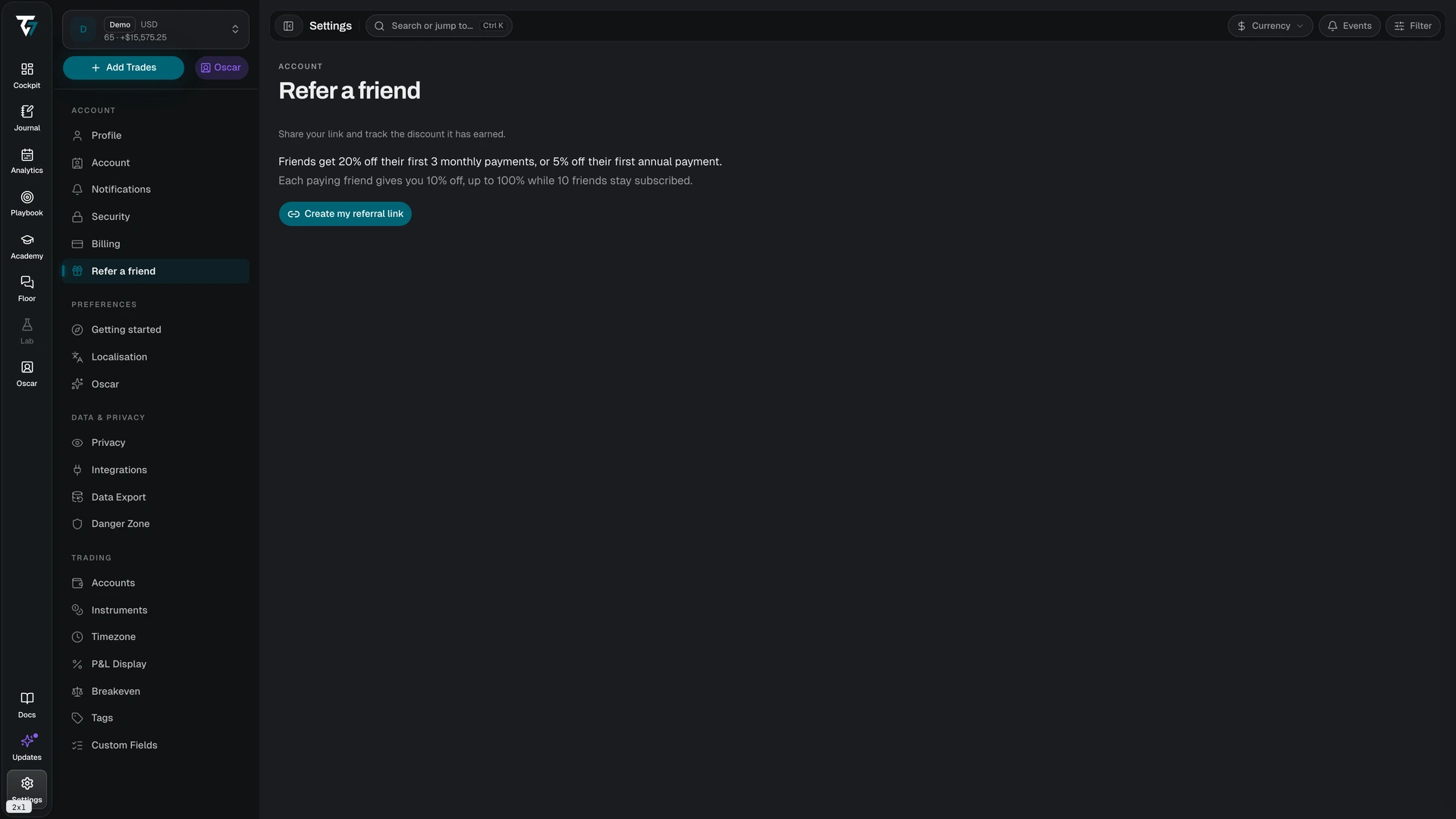
Creating Your Link
The program starts when you click Create my referral link. That mints a personal link with a short code you can read aloud or copy from a screenshot — the code alphabet leaves out characters that are easy to confuse, such as zero and capital O.
The link is permanent. Copy it with the button beside it and share it anywhere.
The Rewards
Your friend gets: 20% off their first three monthly payments, or 5% off their first annual payment.
You get: 10% off your own subscription for each friend who becomes a paying subscriber, up to 100% with ten paying friends. Your subscription is free while ten friends stay subscribed.
The discount is tied to friends who currently pay. If a referred friend cancels, your tier drops accordingly.
Tracking
Four numbers sit above the friends table:
- Clicks — lifetime clicks on your link
- Signups — accounts created through it
- Paying friends — those who went on to subscribe
- Your discount — the percentage you have earned
A line below states where the discount stands: not started, applied from the next invoice, pending your own subscription, or still syncing with billing. Discount changes reach your invoice automatically; there is nothing to redeem.
The Referred friends table lists each person by display name, their status (Signed up or Subscribed), and the date they joined. Longer lists load in pages.
Invitation Links
Invitation links are a separate mechanism. They grant a set number of days of plan access, and Tradeways issues them directly — you cannot create one from this page.
An invitation link can allow one or multiple redemptions. Opening one shows the plan and the number of days on offer, and asks you to sign in or create an account before redeeming. An account that already has active access cannot redeem one.
A link stops working when it reaches its redemption limit, expires, or is revoked. The page states which of those happened.
Related
- Billing — where the discount appears on your subscription