Notifications
Control community notifications in the app and marketing emails from Tradeways.
Notifications
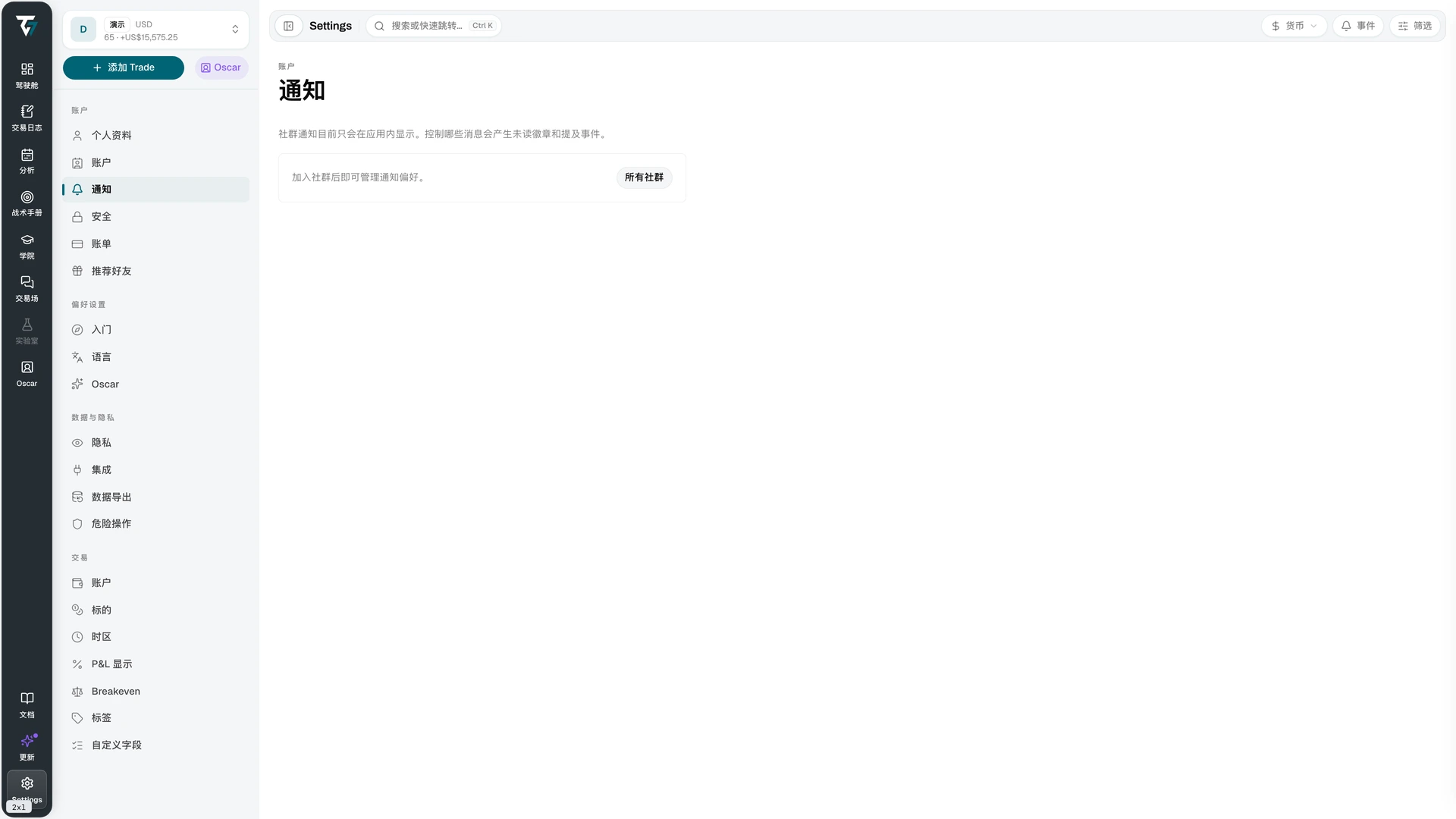
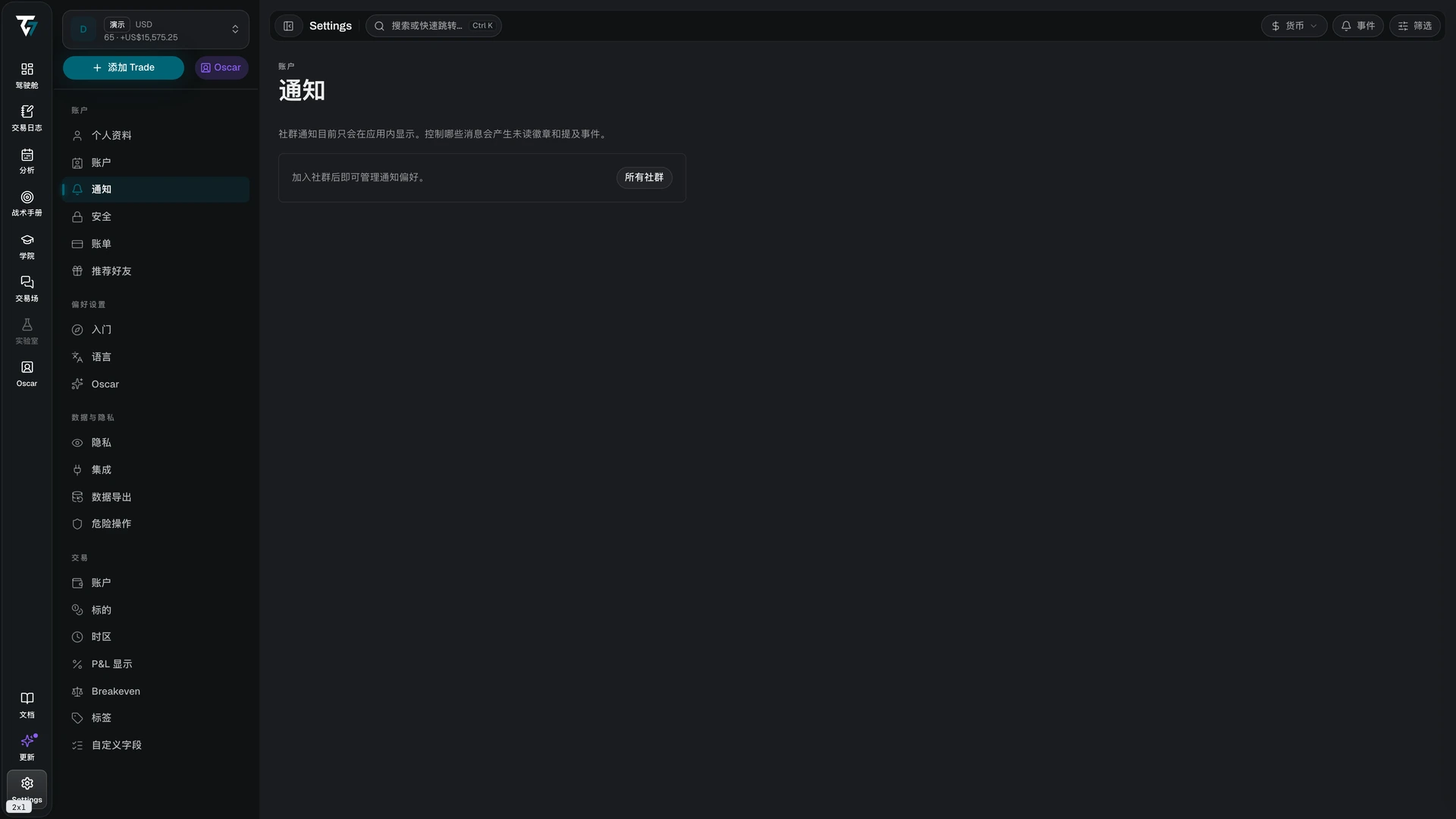
Control which community messages reach you. Access this page in Settings → Notifications.


Community notifications are in-app only. They create unread badges and mention events inside Tradeways; they do not send email or push messages.
Notification Levels
Every community you have joined is listed with its own level:
- All — every message creates an unread badge
- Mentions — only messages that mention you
- None — no badges and no mention events
Changes save immediately and apply to that community only. If you have not joined a community yet, the page shows an empty state with a link to the community list.
Email Preferences
Marketing emails are managed separately, from a link in the footer of any Tradeways email. That link opens a preferences page tied to the address that received the email, so no sign-in is needed.
Four topics can be turned on or off independently:
- Marketing follow-ups — reminders about an unfinished checkout
- Product updates — new and changed features
- Trading tips and education — the educational newsletter
- Occasional offers — pricing and promotion emails
Stop all marketing emails turns off all four at once. Account and billing emails are transactional, not marketing, and are always delivered.
Preference links expire. If the page reports an invalid link, open the newest Tradeways email and use the link in its footer.