

Passkeys
Sign in to Tradeways without a password using passkeys.
Passkeys
Passkeys let you sign in without typing a password. Instead, your device authenticates you using biometrics (fingerprint, face recognition) or a hardware security key via the WebAuthn standard.
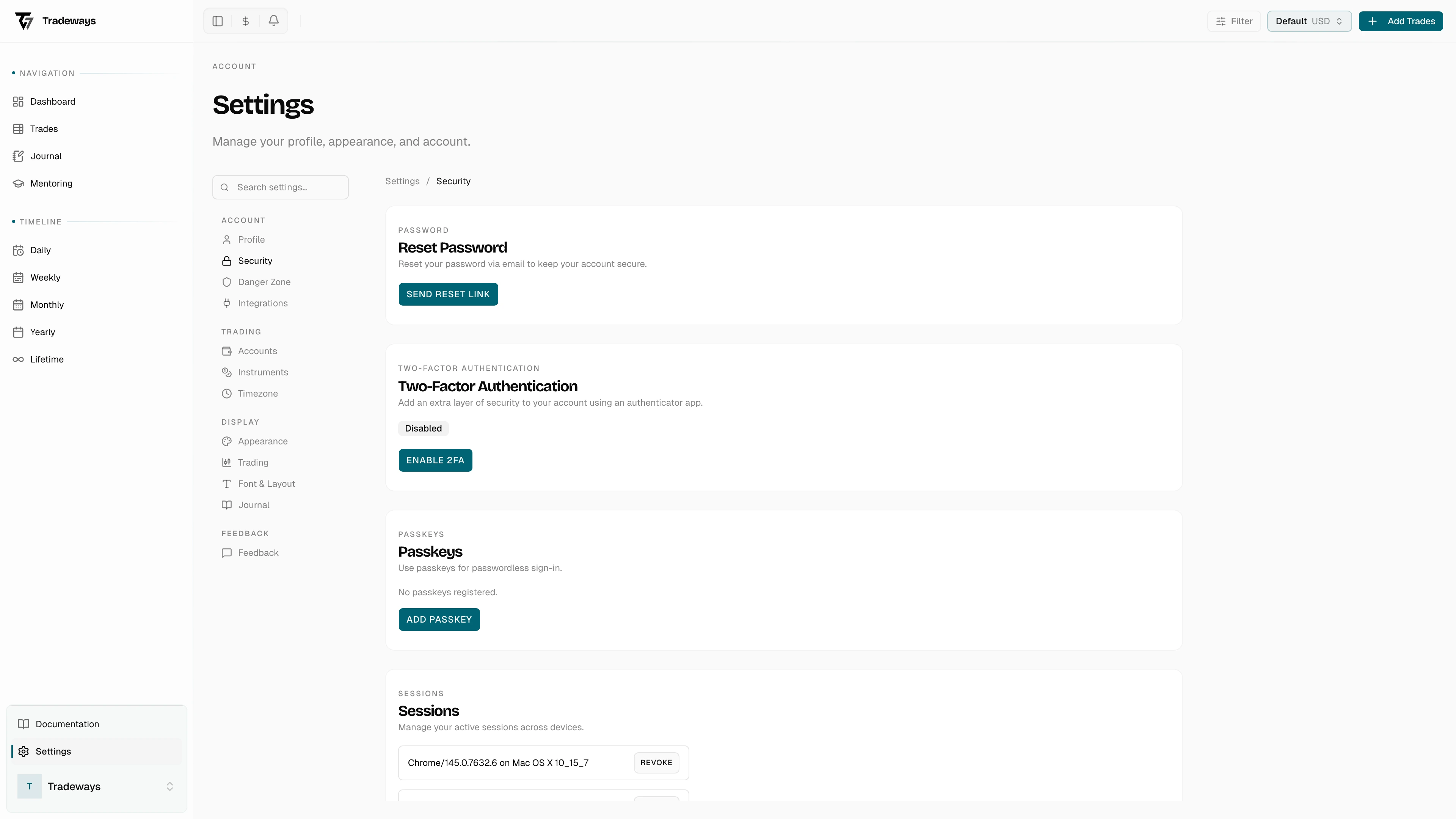

Sign In with a Passkey
- Go to the sign-in page.
- Click Sign in with passkey.
- Follow your browser's prompt to authenticate (Touch ID, Face ID, Windows Hello, security key, etc.).
You are redirected to the dashboard after successful authentication.
Browser and Device Support
Passkeys are supported in most modern browsers, including Chrome, Safari, Edge, and Firefox. Your device must have a compatible authenticator (built-in biometrics or an external security key).
If your browser or device cannot complete the passkey prompt, Tradeways reports the failed attempt. Use email and password sign-in as a fallback.
Managing Passkeys
Add, name, and remove passkeys in Security Settings. You can register multiple passkeys for different devices.