

Password Reset
Reset your Tradeways account password if you forgot it.
Password Reset
If you forgot your password, you can reset it via email.
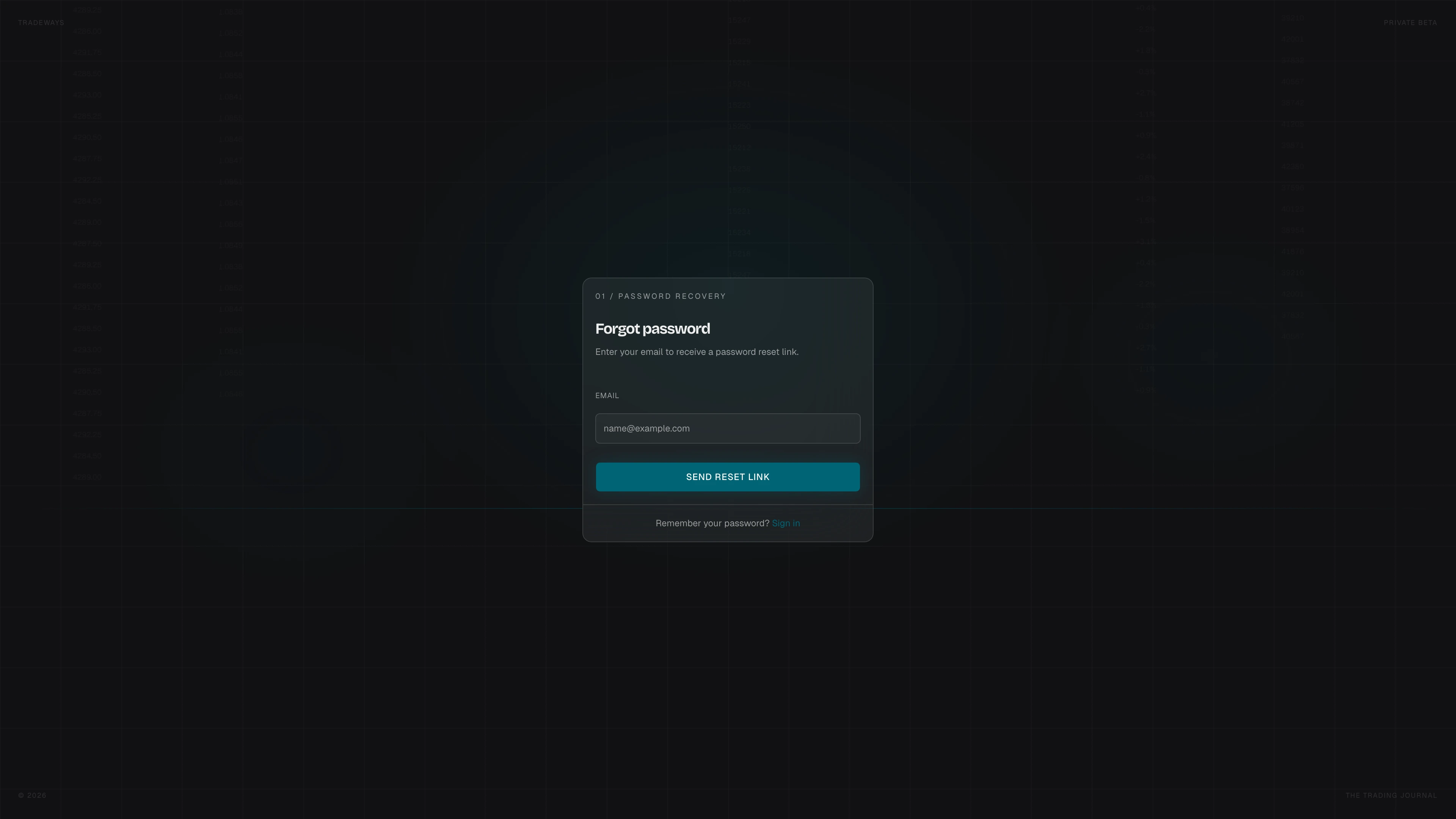
Request a Reset Link
- Go to tradeways.app/auth/forgot-password (or click Forgot password? on the sign-in page).
- Enter the Email associated with your account.
- Click Send Reset Link.
- Check your inbox for the reset email and click the link.
Set a New Password
The link takes you to the reset password form.
- Enter a New Password and Confirm Password.
- Click Reset Password.
The same password requirements apply. After a successful reset you are redirected to the sign-in page.
Back to Sign In
Click Back to sign in at the bottom of either form to return to the sign-in page.