

Asset Classes
Reference for the five asset classes in Tradeways — stocks, futures, crypto, forex, and CFDs — and how they affect instrument configuration, P&L calculation, and display.
Every instrument in Tradeways belongs to one of five asset classes. The asset class determines how P&L is calculated, which unit labels are used, and how the instrument is auto-detected during import.
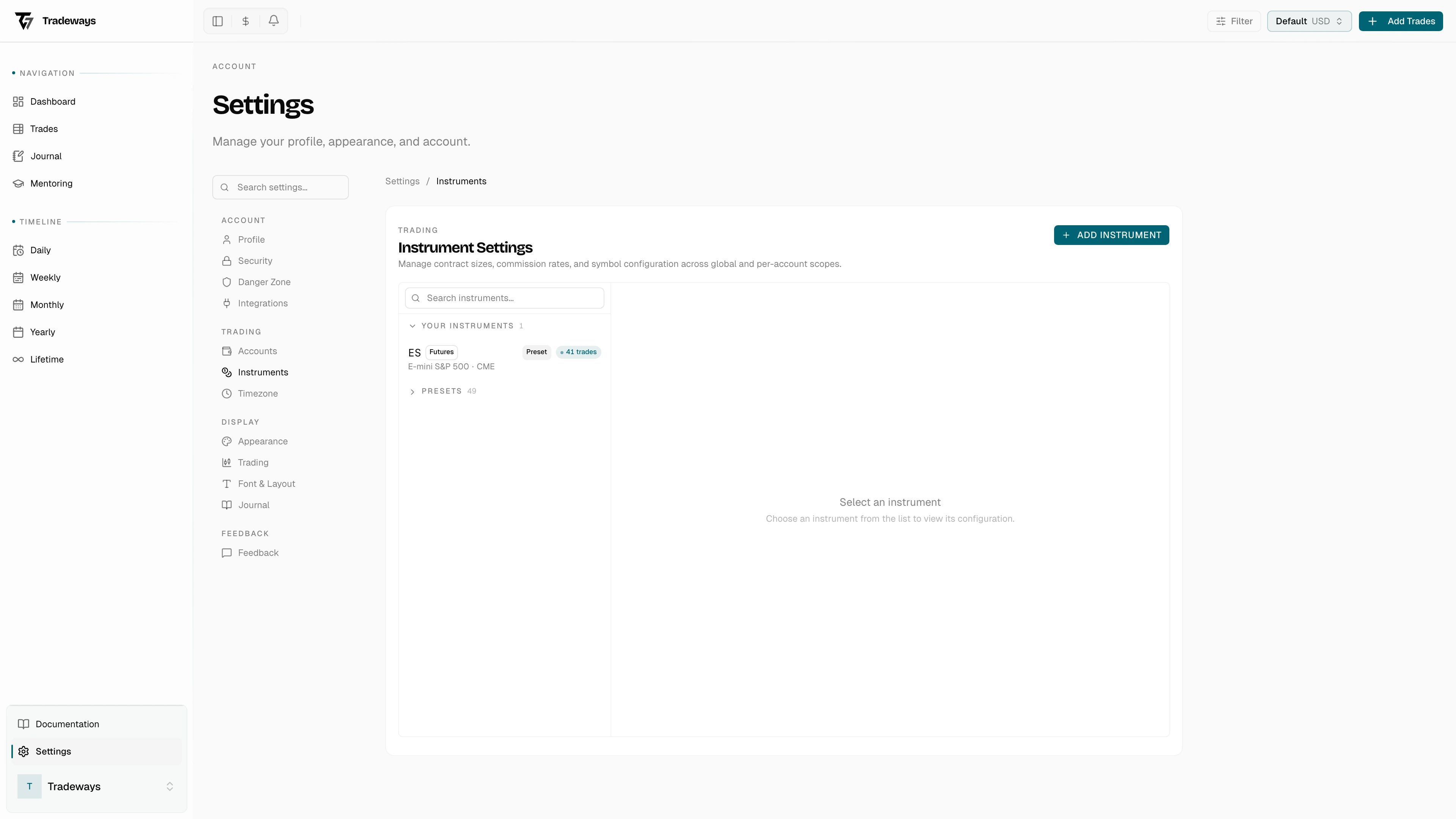
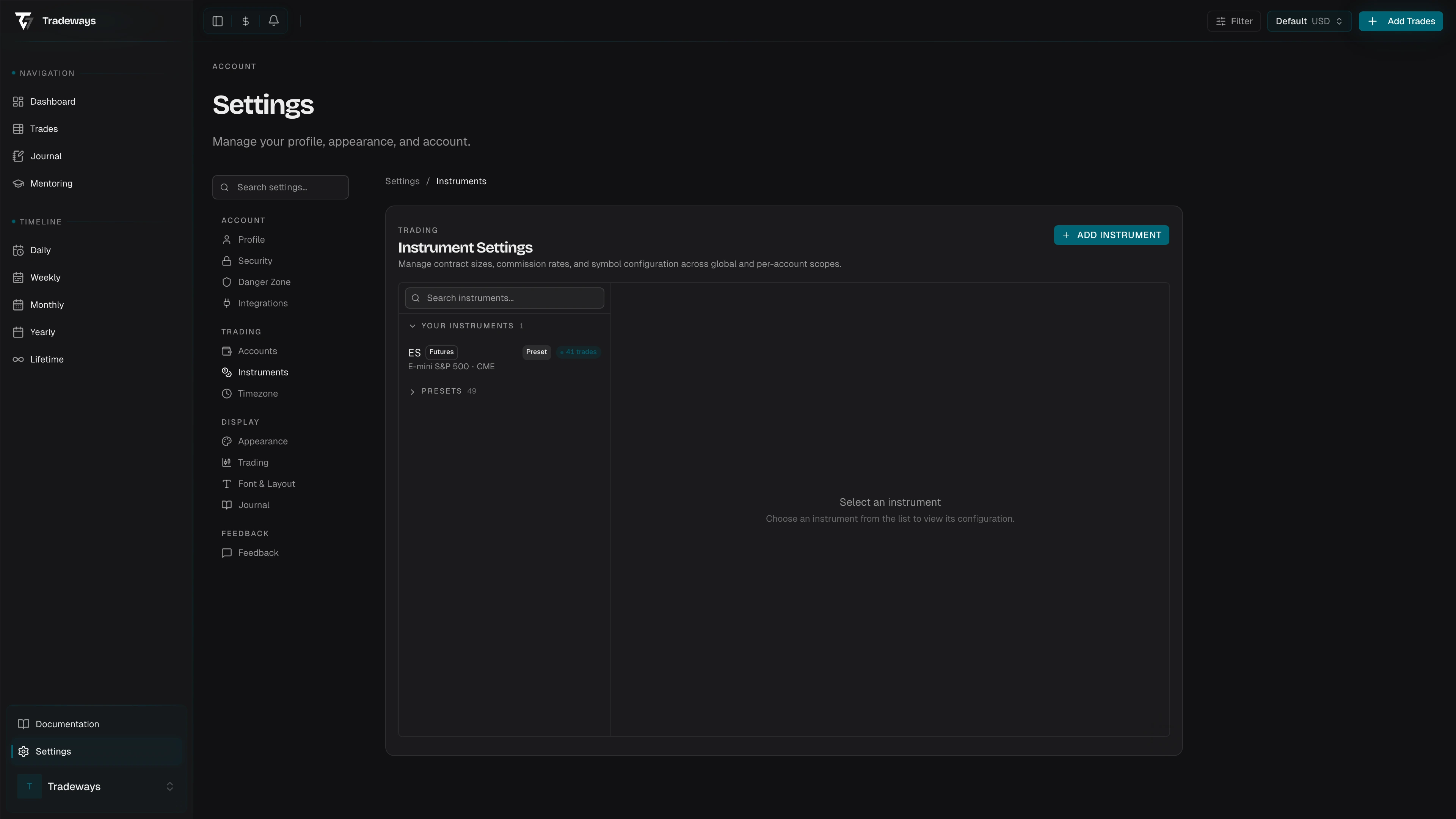
Supported Asset Classes
| Asset Class | P&L Model | Lot Size (default) | Unit Name | Suffix | Typical Instruments |
|---|---|---|---|---|---|
| Futures | Tick-based | 1 | Ticks | t | ES, NQ, CL, GC, FDAX |
| Forex | Currency-based | 100,000 | Pips | p | EUR/USD, GBP/JPY, AUD/CAD |
| Stocks | Currency-based | 1 | Cents | ct | AAPL, TSLA, MSFT |
| Crypto | Currency-based | 1 | Points | pt | BTC/USD, ETH/USDT, SOL/USDC |
| CFD | Currency-based | 1 | Points | pt | US30, GER40, XAUUSD, USOIL |
P&L Calculation Models
Tick-Based (Futures)
Futures use a tick-based model. Price differences are divided by the tick size to produce a tick count, then multiplied by the point value to reach a currency amount.
pnlInTicks = priceDifference / tickSize
pnlInCurrency = pnlInTicks x tickSize x pointValue
Each futures contract has a unique tick size and point value — for example, ES has a tick size of 0.25 and a point value of $50, making one tick worth $12.50.
Currency-Based (Forex, Stocks, Crypto, CFDs)
All non-futures asset classes use a currency-based model. The P&L is the price difference multiplied by the quantity and contract multiplier.
pnlInCurrency = priceDifference x quantity x contractMultiplierThe contract multiplier is typically 1 for spot instruments. The lot size affects how quantities are displayed and how commission is computed, but is not part of the P&L formula itself.
Auto-Detection
When Tradeways encounters a new symbol during import, it uses the asset class to drive auto-detection:
| Asset Class | Detection Method |
|---|---|
| Futures | Matched against built-in presets (ES, NQ, CL, GC, FDAX, and 40+ others) |
| Forex | Any 6-character symbol or slash-separated pair where both halves are valid ISO 4217 currency codes |
| Crypto | Symbols ending in known quote currencies (USD, USDT, USDC, BTC, ETH) |
| CFD | Matched against a built-in map of common index, commodity, and metal CFD names |
| Stocks | Fallback — any symbol that does not match the above is treated as a stock |
Filtering by Asset Class
The trade filter supports filtering by one or more asset classes. This filter is available in the trade log, dashboard, and all time-period views. The filter applies consistently across both server-side and client-side filtering.
Where Asset Class Is Used
Asset class drives P&L calculation (tick-based vs. currency-based formula), unit labels (ticks, pips, points, or cents in tick modes), instrument auto-detection during import, and commission resolution (futures use exchange-level rates; other classes use per-symbol or default rates). For CFDs, the asset class also drives currency resolution via a built-in map.