

Edgewonk
Exportez vos trades depuis Edgewonk et importez-les dans Tradeways.
Edgewonk
Importez des trades depuis le classeur d'export de trades Edgewonk.
Exporter depuis Edgewonk
- Ouvrez Edgewonk et accédez à la zone d'export des trades.
- Exportez vos trades sous forme de fichier Excel.
- Si Edgewonk produit un fichier
.xls, ouvrez-le dans Excel ou LibreOffice et enregistrez-le au format.xlsx.
Importer dans Tradeways
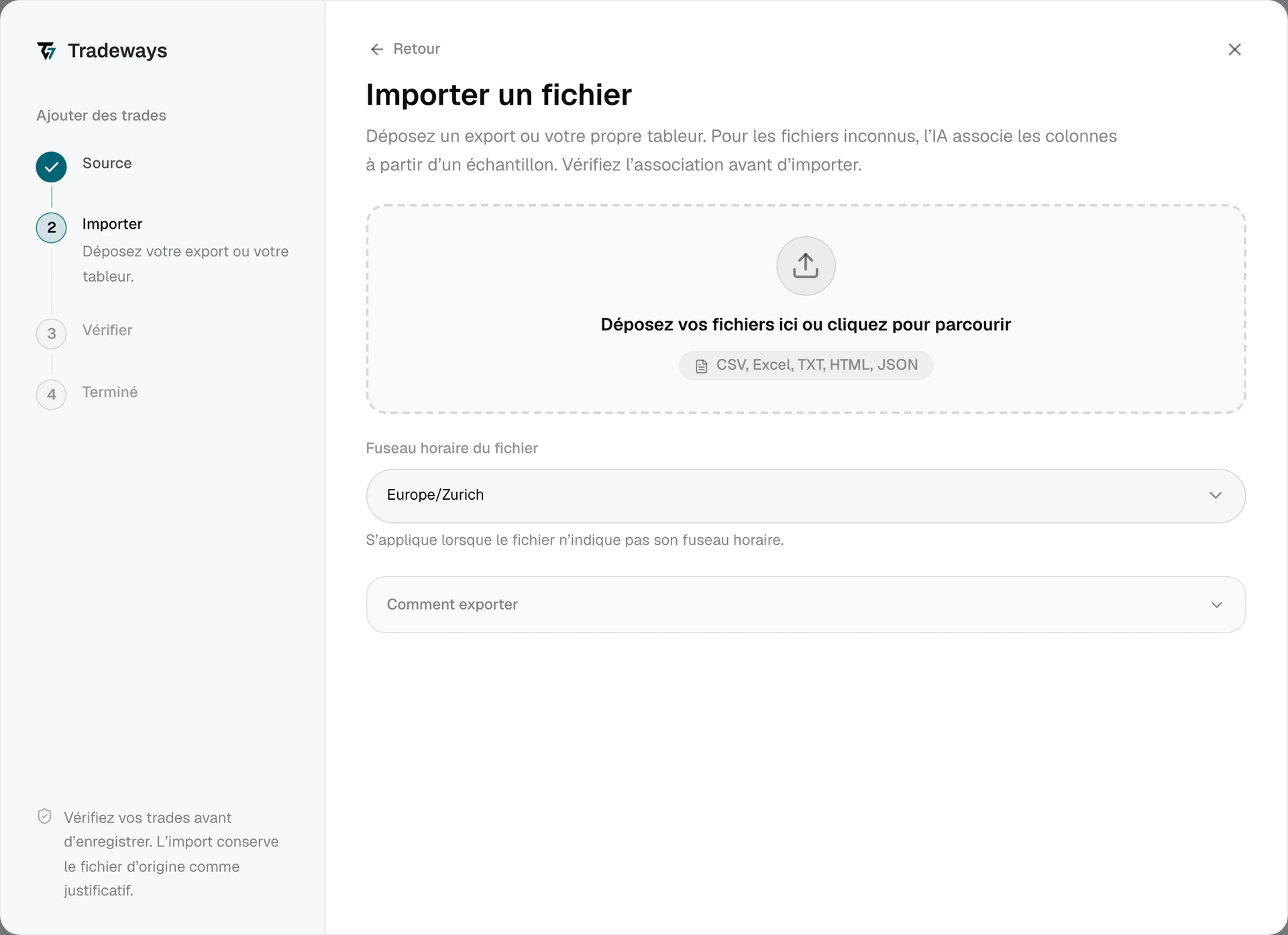
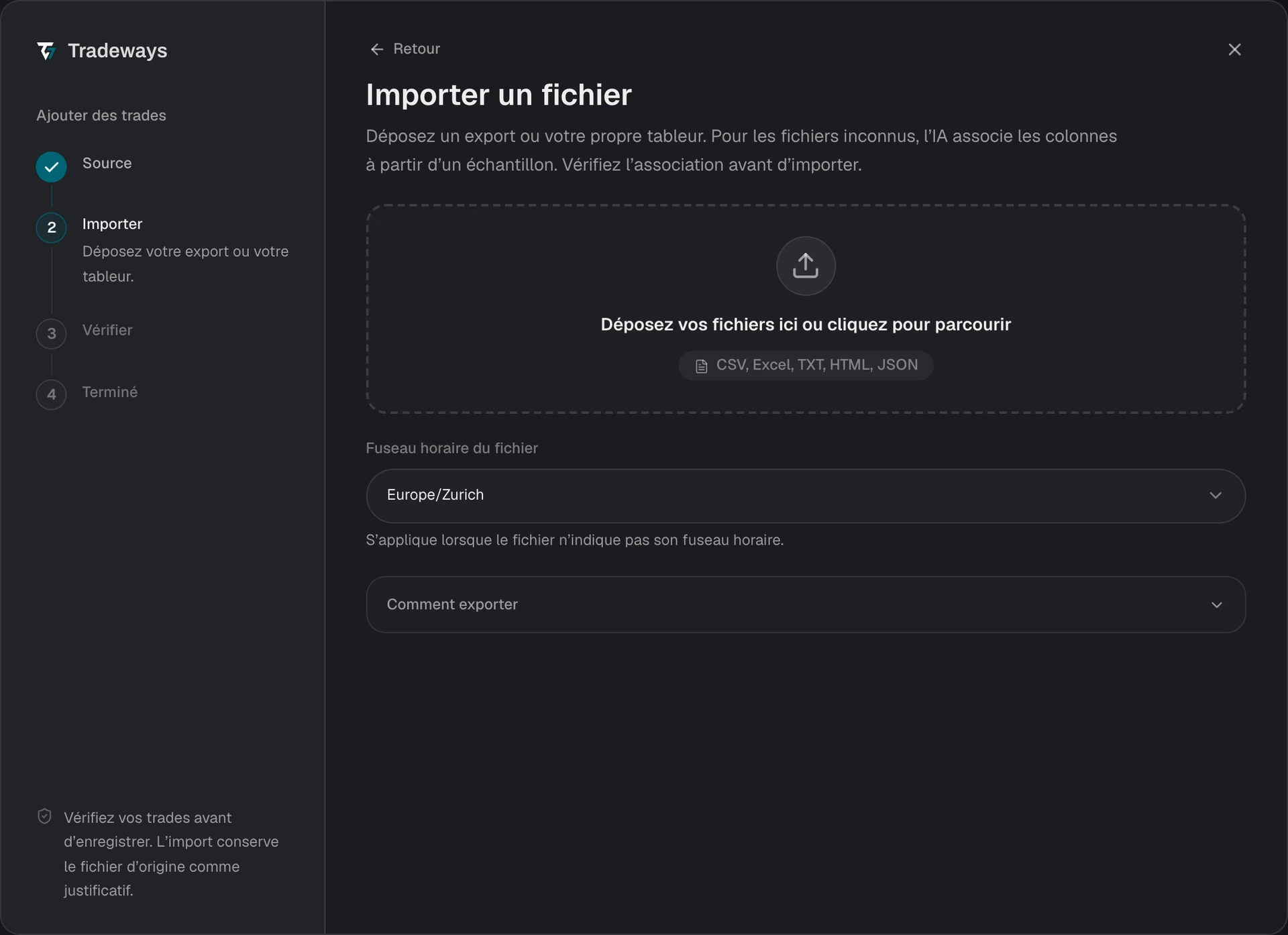
- Dans le Journal des Trades, sélectionnez Ajouter des trades, puis Importer un fichier.
- Sous Fuseau horaire du fichier, sélectionnez le fuseau horaire utilisé par les horodatages Edgewonk. Le classeur ne contient aucun fuseau horaire.
- Glissez-déposez le fichier XLSX dans la zone d'import ou sélectionnez-le sur votre appareil.
- Vérifiez l'aperçu et contrôlez le nombre d'exécutions, les symboles et les commissions.
- Confirmez l'import.
Tradeways reconnaît cet export à sa structure et le lit avec les règles de cette page. Un fichier qui n'a pas cette structure est lu comme une structure inconnue : Tradeways associe ses colonnes et ces règles ne s'appliquent pas. Voir Importer des Trades.
Exigences du fichier
- Utilisez un classeur
.xlsx. Les anciens exports.xlssont refusés. - La feuille doit contenir les colonnes suivantes :
Opening Time,Type [buy/sell],Symbol,Size / Quantity,Closing Time,Entry Price,Closing Price,CommissionetNet Profit. Seuls les en-têtes anglais sont acceptés. - Tradeways analyse chaque feuille du classeur et utilise la première qui présente cette structure.
- Les montants sont lus en dollars américains.
Données prises en charge
Chaque ligne représente un Trade et devient une exécution d'entrée et une exécution de sortie. Commission représente le coût de l'aller-retour et est convertie en taux par contrat. Net Profit est conservé pour le rapprochement avec votre relevé.
Les suffixes de bourse sont supprimés des symboles Futures : MESM25_FUT_CME et ESU5.CME sont donc associés à MES et ES. Les prix dans ces deux formats sont natifs de la bourse et sont divisés par 100.
Limitations
- Aucun ID d'exécution. Les lignes Edgewonk ne contiennent aucun ID d'exécution du Broker. Tradeways crée à la place un identifiant stable à partir des valeurs de la ligne. Si vous modifiez un Trade dans Edgewonk et l'exportez à nouveau, la ligne modifiée est importée comme un nouveau Trade et non comme une mise à jour.
- Un Trade par ligne. Une entrée échelonnée apparaît comme une seule exécution au prix moyen.
- Fuseau horaire requis. Un fuseau horaire incorrect déplace les Trades vers une autre session ou journée de trading.