

ATAS Journal
Export the ATAS statistics workbook and import its executions into Tradeways.
ATAS Journal
Import executions from the ATAS statistics workbook. Use this route for history that was traded before you connected the indicator. For live sync, see the ATAS indicator.
Export from ATAS
- Open ATAS and go to Statistics.
- Select History, choose the account and the date range, then select Load.
- Open the Executions tab.
- Select the gear icon on the right and choose Export Statistics.
- Save the file as XLSX.
Upload to Tradeways
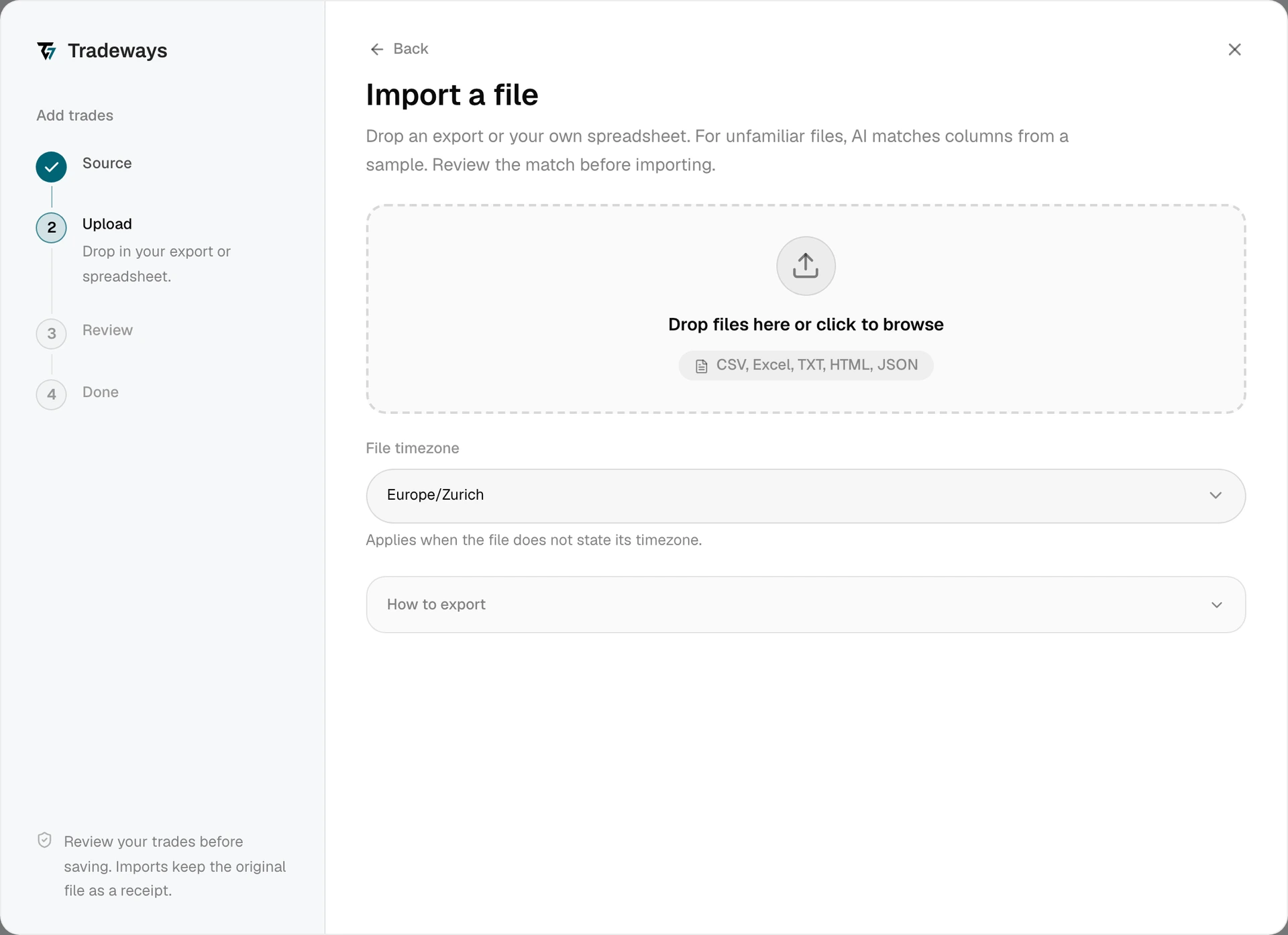
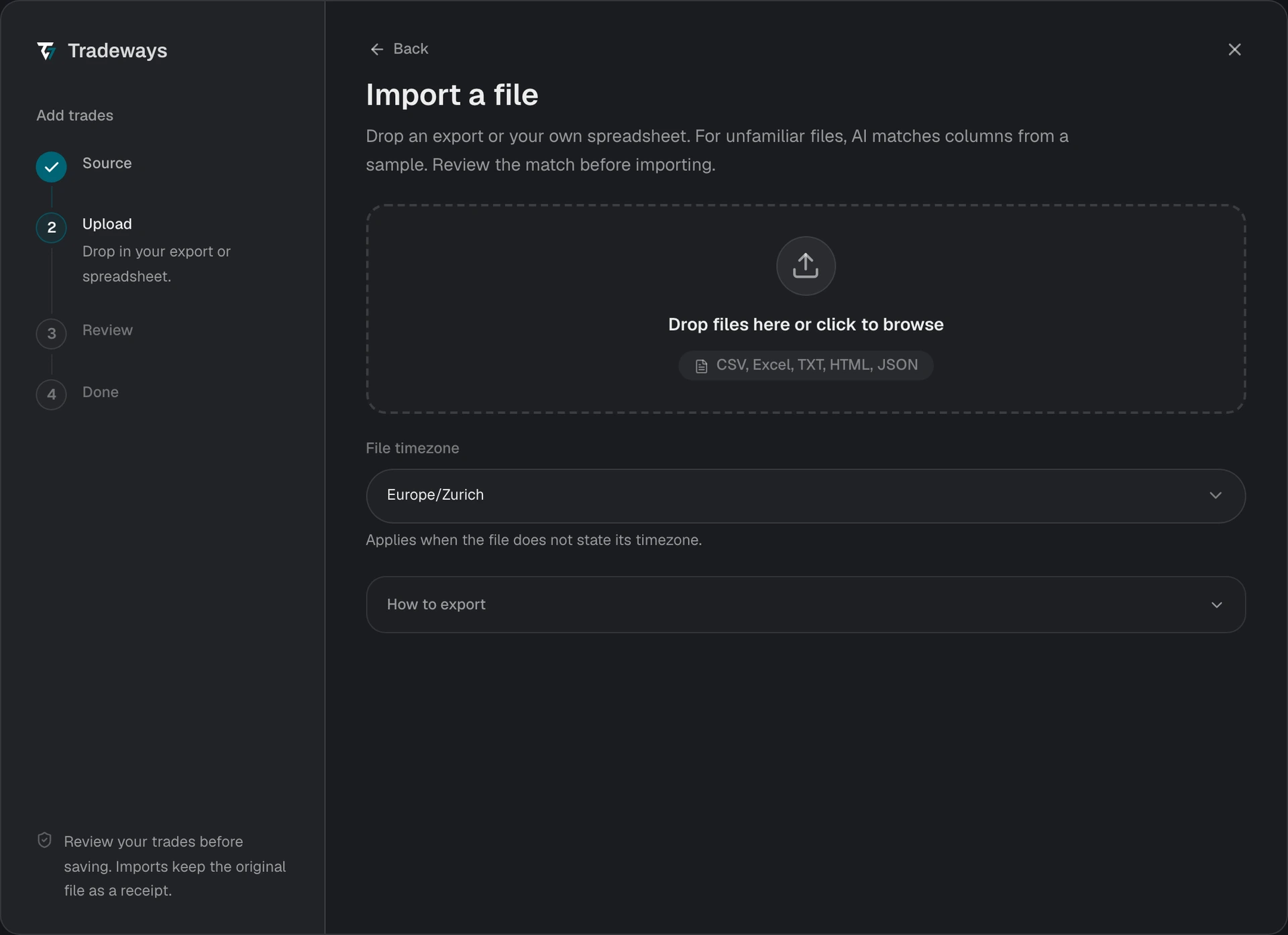
- In the Trade Log, select Add trades, then select File upload.
- Under File timezone, select the timezone that ATAS used for the export. The workbook contains no timezone.
- Drop the XLSX file in the upload area or select it from your device.
- Review the preview and check the execution count, contract symbols, and commissions.
- Confirm the import.
Tradeways recognizes this export from its layout and reads it with the rules on this page. A file without this layout is read as an unknown layout: Tradeways matches its columns, and these rules do not apply. See Import Trades.
The ATAS exchange ID is the duplicate key. An overlapping export is safe to upload again.
File Requirements
- Use an
.xlsxworkbook. Older.xlsfiles must be saved as.xlsxfirst. - Tradeways reads the Executions sheet. The Journal sheet has a different layout and is not read as an ATAS export.
- The sheet needs these columns:
Instrument,Time,Exchange ID,Direction,Price, andVolume. English and German headers are recognized. Account,Route, andCommissionare optional. Commission is imported as a per-contract rate when it is present.- A row without an exchange ID is reported as skipped. The exchange ID keeps repeated uploads duplicate-safe.
Supported Data
Futures contract symbols are preserved exactly and resolved to their root instrument. Venue suffixes after @ are removed, so ES 09-26@CME resolves to ES. Forex and crypto symbols are detected from the instrument name.
Limitations
- Executions only. The export carries fills, not orders, so stop loss and take profit levels are not imported.
- Timezone is required. ATAS timestamps carry no offset. A wrong timezone moves executions to another session or trading day.