

Interactive Brokers
Import Interactive Brokers Activity or Trade Confirmation Flex Query CSV files into Tradeways.
Interactive Brokers
Import stock, ETF, and broker-marked forex executions from Activity or Trade Confirmation Flex Query CSV files. Tradeways combines yearly files before it builds trades. It keeps partial fills separate and uses the Interactive Brokers execution ID to detect duplicates.
Create an Activity Flex Query
Use an Activity Flex Query to include broker-reported realized P&L alongside executions.
- Sign in to the Interactive Brokers Client Portal and open Performance & Reports, then Flex Queries.
- Create an Activity Flex Query. In the German portal this is Kontoumsatz-Flex-Query, not Handelsbestätigungs-Flex-Query.
- Add the Trades section, choose Executions, and select all available fields. Closed Lots may also be selected; Tradeways ignores these rows to avoid double-counting fills and P&L.
- Keep Profit and Loss on Default/Standard. Do not enable base-currency P&L for this export.
- Use
yyyyMMdddates,HHmmsstimes, and a semicolon between date and time. - Choose CSV and keep column headers enabled. Export each available year separately, then upload the files together.
Activity exports use IBOrderID, IBExecID, DateTime, TradePrice, IBCommission, IBCommissionCurrency, and Notes/Codes in place of the corresponding Trade Confirmation columns below. They must also include Open/CloseIndicator. FifoPnlRealized is optional and provides realized P&L for reconciliation. MTM P&L is not used as realized trade P&L.
Reported realized P&L already includes commissions. Tradeways compares it with calculated P&L; it does not replace calculated results or create manually editable P&L records. Re-importing executions already in the journal does not backfill their broker P&L.
Add Open Positions for running P&L
Add the Open Positions section to the same Activity Flex Query to show a running P&L on positions that are still open.
- Edit the Activity Flex Query and add the Open Positions section.
- Choose Summary as the level of detail and select all available fields.
- Export the query as before. Each file then contains the open positions at the end of its period.
Tradeways reads ClientAccountID, CurrencyPrimary, AssetClass, Symbol, Conid, ReportDate, Quantity, MarkPrice, Side, and LevelOfDetail. FifoPnlUnrealized is optional.
Running P&L is calculated from the Interactive Brokers closing price (MarkPrice) on the report date, not from a live quote. Tradeways values the open quantity of the trade in your journal at that price and shows the report date as the "as of" date. The unrealized P&L reported by Interactive Brokers is stored for comparison only. Account balance includes running P&L. The calendar, win rate, and other statistics count closed trades only.
When you upload several yearly files, Tradeways uses the newest report date. A position that is missing from the newest file is treated as closed. Tradeways follows the contract ID, so a position still matches its trade after a symbol change.
To refresh running P&L later, export the query again and upload the newest file. This works even when all executions are already in your journal. Only stock and ETF positions are supported. Other position rows are skipped with a notice, and an invalid position row is reported without blocking the executions in the file.
Create a Trade Confirmation Flex Query
- Sign in to the Interactive Brokers Client Portal.
- Open Performance & Reports, then open Flex Queries.
- Create a Trade Confirmation Flex Query.
- Select all available trade confirmation fields.
- Set the date format to
yyyyMMdd. - Set the time format to
HHmmss. - Set the date and time separator to a semicolon.
- Set the output format to CSV.
- Run the query for each available year and download every file.
Keep the original column names. Tradeways accepts extra selected columns.
Upload to Tradeways
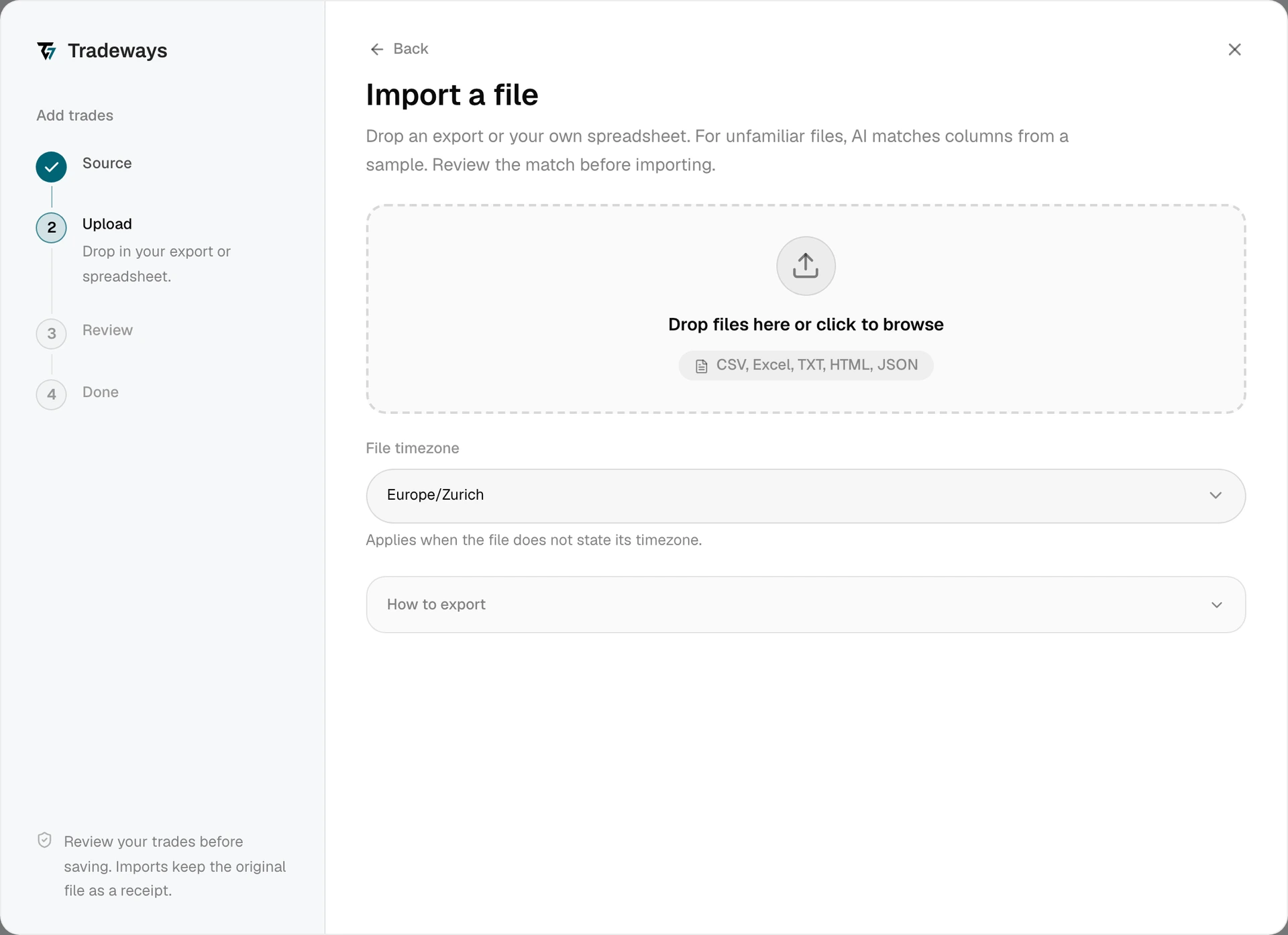
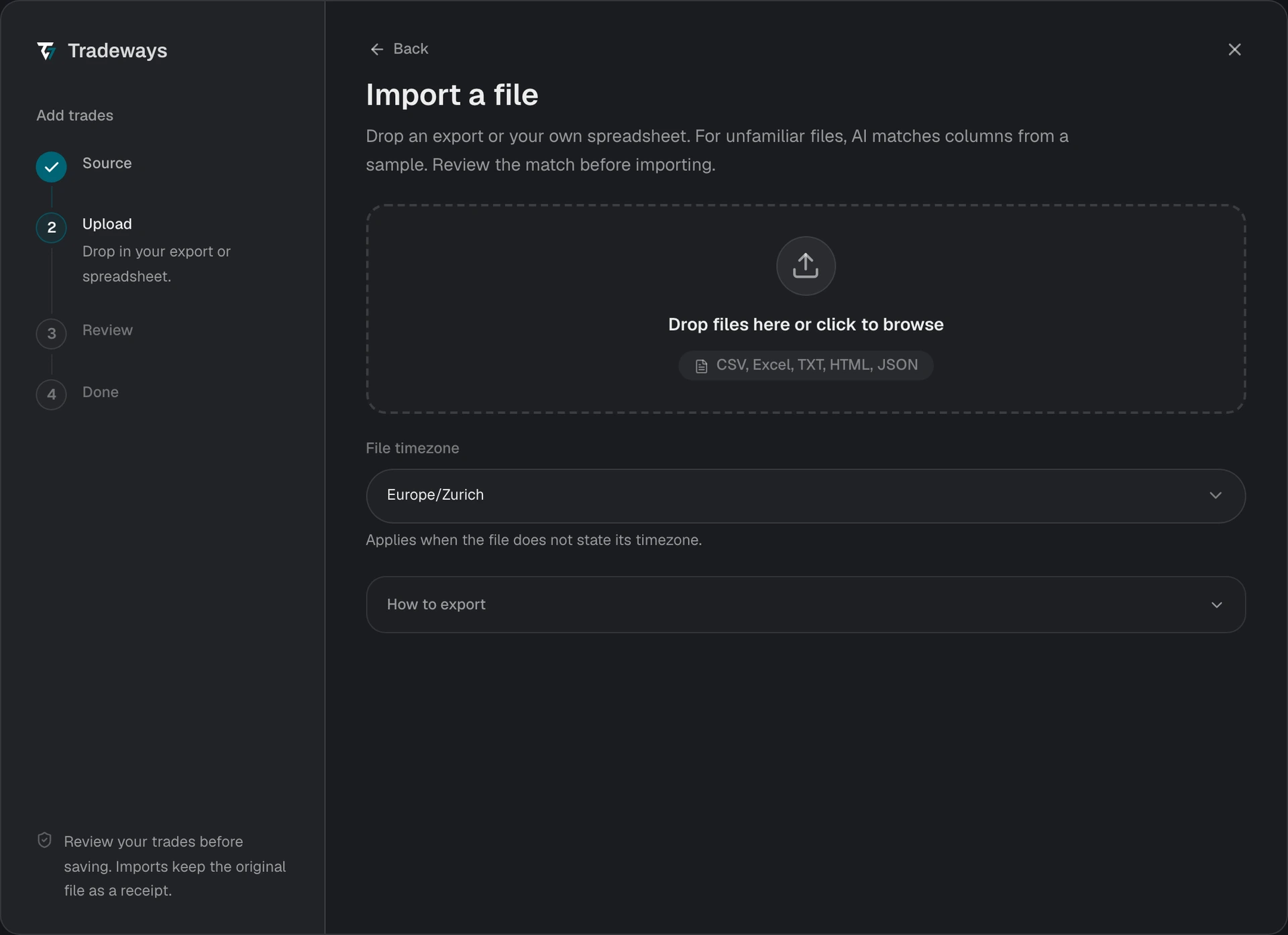
- In the Trade Log, click Add trades, then click File upload.
- Under File timezone, select the timezone used by the report. The file does not contain a timezone.
- Select all yearly CSV files in one upload.
- If the files contain several Interactive Brokers accounts, map each one to a Tradeways account. A single source account imports into the current Tradeways account.
- Review each account preview.
- Confirm the import.
Tradeways recognizes this export from its layout and reads it with the rules on this page. A file without this layout is read as an unknown layout: Tradeways matches its columns, and these rules do not apply. See Import Trades.
One Interactive Brokers file can contain several accounts. Several yearly files can also overlap. Tradeways removes repeated execution IDs before preview. Each included source account needs a different Tradeways destination account.
File Requirements
- Use an Activity or Trade Confirmation Flex Query CSV file. XML is not supported.
- Tradeways supports
STKrows for stocks and ETFs. - Tradeways imports
CASHrows only when Interactive Brokers marks them as opening or closing forex trades. - Tradeways excludes AutoFX, cash clean-up, and unmarked currency conversion rows from the trade journal.
- Options, futures, bonds, CFDs, crypto, and unknown asset codes are not supported in this import.
- A Trade Confirmation query must include these fields:
ClientAccountID,CurrencyPrimary,AssetClass,Symbol,Conid,TradeID,OrderID,ExecID,Date/Time,Buy/Sell,Quantity,Price,Commission,CommissionCurrency,Code, andLevelOfDetail. Activity queries use the replacements listed above. A missing field blocks the file, and the error names the columns that are missing. - Summary rows in the Trades section are skipped.
- The Open Positions section is optional. Other Activity Flex Query sections are skipped and reported as skipped rows.
- An unsupported asset class blocks its source account before any trades are written.
The report timezone applies to every account in the file. Tradeways converts all execution times to UTC before preview.
Tradeways uses the Interactive Brokers contract ID to follow an instrument when its exchange symbol changes. A closing execution blocks its source account when neither the selected files nor your journal contain the earlier opening execution. Add the earlier yearly file instead of importing the sale as a new short position. A closing execution that is already in your journal does not block, so you can upload the newest yearly file alone.
Missing opening history returns you to file selection. The files already selected stay in place. Add the earlier yearly export and Tradeways checks the complete set again. You can remove any selected file before you continue. With several source accounts, Tradeways checks each account against its destination after account mapping.
Tradeways also blocks a stock execution when the report does not include an opening or closing code. It does not guess whether a sale is a short position. Cancelled executions are removed even when the cancellation appears in another selected file.
You can select both query types together. When both contain the same execution, Tradeways prefers the Activity record and retains its reported realized P&L. All selected files must use the same report timezone.