

MetaTrader 5
Export your trade history from MetaTrader 5 as an HTML report and import it into Tradeways.
MetaTrader 5
Import closed positions from MetaTrader 5 via the built-in HTML account report.
Export from MetaTrader 5
- Open MetaTrader 5 and switch to the Toolbox panel at the bottom of the window.
- Click the History tab.
- Right-click anywhere inside the history list and choose Positions. The report follows this grouping, and Tradeways reads the Positions table.
- Right-click the history list again and choose Custom Period to select the date range you want to export.
- Right-click the history list again and select Report (or Bericht in the German version), then choose HTML.
- Save the file to a location on your computer.
The report contains a Positions table with all closed (and open) positions, including entry/exit prices, timestamps, volume, commission, swap, and profit.
Upload to Tradeways
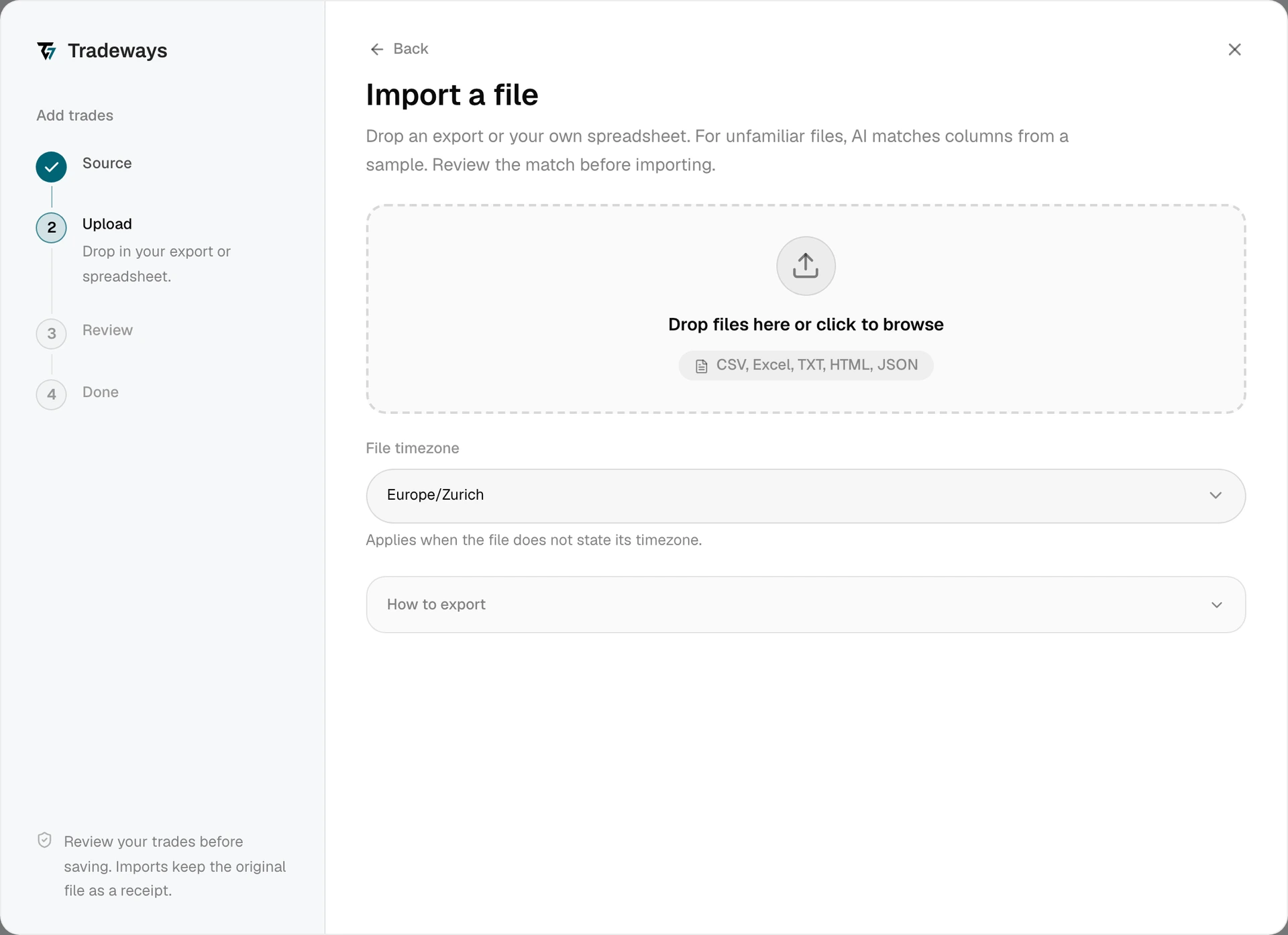
- In the Trade Log, click Add trades → File upload.
- Under File timezone, select the timezone of the MetaTrader 5 server. Timestamps in the report use the server's timezone, so correct selection ensures accurate UTC conversion.
- Drag and drop the HTML file onto the upload zone, or click to browse.
- Review the preview and check the execution count and grouped trades.
- Click Import to confirm.
Tradeways recognizes this export from its layout and reads it with the rules on this page. A file without this layout is read as an unknown layout: Tradeways matches its columns, and these rules do not apply. See Import Trades.
Supported Data
Every field from the Positions table is imported: symbol, direction, volume (lots), entry and exit prices, open and close timestamps, commission, swap, profit, and position ID. The account currency is auto-detected from the report header.
Symbol Normalization
MT5 brokers often append or prepend suffixes to symbol names. Tradeways automatically normalizes symbols during import:
| Broker Convention | Example | Normalized |
|---|---|---|
Leading # (stock CFDs) | #AAPL | AAPL |
Leading . (CFD prefix) | .EURUSD | EURUSD |
Trailing Cash | XAUCash | XAU |
| Trailing broker code | EURUSD.ecn | EURUSD |
Trailing m/M (micro) | EURUSDm | EURUSD |
A trailing m or M is removed only when the remaining name is a valid six-character forex pair. A symbol such as PLATINUM keeps its name.
Limitations
- HTML format only -- The MetaTrader 5 rules read the Positions table from the MT5
.htmlor.htmreport. They do not apply to CSV exports from MT5. - Deals and orders are not read -- a report saved with the History tab grouped by Deals or Orders has no Positions table, so the MetaTrader 5 rules do not apply to it. Switch the grouping to Positions and export again.
- Open positions -- Open positions (those without a close price or close time) are imported as a single entry execution. They will appear as open trades until a matching exit is imported.
- Server timezone -- MT5 timestamps reflect the broker server's timezone. If you are unsure which timezone your broker uses, check your broker's documentation or the server time displayed in the terminal.
- Report language -- The parser supports reports in English and German. Column headers like
Symbol,Time/Zeit,Type/Typ,Volume/Volumen,Price/Preis,Commission/Kommission,Swap, andProfit/Gewinnare recognized in both languages. - Encoding -- The parser handles UTF-8 and UTF-16 (LE/BE) encoded files automatically.