

NinjaTrader
Export executions from the NinjaTrader Control Center and import them into Tradeways.
NinjaTrader
Import executions from the NinjaTrader Control Center via CSV. Tradeways keeps exact futures contracts, imports commissions when present, and groups executions into trades automatically.
Prepare the Executions Grid
- In NinjaTrader, open the Control Center and select the Executions tab.
- Right-click the grid and select Properties.
- Make sure these columns are visible:
Instrument,Action,Quantity,Price,Time, andID. - Keep an account column (
Account,Account Display Name, orAccount Name) andCommissionvisible so Tradeways can detect mixed-account exports and import commission rates. - Use Filter By Account so the grid contains executions from one account only.
Simulation executions are supported.
Export from NinjaTrader
- Right-click the Executions grid and choose Export....
- Select CSV and save the file.
Keep the original headers in English. Localized dates, decimal values, and currency values inside the rows are supported.
Upload to Tradeways
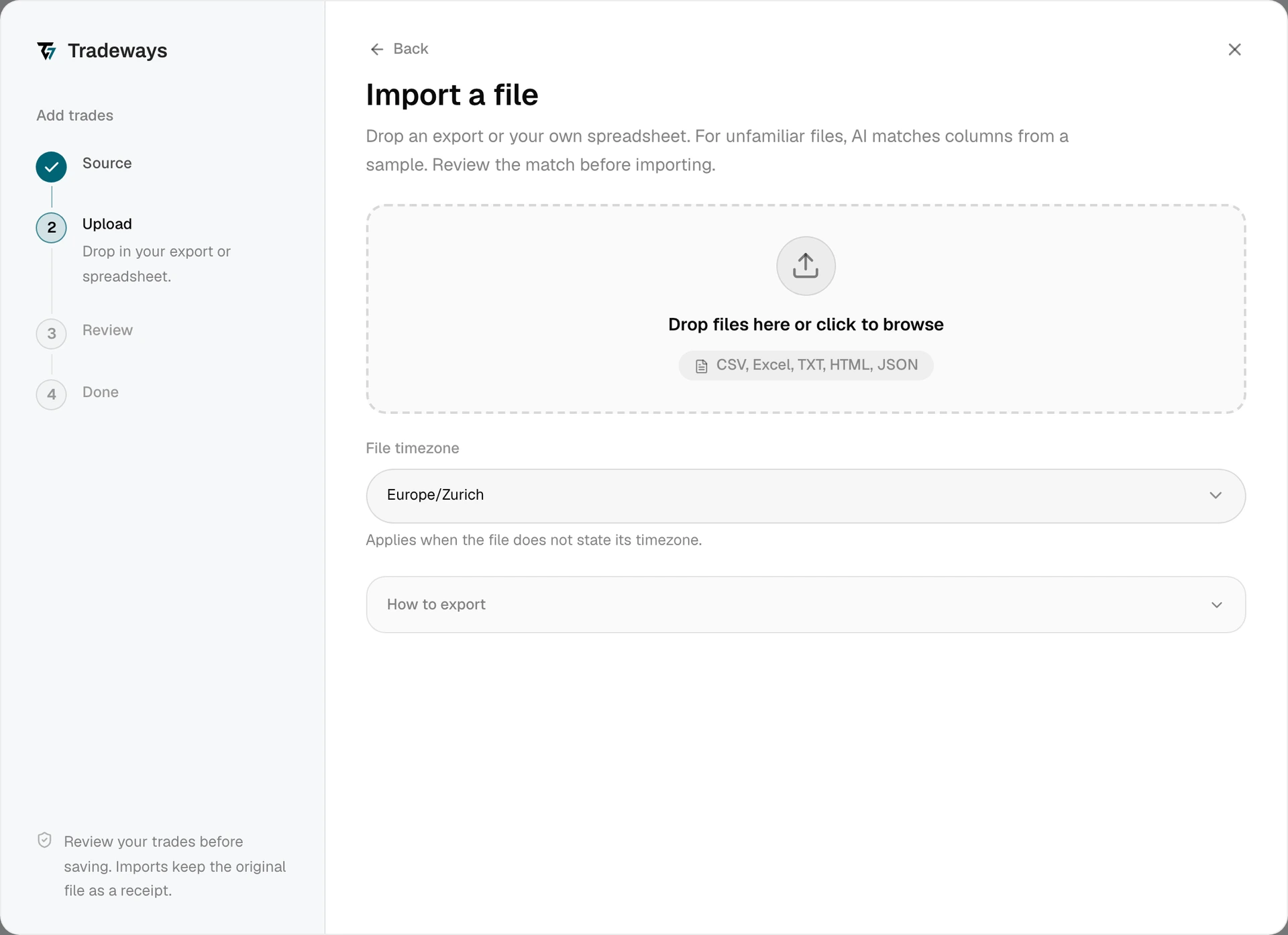
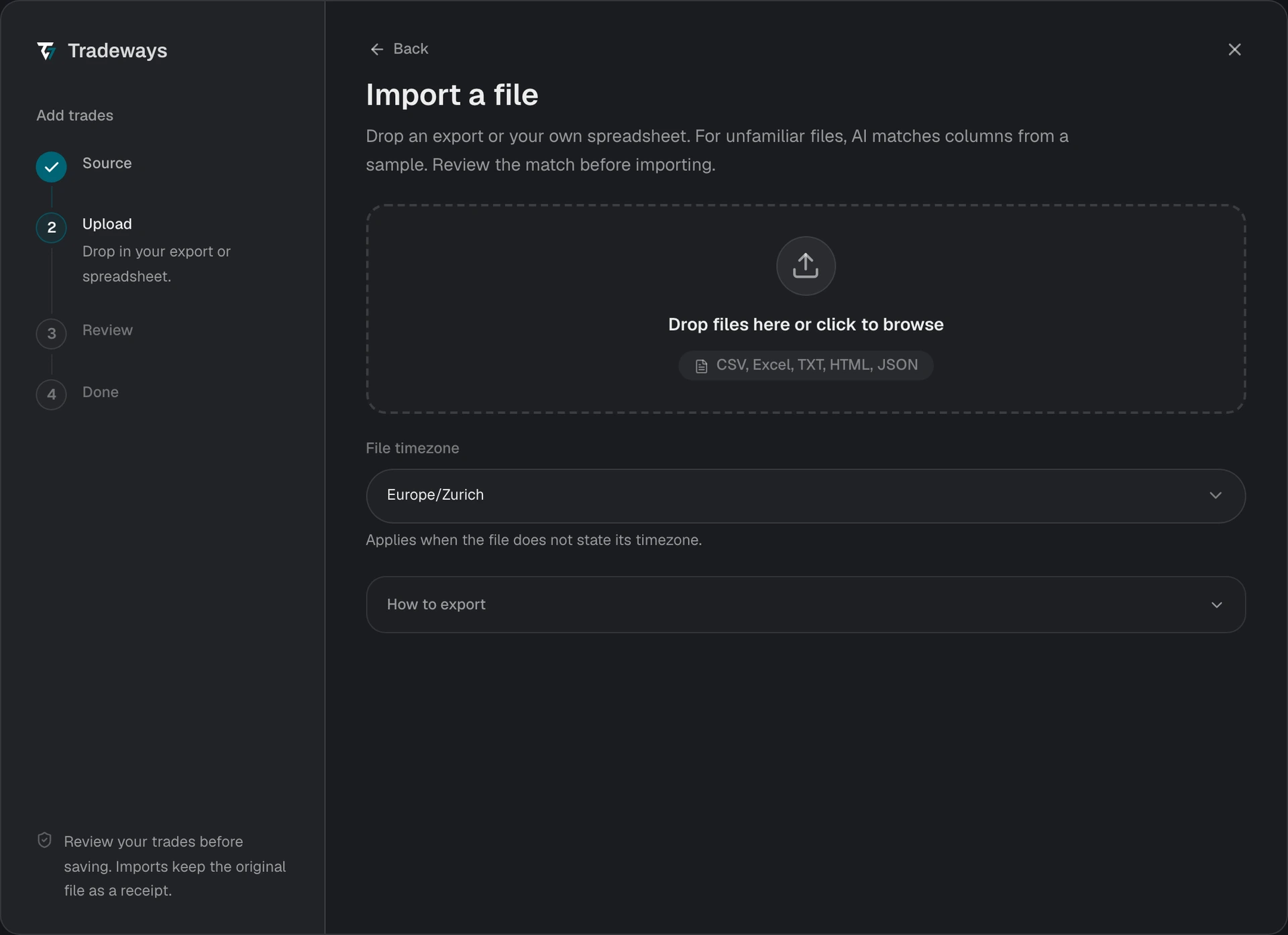
- In the Trade Log, click Add trades → File upload.
- Under File timezone, select the same timezone configured under NinjaTrader Settings → General. NinjaTrader displays execution times in this timezone, and Tradeways converts them to UTC during import.
- Drag and drop the CSV file onto the upload zone, or click to browse.
- Review the preview and check the execution count, grouped trades, contract symbols, and commissions.
- Click Import to confirm.
Tradeways recognizes this export from its layout and reads it with the rules on this page. A file without this layout is read as an unknown layout: Tradeways matches its columns, and these rules do not apply. See Import Trades.
NinjaTrader execution IDs are used to detect duplicates. Re-uploading the same file, or retrying after an interrupted import, will not create duplicate executions.
File Requirements
- Use a Control Center Executions CSV export. The NinjaTrader rules do not apply to Excel and Trade Performance exports.
- The file must contain
Instrument,Action,Quantity,Price,Time, andID. - Each accepted row needs a unique execution ID. Rows with blank or repeated IDs are shown as skipped in the preview.
- Export one source account at a time. Files containing multiple accounts are blocked before preview.
- Commission is optional. When present, Tradeways imports it in the trading account's currency.