

Tradezella
Export trades from Tradezella and import them into Tradeways.
Tradezella
Import closed trades from a Tradezella CSV summary. Tradeways represents each row with two aggregate executions, one entry and one exit. These are not the individual fills from Tradezella.
Export from Tradezella
- Open the Tradezella Trade Log.
- Select all trades you want to export.
- Open Bulk Actions and select Export trades to CSV.
- Include the average prices, points, P&L, and cost columns listed below. Export one account at a time.
Upload to Tradeways
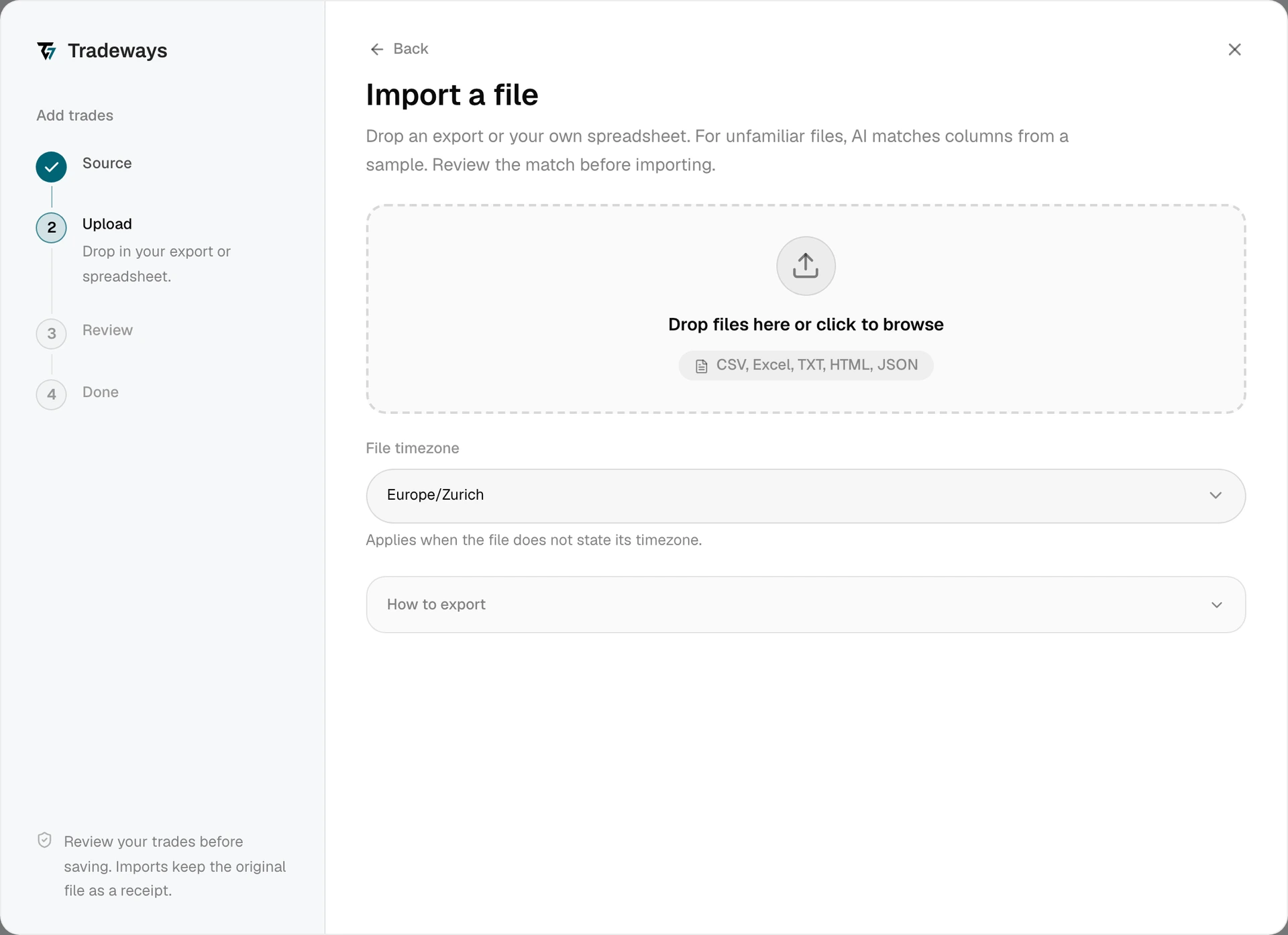
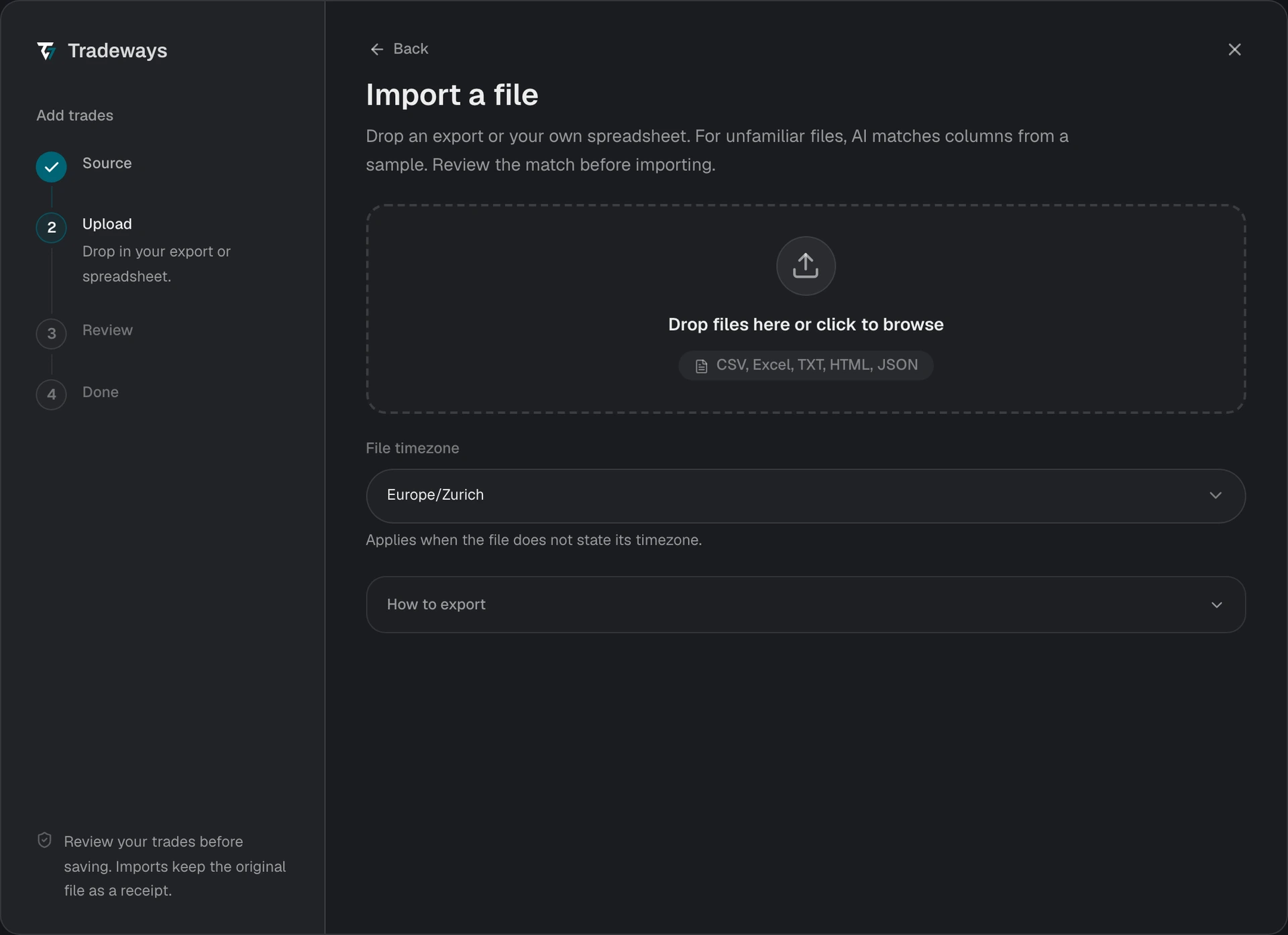
- In the Trade Log, select Add trades, then select File upload.
- Drop the CSV file in the upload area or select it from your device.
- Select the Export currency used for P&L and costs in the file. Tradeways asks for it after it recognizes the export and reads the trades after you select it.
- Review the preview, including skipped rows, reported net P&L, costs, and any estimated execution notice.
- Confirm the import when the preview matches the export.
The File timezone selection does not apply to this export. Tradezella writes a timezone abbreviation into each time value, for example 09:31:00 EEST. An abbreviation that Tradeways cannot resolve blocks the import. Check the export's timestamps and export it again.
Tradeways recognizes this export from the columns listed under File requirements and reads it with the rules on this page. An export without one of those columns is read as an unknown layout: Tradeways matches its columns, and these rules do not apply. See Import Trades.
File requirements
- Use a
.csvexport from Bulk Actions. - The file needs
Symbol,Side,Quantity,Executions,Avg Buy Price,Avg Sell Price,Points,Gross P&L,Net P&L,Commission,Fee,Swap,Open Date,Open Time,Close Date, andClose Time. Tradeways recognizes a Tradezella export only when all of them are present. Sidemust readLongorShort. A row marked open or with one execution is skipped.- An empty
Pointsvalue is supported when the row reports exactly two executions: the average entry and exit prices establish the price movement. A scaled trade with more executions needs reported points to reconstruct its closed quantity; export its individual fills when that information is missing. - Incomplete or inconsistent summary values stop the import. Review the named row in Tradezella and export it again. A file containing several account names also stops the import.
Limitations
- Aggregate executions. Tradeways uses the exported average prices and reported points to reconstruct the closed quantity. When those values cannot establish the quantity, it estimates an exit price to preserve the reported points and identifies the estimate in the execution notes.
- Duplicate matching. Tradeways derives stable identifiers from the account name and trade summary because the export has no fill IDs. Review the preview when importing an overlapping export.
- Root symbols only. Futures trades import under the root instrument, without a dated contract.
- Costs and P&L. Tradeways keeps the reported net P&L for reconciliation and imports commission, fee, and swap in the selected export currency. P&L after currency conversion can differ from Tradezella's figure. Check the currency that you select, because the CSV does not identify it.