

TradeTracer
Export trades from TradeTracer and import them into Tradeways.
TradeTracer
Import trades from TradeTracer via CSV export. Each row is one trade and becomes an entry and an exit execution.
Export from TradeTracer
- Go to the Trades List in TradeTracer.
- Select all trades you want to export.
- Select Export in the top right of the card, then choose Export as CSV.
Upload to Tradeways
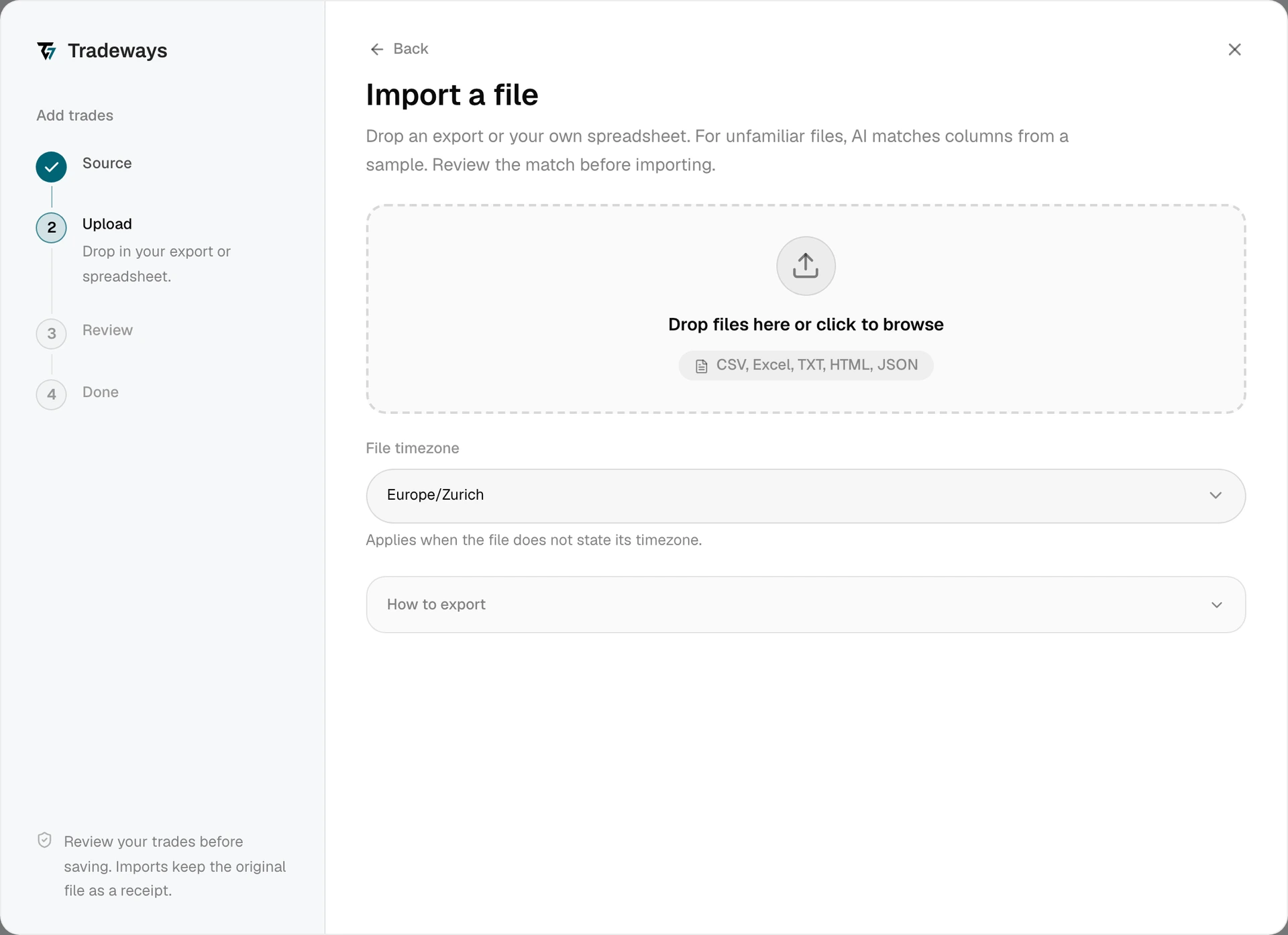
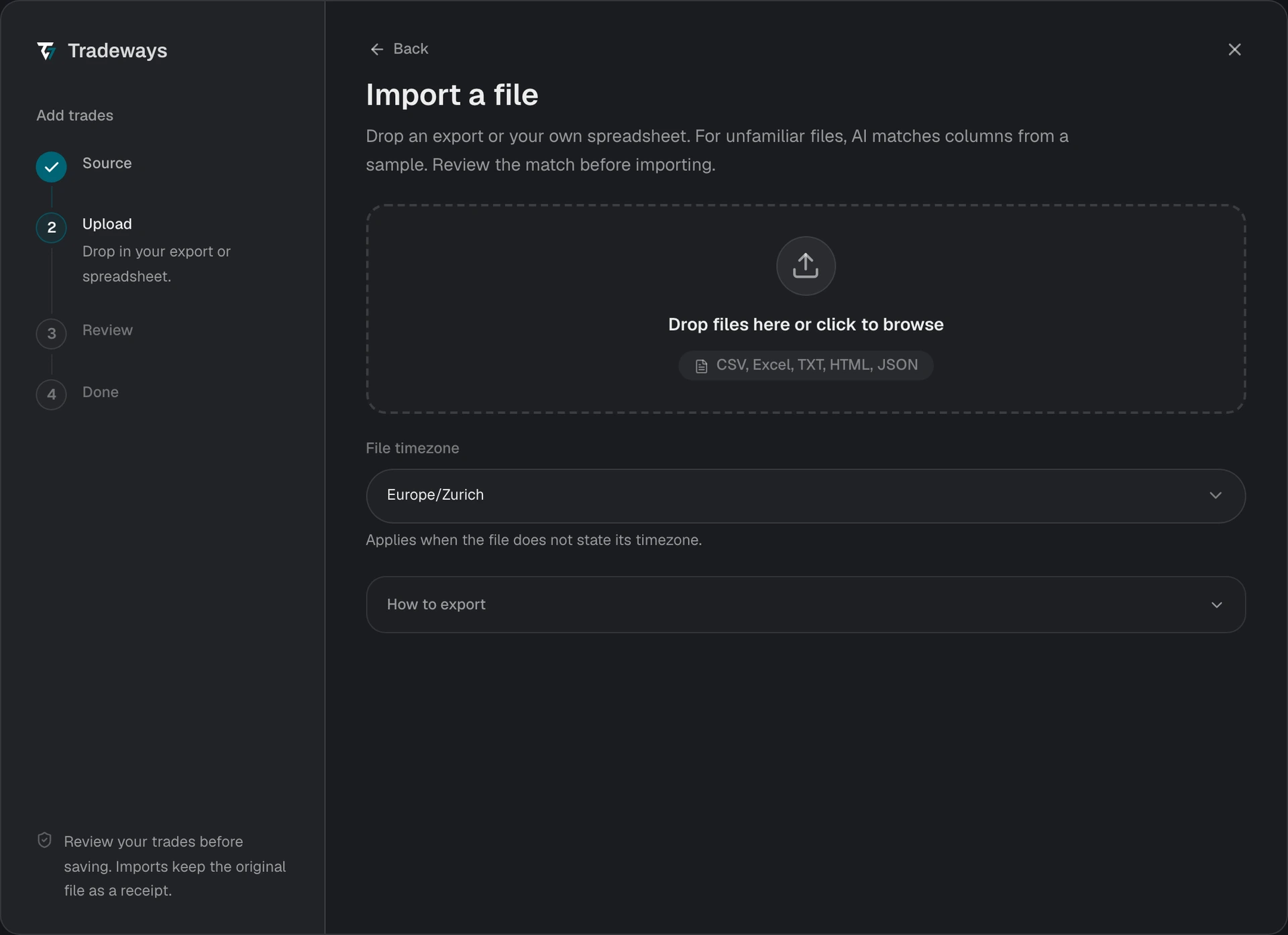
- In the Trade Log, select Add trades, then select File upload.
- Under File timezone, select the timezone that the TradeTracer timestamps use. The export carries no offset, so a wrong timezone moves trades to another session or trading day.
- Drop the CSV file in the upload area or select it from your device.
- Review the preview and check the execution count and grouped trades.
- Confirm the import.
Tradeways recognizes this export from its layout and reads it with the rules on this page. A file without this layout is read as an unknown layout: Tradeways matches its columns, and these rules do not apply. See Import Trades.
The TradeTracer internal ID is the duplicate key. An overlapping export is safe to upload again.
File Requirements
- Use a
.csvexport. Two layouts are supported and Tradeways detects which one you uploaded. - Both layouts need
Internal ID,Open Time,Close Time,Symbol,Open Price, andClose Price. - The older layout also needs
Open Volume. The current journal layout needsPosition Sizeinstead. - Timestamps use the
YYYY-MM-DD HH:MM:SSformat. Commissionis optional. When it is present, Tradeways treats it as the round-trip cost and converts it to a per-contract rate.- A recognized export that matches neither layout is blocked. The error lists the headers that Tradeways found.
Direction and Skipped Rows
In the older layout, a negative Open Volume is a short trade and a positive value is a long trade.
The journal layout has no signed volume. Tradeways derives the direction from the price change and the reported result in Price PnL, Movement PnL, or PnL. A row where the two disagree, or where the price did not move, is reported as skipped with the reason "Ambiguous direction". Correct the row in TradeTracer and export again, or add that trade with manual entry.
Rows with a zero or unreadable volume, or with a non-positive open or close price, are also reported as skipped.
Limitations
- One trade per row. A scaled entry appears as one execution at the average price.
- Root symbols only. Futures trades import under the root instrument, without a dated contract.