

Appearance Settings
Configure theme, visual presets, Cockpit navigation, and widget style.
Appearance
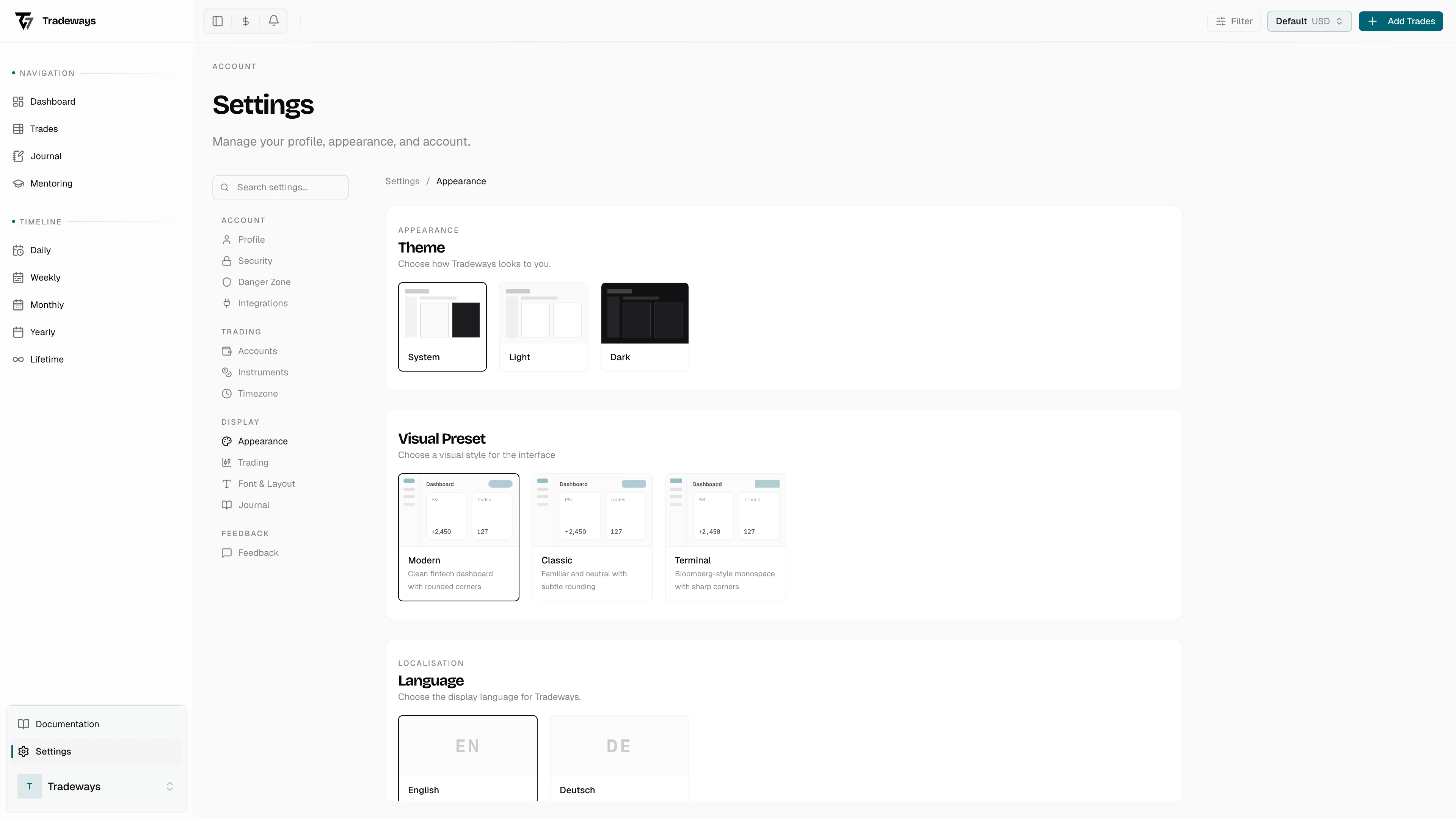
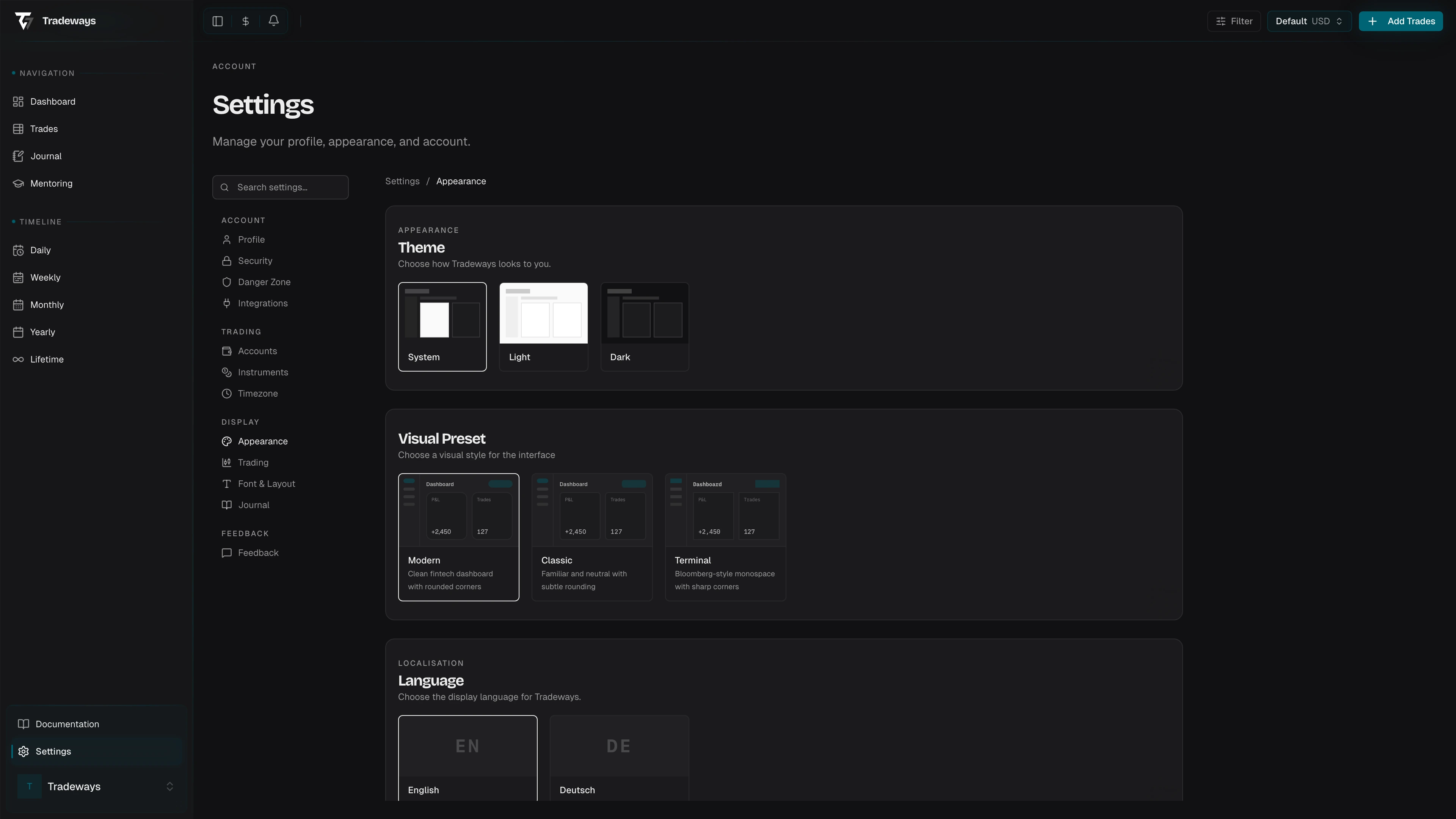
Customize how Tradeways looks. Access these settings in Settings → Appearance.
Theme
Choose System (follows your operating system's light/dark preference), Light, or Dark. Click a preview card to switch; the change takes effect immediately. System is the default.
Visual Presets
Three presets switch the app's font and border radius in one click:
| Preset | Font | Border Radius |
|---|---|---|
| Modern | Geist | 8 px |
| Classic | Inter | 4 px |
| Terminal | IBM Plex Mono | 0 px |
Modern is the default. The change takes effect immediately across the entire interface.
Cockpit Sidebar
Choose how many recent trades appear below Trades in the Cockpit sidebar. You can show between 1 and 10 recent trades; the default is 5. The value is saved as soon as you select it. If the save fails, an error appears below the control and the setting keeps its previous value.
Widget style
Controls the look of dashboard widgets and page widgets. Pick one of three presets or build your own:
| Style | What it applies |
|---|---|
| Tradeways | Hairline border, no shadow, no header or metric accents. This is the default. |
| Minimal | No border, no shadow, no accents. |
| Elevated | Strong border, large shadow, header and metric accents, 5% background tint. |
| Custom | Keeps the current values and opens the individual controls below. |
The custom controls are:
- Accent Colour — six swatches (Petrol, Slate, Rose, Amber, Emerald, Violet) or any hex value.
- Border — None, Default, or Strong.
- Shadow — None, S, M, or L.
- Header Accent — on or off. Coloured accent bar on the widget header.
- Metric accent — on or off. Coloured accent bar on KPI metrics.
- Background Tint — on or off, with an intensity slider from 0% to 20%.
- Density — Compact, Default, or Spacious. Sets the padding inside widgets.
A Preview below the controls shows the result in light and dark side by side. Changes apply immediately.
This is the global default. A single widget can deviate from it: open that widget's settings, go to Style, and switch from Use global theme to Override. See Widgets.