

Tradewaysdocs

Settings

Reference for all settings panels in Tradeways — organized into Account, Trading, Display, and Feedback groups.

Settings

Access settings from the sidebar. On desktop, settings open to Profile by default with a searchable navigation on the left. On mobile, a category list is shown first.
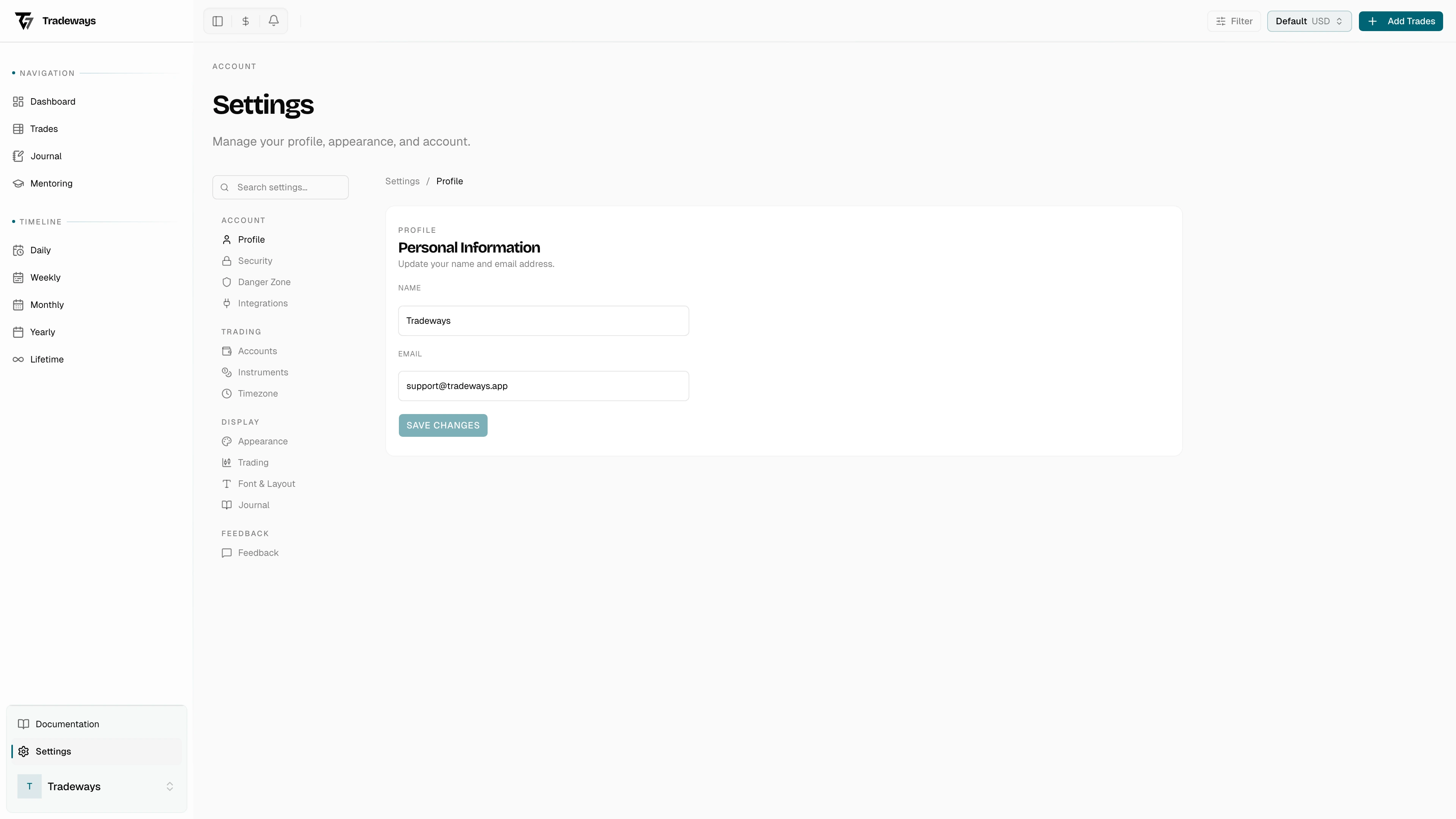
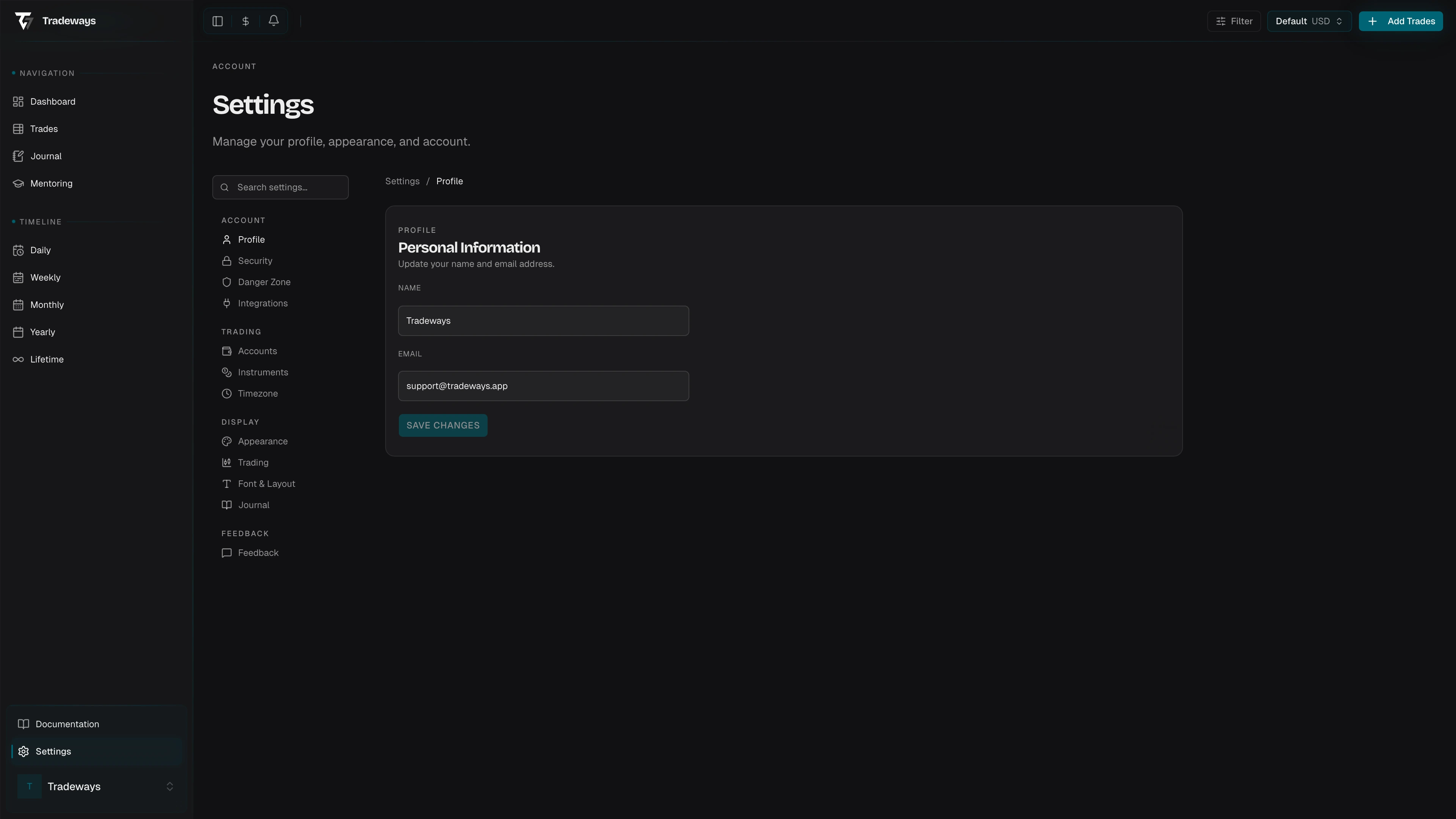
Settings overview page with navigation sidebar

Settings are organized into four groups.

Account

  • Profile — update your display name and view your account email.
  • Security — change your password, two-factor authentication, passkeys, and session management.
  • Danger Zone — sign out, reset trade data, or delete your account.
  • Integrations — manage API keys for external tools and broker sync.
  • ATAS Indicator — real-time trade and level sync from the ATAS trading platform.

Trading

  • Accounts — create and manage multiple trading accounts, transactions, balance tracking, and duplication.
  • Instruments — configure instrument metadata, commission rates, and symbol overrides.
  • Timezone — system or custom IANA timezone for trade timestamp display, with migration for existing trades.

Display

  • Appearance — theme, visual presets, and language.
  • Trading — P&L display mode, breakeven threshold, tags, custom columns, and column visibility.
  • Font & Layout — font sizes and cell alignment for the trade log.
  • Journal — default journal view, default entry type, and auto-apply templates.

Feedback

  • Feedback — send feedback directly to the Tradeways team.

On this page